Chibisafe
Chibisafe is a self-hosted file and media sharing service. It gives your team a web uploader, short public file URLs, albums, tags, snippets and API credentials for scripts and third-party tools.
Moltern deploys Chibisafe with HTTPS, a protected administrator account, health checks and persistent workspace storage. A new deployment is ready to use without running a separate product installer.
Before You Deploy
You need:
- a Moltern workspace and environment;
- permission to create services in that workspace;
- an administrator password of at least six characters;
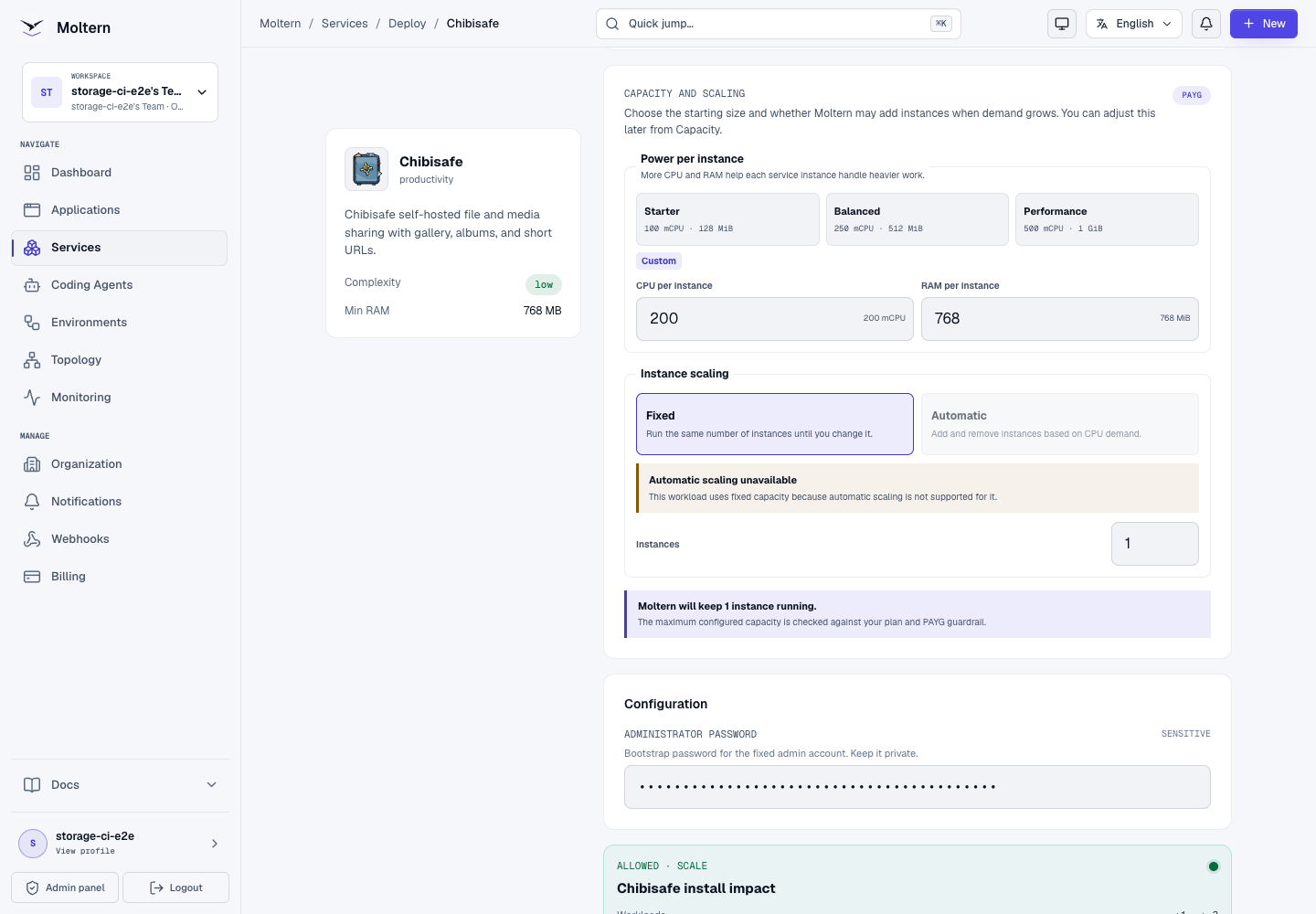
- enough plan capacity for
200 mCPU,768 MiBof RAM and one service instance.
Chibisafe currently uses one fixed instance. Automatic horizontal scaling is not offered because its local database and file-processing runtime are stateful.
Deploy Chibisafe
- Open Services in Moltern.
- Search for Chibisafe and select it.
- Choose the project and environment that should own the service.
- Enter a unique service name.
- Keep Balanced capacity, or choose a permitted custom size.
- Enter a strong Administrator password.
- Select Preview deploy.
- Confirm that the preview shows one workload and no dedicated storage volume.
- Select Confirm deploy and wait for the service status to become Running.
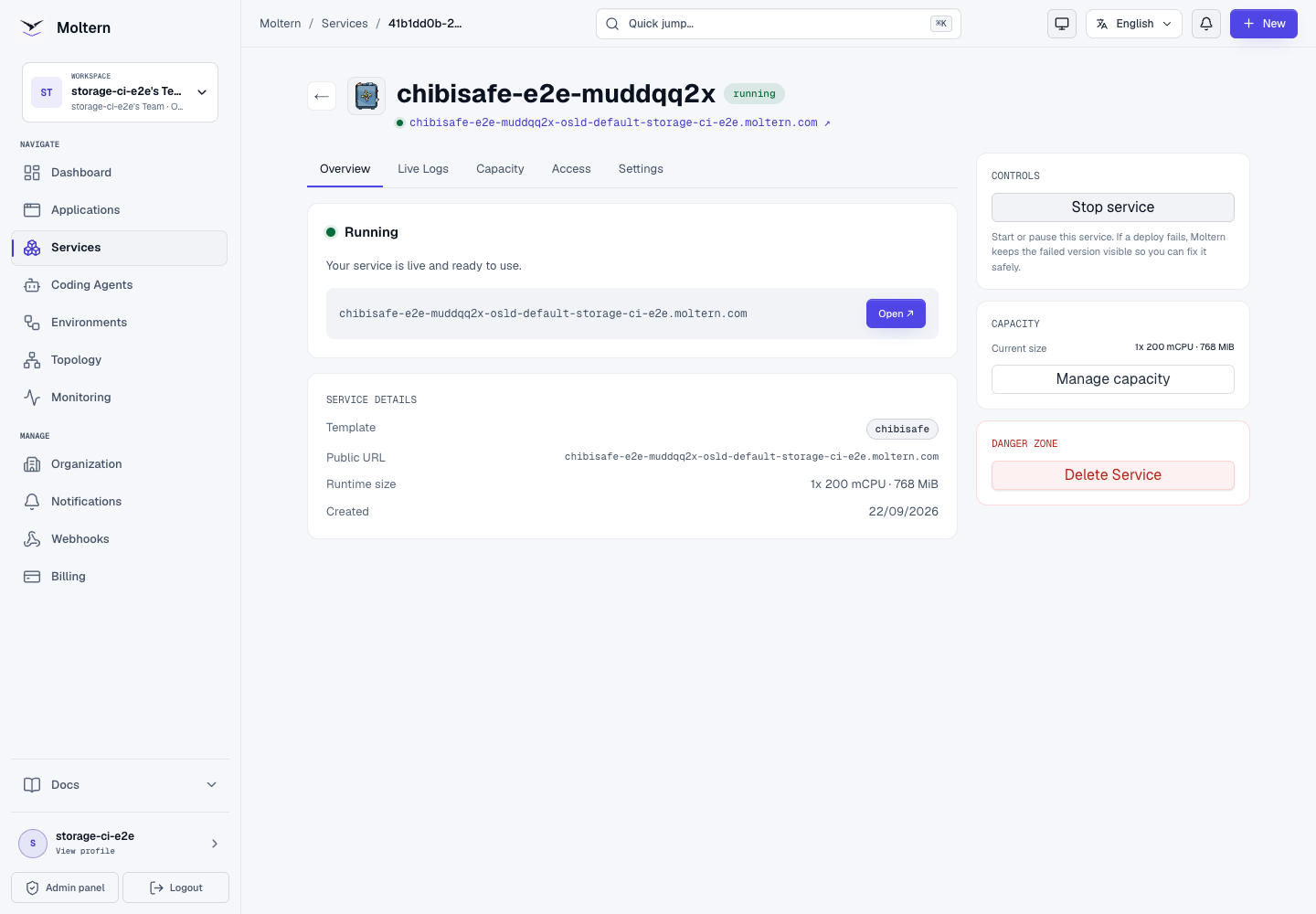
The generated URL appears on the service Overview after the readiness checks pass.
Sign In
Open the service URL and use:
- Username:
admin - Password: the administrator password entered during deployment
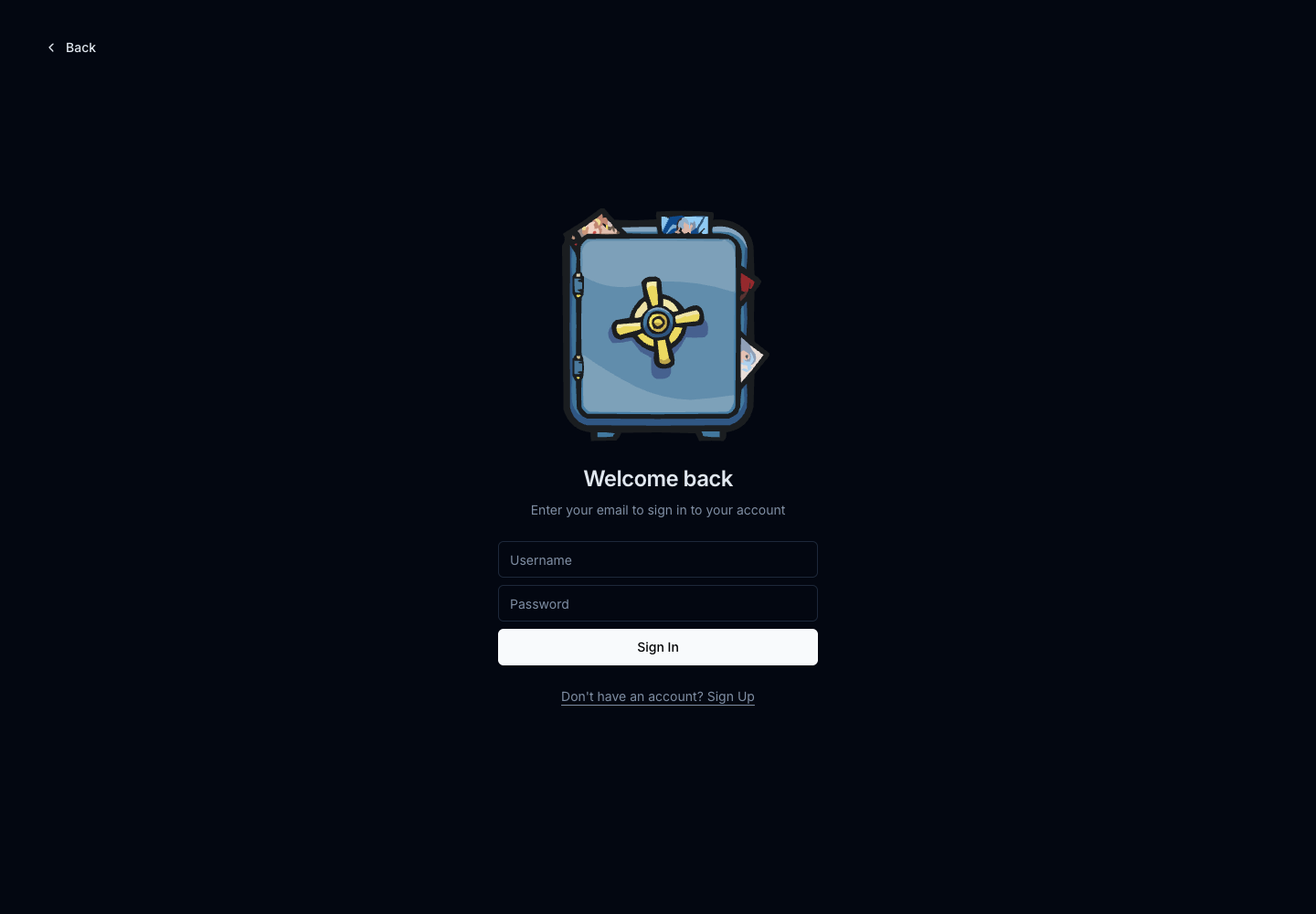
The unsafe admin / admin combination is not enabled by the Moltern chart.
Keep the deployment password private and create named user accounts instead of
sharing the administrator login between team members.
Upload And Share A File
- Open Uploads.
- Select Upload file.
- Choose an image, document or other permitted file.
- Wait for the upload to appear in the file list.
- Open the file actions to copy its generated URL.
- Test the URL in a private browser window when the file is intended to be public.
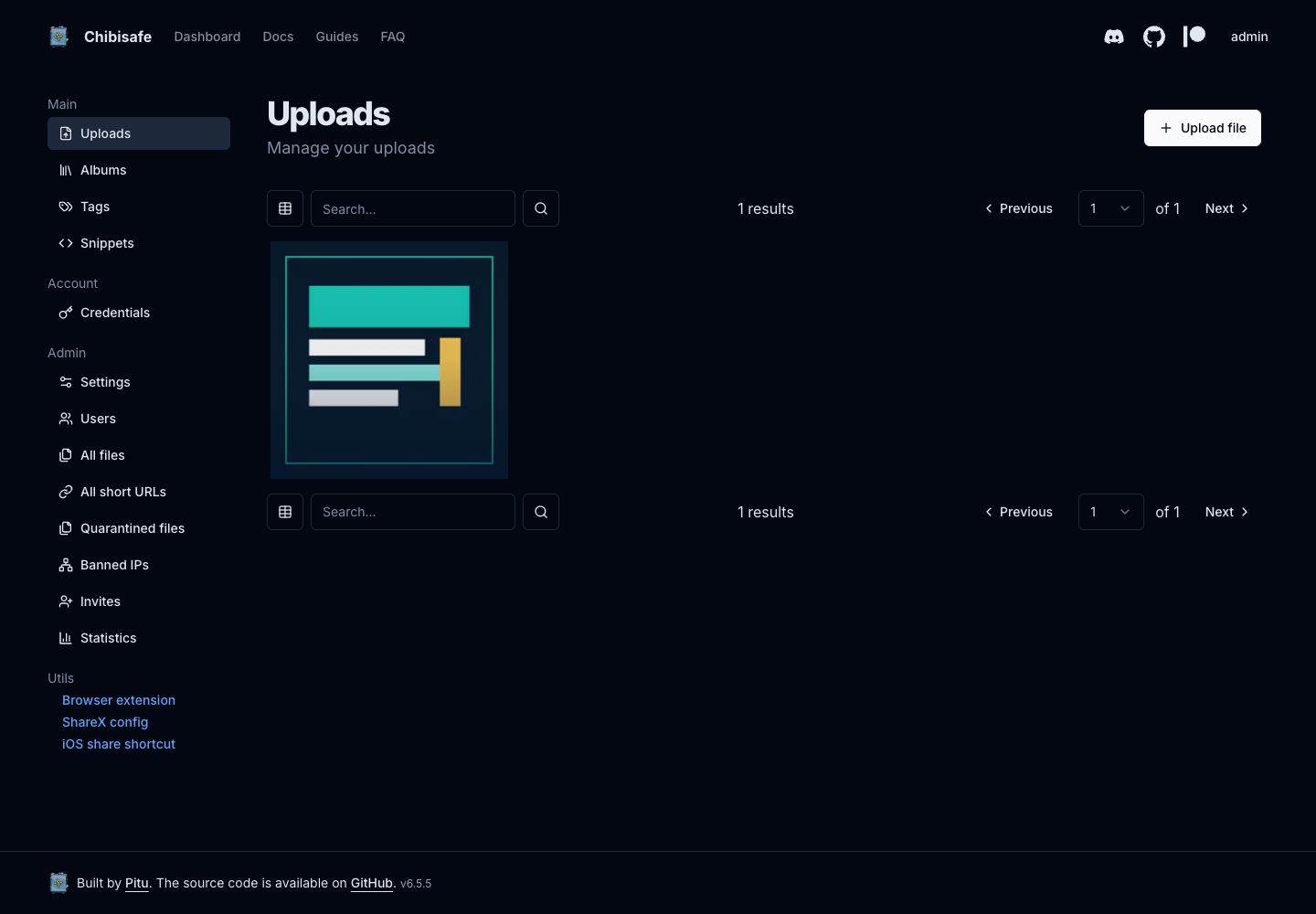
The production E2E test uploaded an 11,539-byte PNG, downloaded it from the
generated anonymous URL and verified that the returned bytes matched the
source file exactly.
Public file URLs are separate from dashboard access. Anyone who receives a public URL can request that file, so do not use a public link for material that must remain private.
Organize Files With Albums
- Open Albums.
- Select New album.
- Enter an album name and create it.
- Return to Uploads, select the files and add them to the album.
- Configure an album link only when external access is intended.
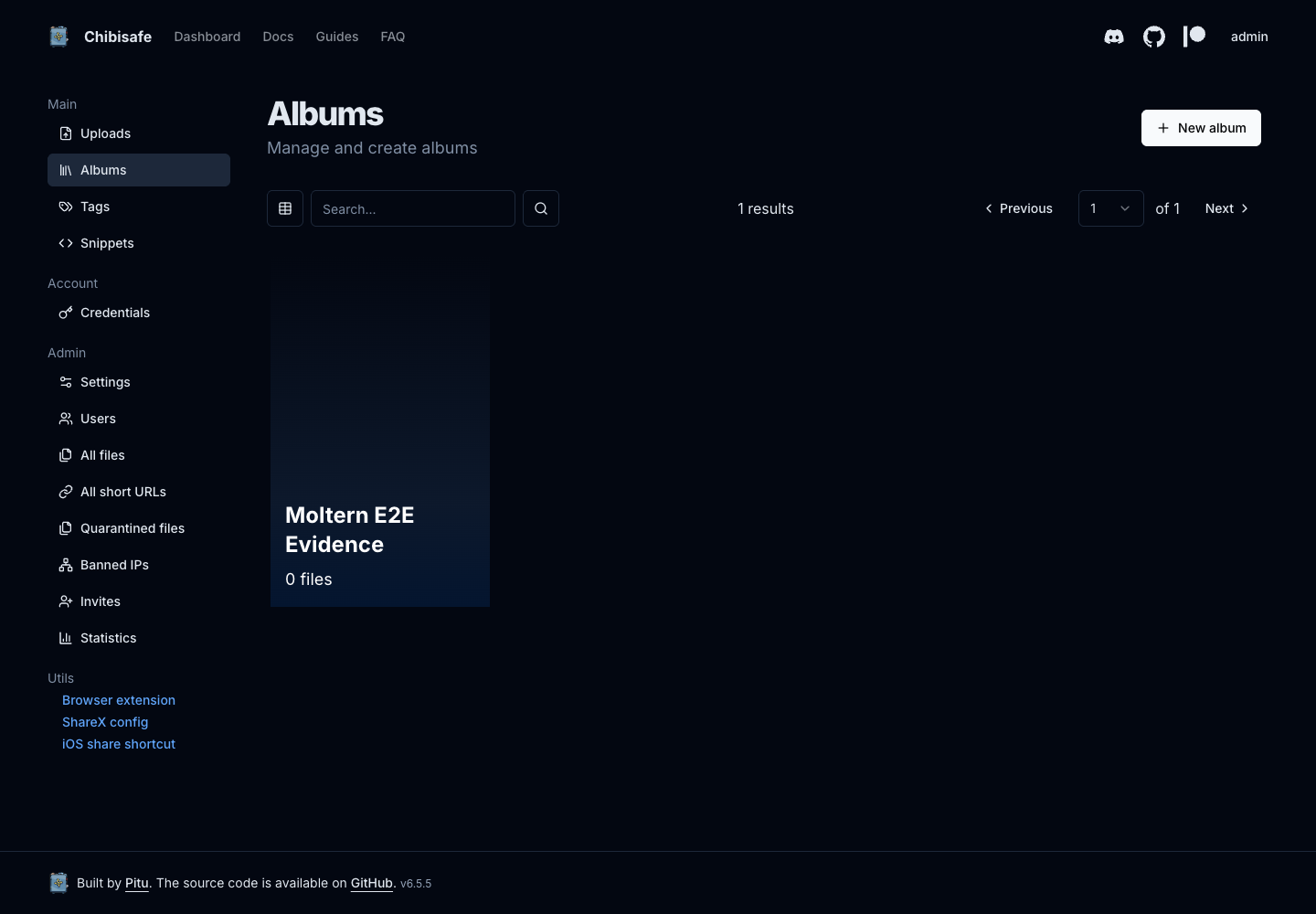
Tags are useful for internal organization. Albums group files and can have their own links, while snippets store reusable text content.
Use The API
Open Credentials to request an API key for an uploader, script or approved integration.
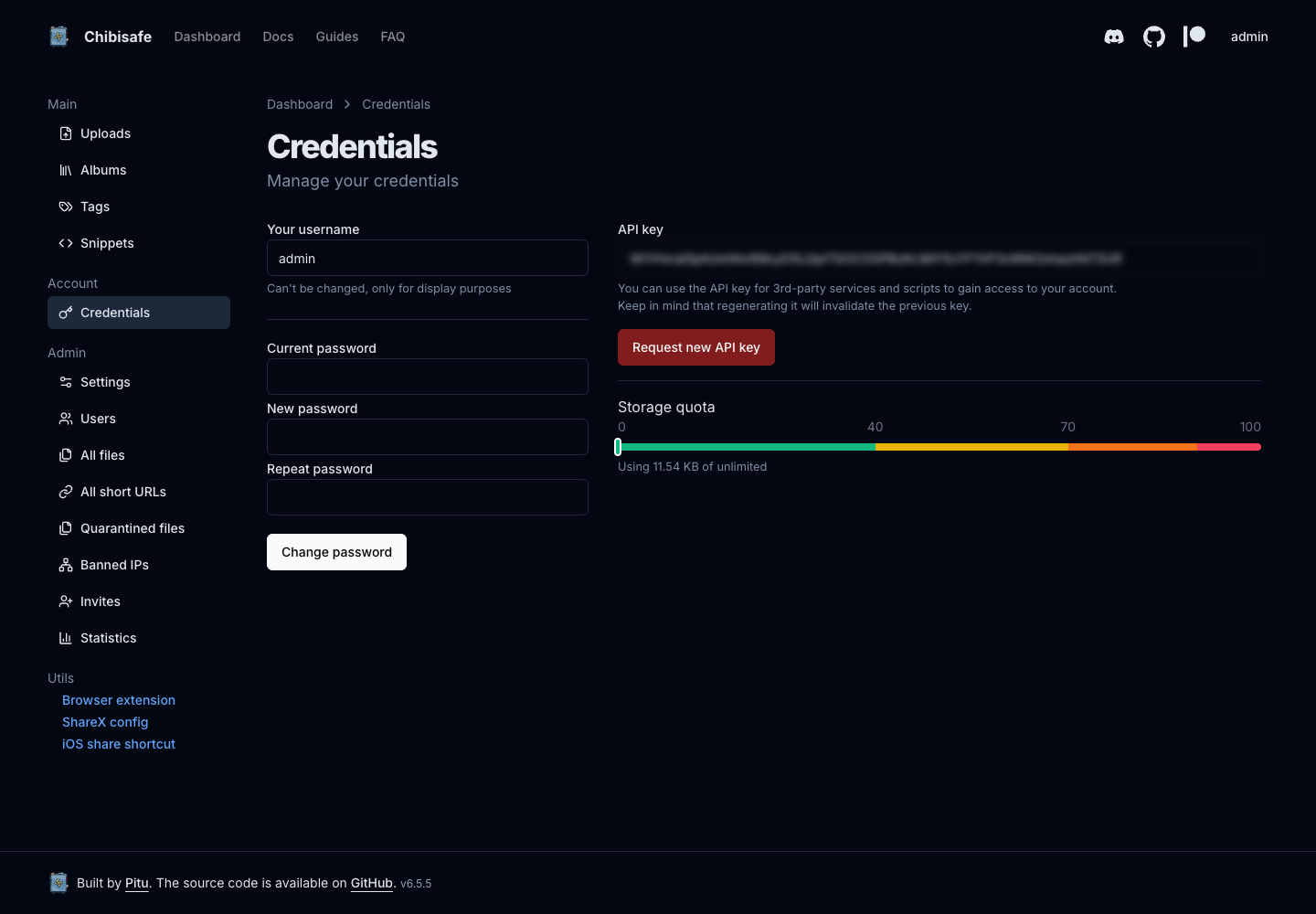
Send the key in the x-api-key request header. Treat it as a password:
- store it in a secret manager rather than source code;
- do not place it in browser-side JavaScript;
- use a dedicated Chibisafe account when an integration should not have the administrator's access;
- select Request new API key to rotate it after suspected disclosure.
Rotation invalidates the previous key immediately. The E2E test authenticated
with a generated key, rotated it and confirmed that the old key returned
401 Unauthorized.
Users And Access
Chibisafe accounts are managed inside Chibisafe and are separate from Moltern workspace memberships.
Use Users and Invites in the Chibisafe administration area to create individual product access. Do not share the bootstrap administrator password between team members.
The generated service URL is reachable from the internet. Dashboard actions require a Chibisafe account, while explicitly generated public file and album links may be opened without signing in.
Storage And Recovery
Moltern stores the Chibisafe database, uploaded files, generated thumbnails and application logs in the service's isolated workspace storage path. Chibisafe does not create a separate cloud disk for every deployment.
Stopping and starting the service replaces its runtime without deleting that stored data. The validated lifecycle retained:
- the administrator account;
- the SQLite database;
- the uploaded file and its exact checksum;
- generated thumbnails;
- the test album.
Stopping a service is not a backup. Keep an independent backup and recovery policy for production data, and test restoration before relying on it.
Capacity And Metering
The default Chibisafe reservation is:
| Resource | Default |
|---|---|
| Instances | 1 |
| CPU | 200 mCPU |
| Memory | 768 MiB |
| Dedicated volumes | 0 |
Moltern meters the configured CPU, memory and instance count. Database, uploads, thumbnails and logs are measured as workspace storage usage. Storage can continue to increase as users upload files even when the runtime capacity does not change.
The production validation recorded 200 mCPU, 768 MiB, one replica and
512,996 bytes in the isolated service path. The collector completed with no
service-list or shared-storage scan errors. The storage value includes the
database, original upload, generated thumbnail, logs and filesystem metadata.
Review Billing before a large migration. Configure Chibisafe file-size and user quotas as application controls; Moltern plan and PAYG guardrails remain the workspace-level controls.
Operate The Service In Moltern
Use the Chibisafe service page for:
- Overview to open the product and inspect status;
- Live Logs to investigate startup and request failures;
- Capacity to review the fixed runtime size;
- Access to manage approved workload connections;
- Settings to review service variables and lifecycle actions.
When you select Stop service, Moltern removes the active runtime but keeps stored data. Start service reports the service as starting until all of its runtime components pass readiness checks; it does not publish a false running state while the URL still returns an unavailable response.
Delete Chibisafe
- Open the Chibisafe service in Moltern.
- Select Delete Service.
- Review the affected runtime, route and stored-data path.
- Choose whether to retain or delete stored data.
- Complete the protected confirmation.
Choose Delete stored data only when the files and database are no longer needed. That action is destructive and removes the service's isolated storage path after the runtime and route have been removed.
Troubleshooting
| Symptom | What to check |
|---|---|
| The service stays in Deploying | Open Live Logs and inspect migration, image-startup and readiness messages. Do not repeatedly submit another deployment. |
| Sign-in fails | Use username admin and the password entered in Moltern. The Moltern account password is not the Chibisafe password. |
| An uploaded file link uses an internal address | Confirm the service uses the current Chibisafe chart and restart only after any available platform update has been applied. Current deployments configure the public HTTPS host automatically. |
| An upload is rejected | Review Chibisafe's blocked extension, maximum size and account quota settings, then check available workspace storage. |
| A public link returns 404 | Confirm the file still exists and that the copied URL includes the generated identifier and extension. |
| An API key returns 401 | The key may have been rotated. Request a new key and update the integration's protected secret. |
| Start remains in progress | Wait for readiness to finish and review Live Logs. Moltern returns the service to Stopped when the bounded start window expires. |
Validated Scope
The current Moltern E2E covers deployment, protected bootstrap login, upload, anonymous file retrieval, exact file integrity, album creation, API key use and revocation, runtime replacement, persistent data, resource allocation and shared-storage metering. It also covers protected deletion: the service record, route, runtime and isolated stored-data path disappeared while the workspace's shared storage remained available to its other workloads.
The test does not certify every Chibisafe role, invite policy, browser extension, ShareX workflow, moderation action, S3 backend or independent backup restoration scenario.