Deploy Dolibarr ERP and CRM
Dolibarr combines customer management, proposals, orders, invoices, projects and other business workflows in one open-source application. Moltern deploys Dolibarr with a private MariaDB dependency, a live HTTPS URL, protected initial credentials and durable workspace storage.
What Moltern Deploys
| Component | Purpose | Access |
|---|---|---|
| Dolibarr | ERP and CRM web application | Generated HTTPS URL with sign-in |
| Managed MariaDB | Company, users, customers and business records | Private to the selected environment |
| Workspace files | Documents, custom modules and uploaded files | Assigned to this service |
When no compatible MariaDB service is selected, Moltern creates and connects one for this installation. You can reuse a compatible database already running in the same environment. Reuse only a database whose ownership, lifecycle and backup policy match the Dolibarr installation.
Before You Start
You need a Moltern workspace, an environment and permission to create services. Prepare:
- a unique service name;
- an administrator login and strong password;
- the company or organisation name shown in Dolibarr; and
- a two-letter country code for regional defaults.
The validated starting profile reserves 100 mCPU and 256 MiB for Dolibarr. MariaDB has its own capacity and usage entry. The deployment preview is the authoritative total for your selected plan and dependency choice.
Deploy Dolibarr
- Open Services and select Dolibarr.
- Choose the project and environment that will own the business data.
- Enter a unique service name.
- Choose a compatible MariaDB service or select Create a new MariaDB.
- Enter the administrator, company name and country code.
- Review the install impact, including both workloads and storage.
- Confirm the deployment and wait for Running.
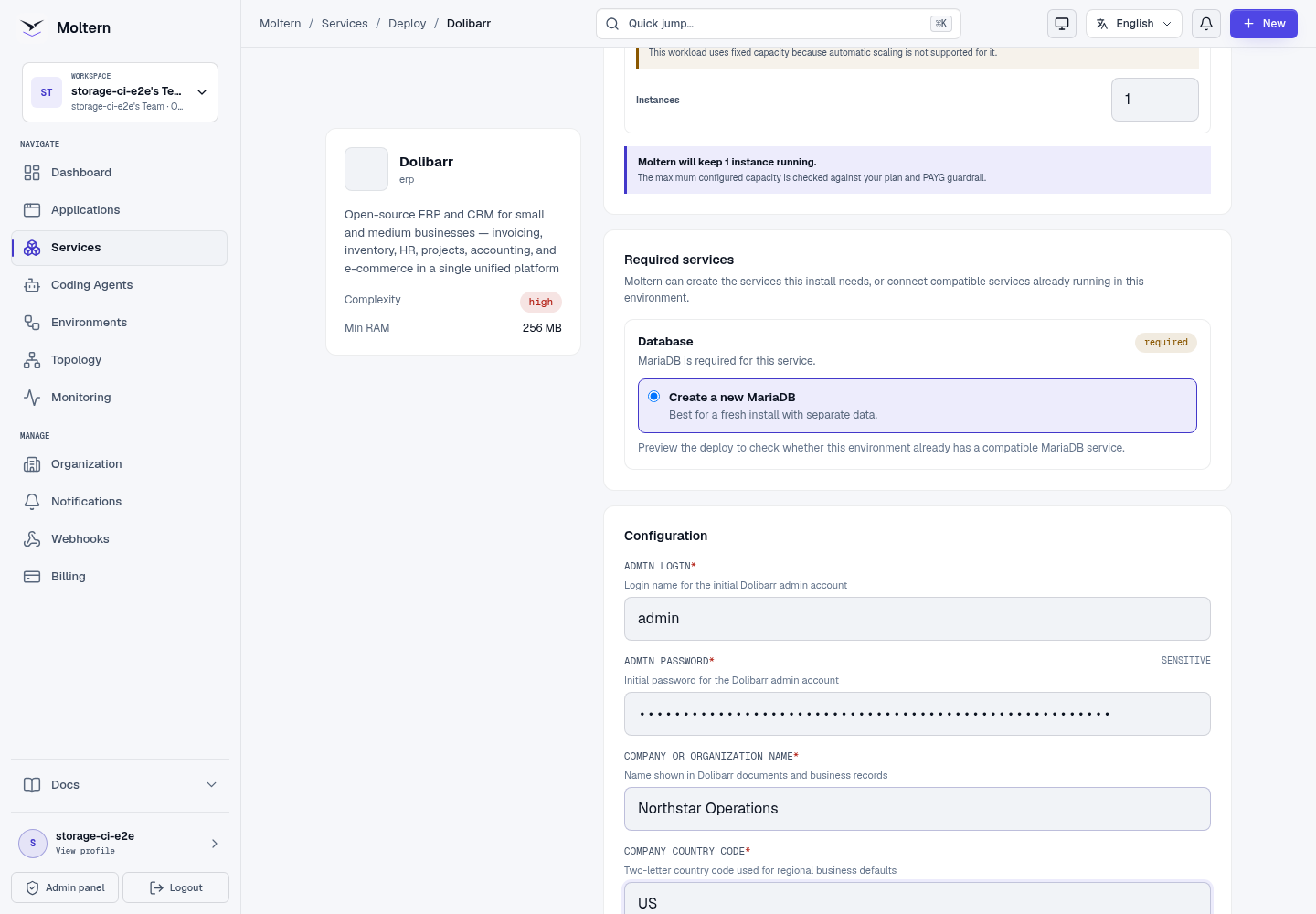
The password field is masked in the deployment interface and in this screenshot.
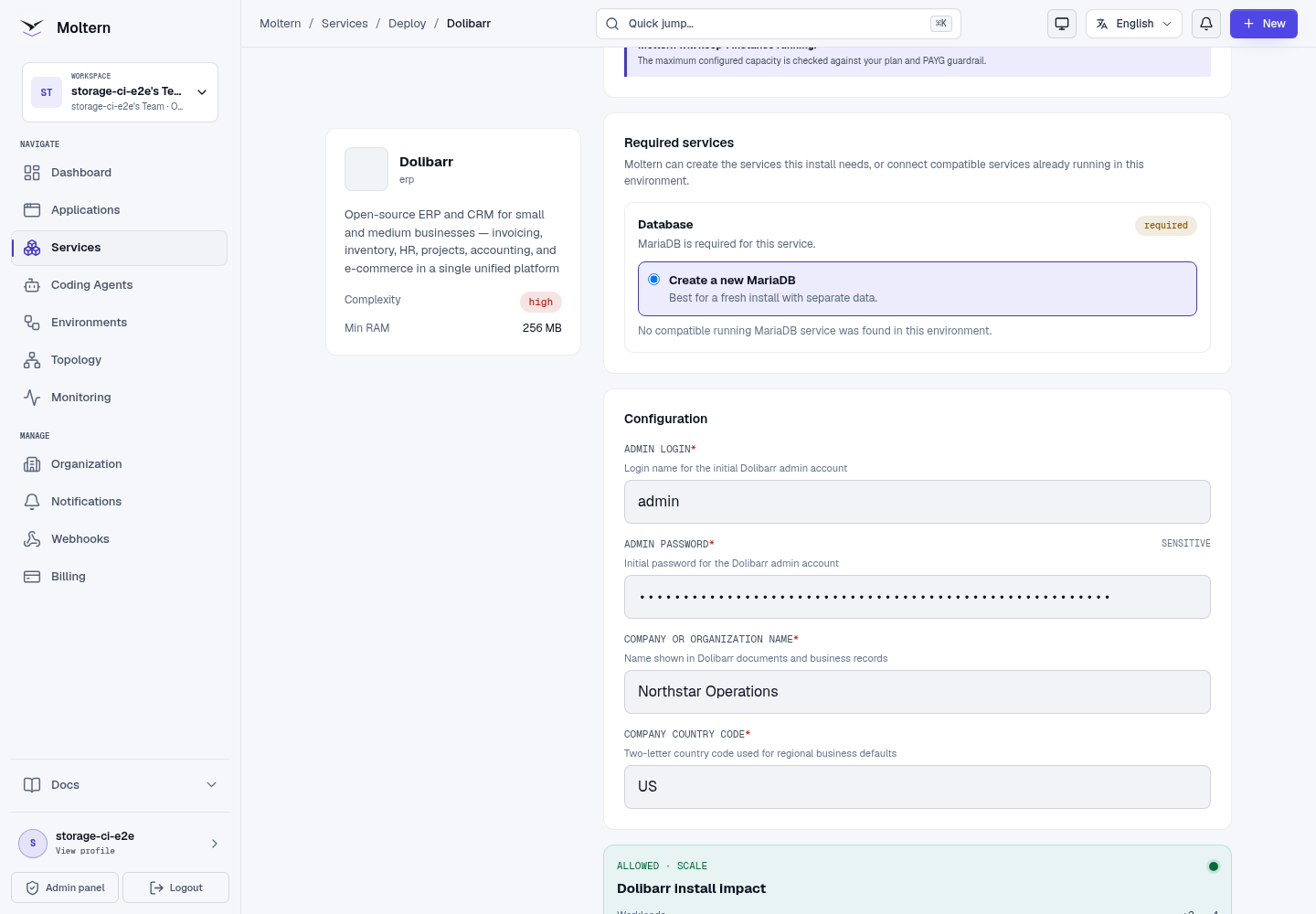
Do not submit a second installation while the first is progressing. Open Live Logs from the service page when initialisation takes longer than expected.
Sign In And Create A Customer
Open the generated URL and sign in with the administrator login and password entered during deployment. The initial company profile is already available, and the core third-party, proposal, order, invoice and project modules are enabled.
Verify the installation with a harmless customer record:
- Open Third Parties and choose New Third Party.
- Enter a recognisable customer name and a non-sensitive test email.
- Set the third-party type to Customer.
- Save the record and reopen its card.
- Confirm the customer name, type and assigned user are visible.
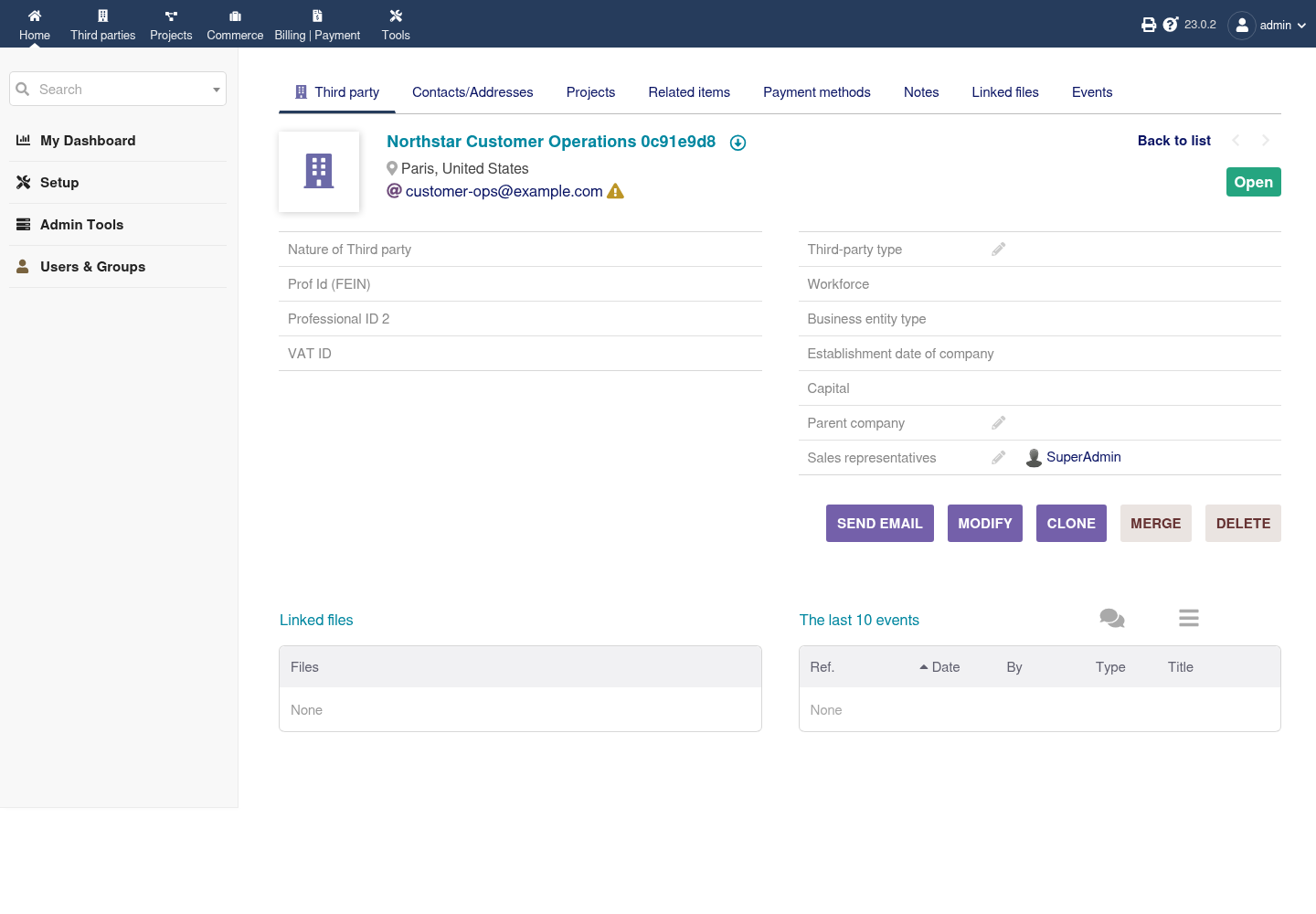
Creating and reopening a record exercises authentication, the Dolibarr API, MariaDB and the application filesystem together. A visible login page alone is not a complete service check.
Credentials And Password Recovery
The initial administrator credential is available through protected connection details in the service settings. Revealing it requires account confirmation. Store it in your organisation's approved password manager.
When an administrator changes the password inside Dolibarr, the protected initial value does not automatically become the new product password. Use Dolibarr's user administration or its configured email recovery flow for later account changes.
Database credentials belong to the private MariaDB connection. Attach that connection only to trusted applications or coding agents that need it; users do not need database access for normal Dolibarr operation.
Persistence, Restart And Recovery
Business records and users live in managed MariaDB. Documents and supported service files use Dolibarr's assigned workspace path. Stopping and starting the service replaces the runtime without deleting those resources.
After a restart:
- Wait for both Dolibarr and MariaDB to report Running.
- Sign in with the existing account.
- Reopen a known customer or invoice.
- Confirm the saved record is unchanged before accepting new writes.
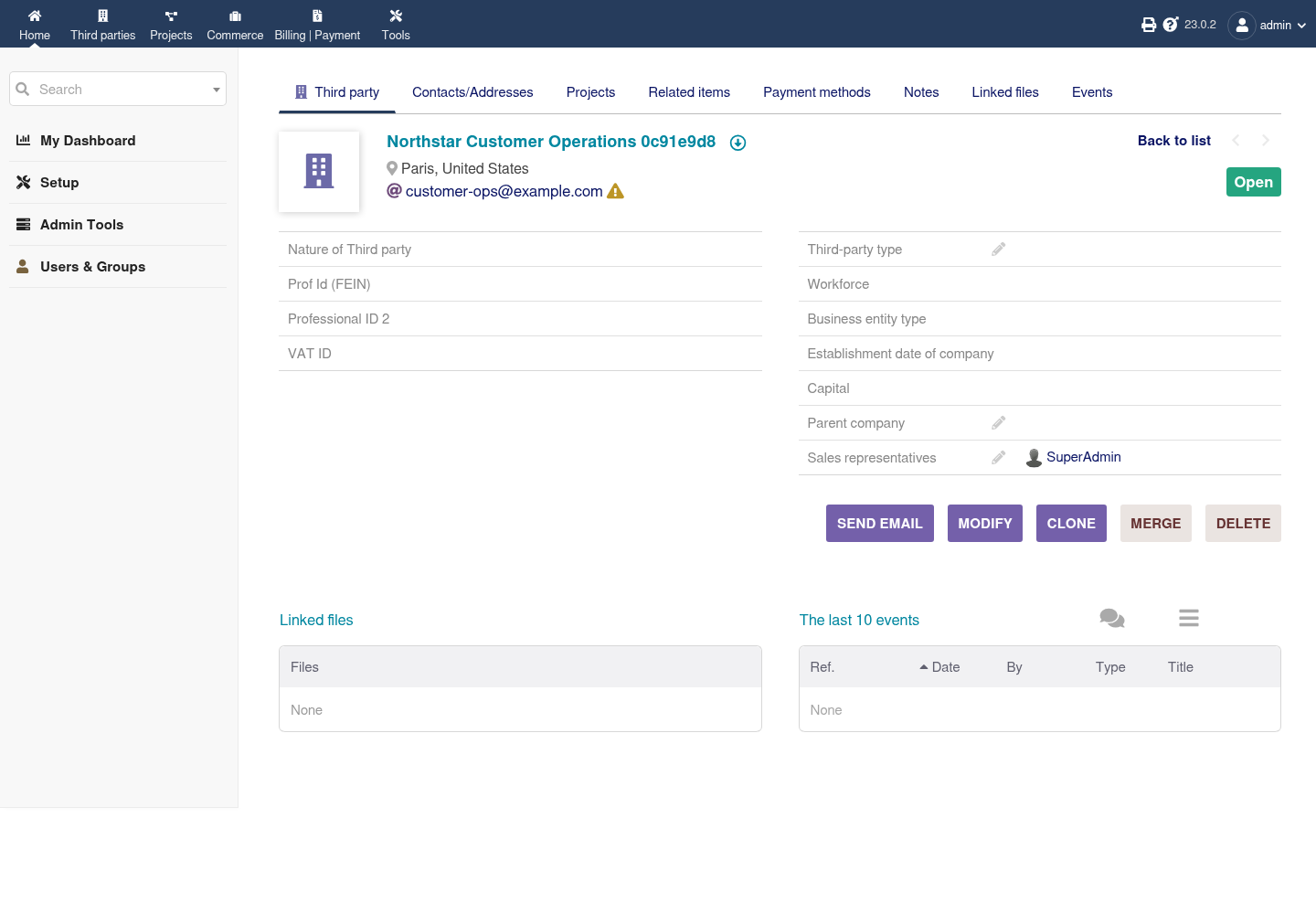
Restart persistence is not a backup restore test. Export accounting and customer data on an appropriate schedule and maintain an independently tested recovery process.
Capacity And Metering
Moltern meters Dolibarr and MariaDB as separate workloads. Review CPU, memory,
instances and measured stored bytes in usage and billing. A requested storage
allowance is a limit, not proof that all of it has been consumed; small usage
can display as 0 GiB after rounding.
Resize the application and database according to their own pressure. A single-instance stateful service can be briefly unavailable during a capacity change, so schedule changes outside important business operations.
Delete Dolibarr
- Export records and documents that must be retained.
- Open the service and choose Delete Service.
- Decide whether to delete its stored data or retain workspace files.
- Complete the protected account confirmation.
When MariaDB was created only for Dolibarr, deleting the parent with stored data also removes that managed dependency and its assigned data. A reused database is not deleted. Retained files continue to count toward storage usage.
Troubleshooting
| Symptom | What to check |
|---|---|
| Dolibarr remains in deployment | Open Live Logs and confirm MariaDB reached Running before Dolibarr started. |
| Sign-in fails | Use the administrator login entered at deploy time; usernames and email addresses are not interchangeable unless configured that way. |
| Company details are incomplete | Open Dolibarr setup and review the company profile before creating invoices or tax-bearing documents. |
| A business module is missing | Enable only the required module in Dolibarr setup and review its configuration before production use. |
| Records are absent after restart | Stop new writes, confirm the original MariaDB dependency is attached and contact support before deleting or redeploying data. |
| Uploads fail | Check storage usage and service logs before changing permissions or deleting files. |