Deploy Flowise
Flowise is a visual workflow builder for language-model applications. Moltern deploys it with a managed PostgreSQL dependency, persistent workspace storage, a protected administrator account and a live HTTPS URL.
The Flowise repository was archived in August 2026. Moltern provides the final 3.1.4 release for compatibility, but new projects should evaluate a maintained alternative before making Flowise a long-term production dependency.
What Moltern deploys
| Component | Purpose | Access |
|---|---|---|
| Flowise 3.1.4 | Visual chatflow editor and prediction API | Public HTTPS URL with Flowise sign-in |
| Managed PostgreSQL | Accounts, variables, chatflows and execution metadata | Private to the environment |
| Workspace files | Flowise files that must survive runtime replacement | Assigned service path |
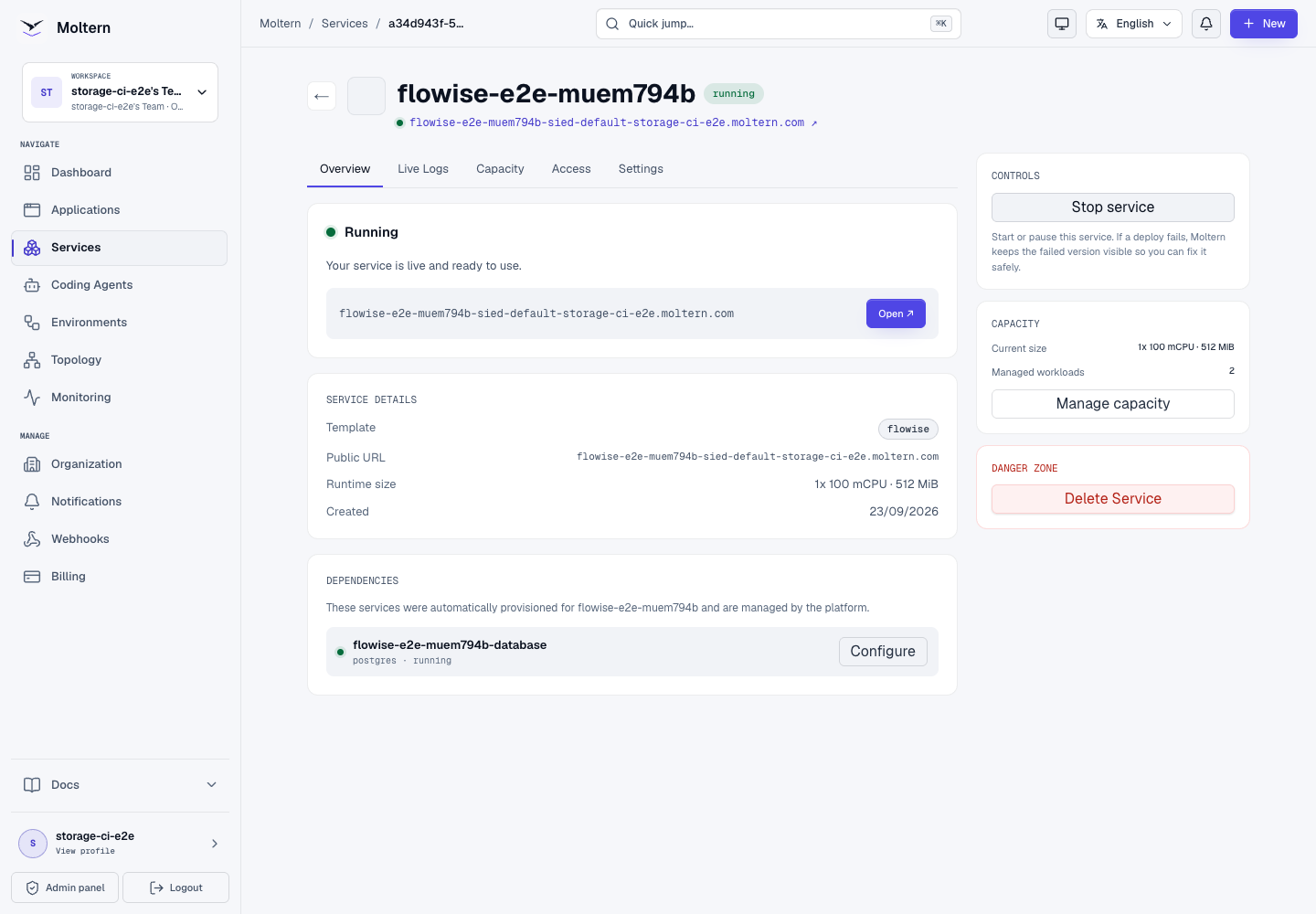
The database is created and connected automatically. It does not receive a public URL or a dedicated disk claim.
Deploy Flowise
- Open Services and choose Flowise.
- Select the project and environment.
- Enter the administrator name and email that should own the first account.
- Set a strong administrator password.
- Review the install impact, then choose Deploy service.
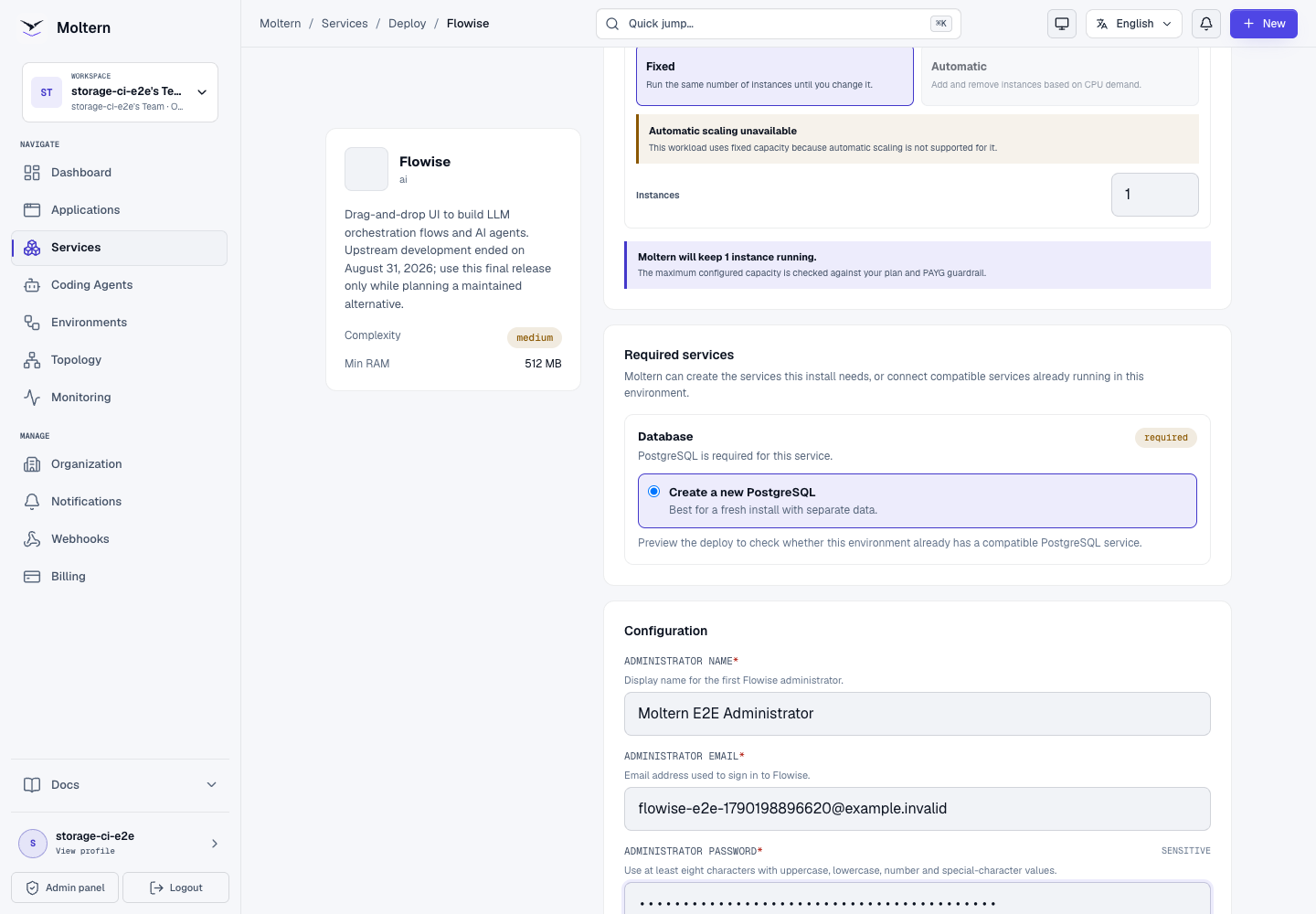
The install preview should show two workloads: Flowise and its managed database. It should not request a dedicated volume because both workloads use their assigned paths in the workspace filespace.
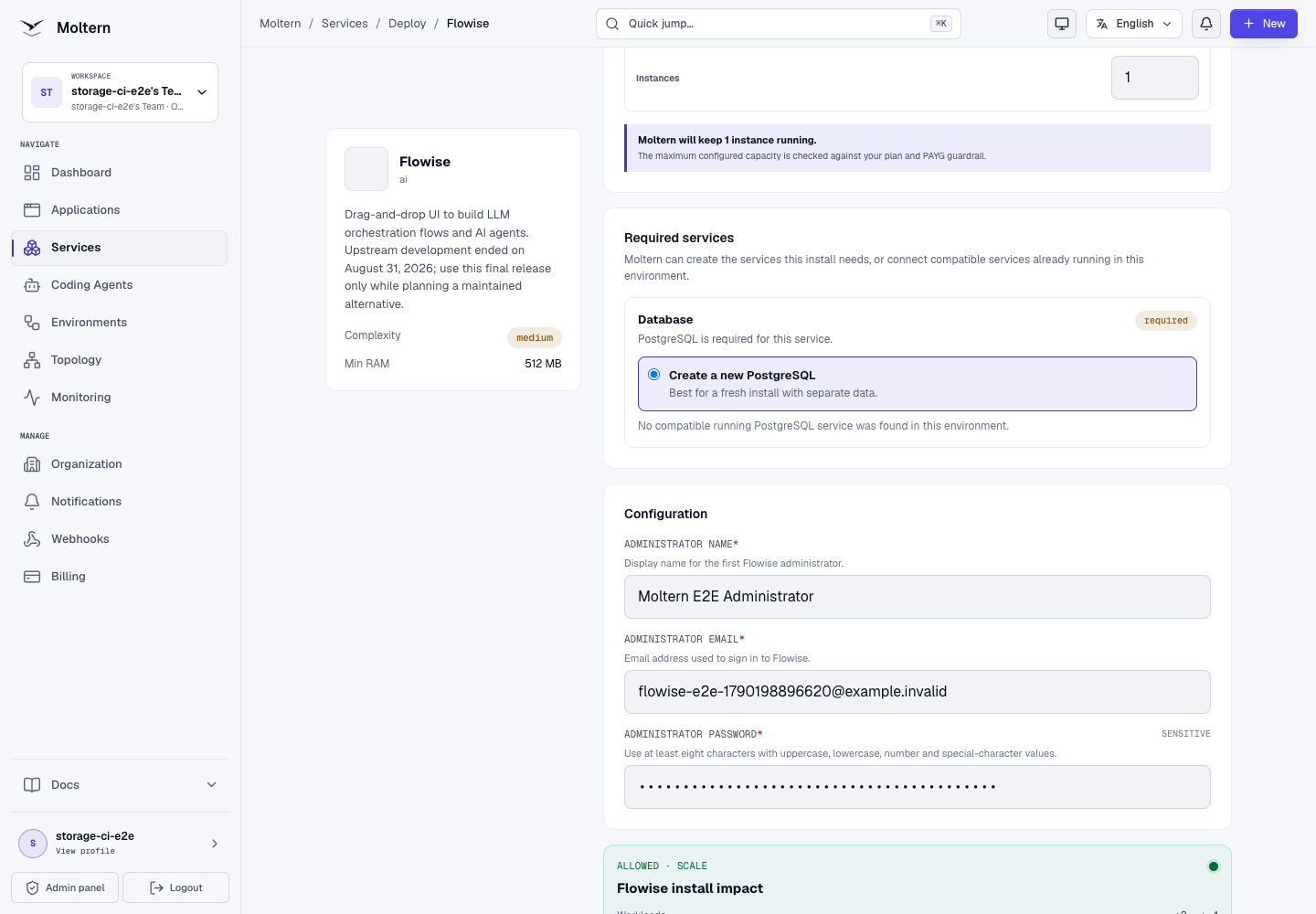
The first start runs database migrations and can take longer than a normal restart. Wait until the service status is Running before opening its URL.
Sign in
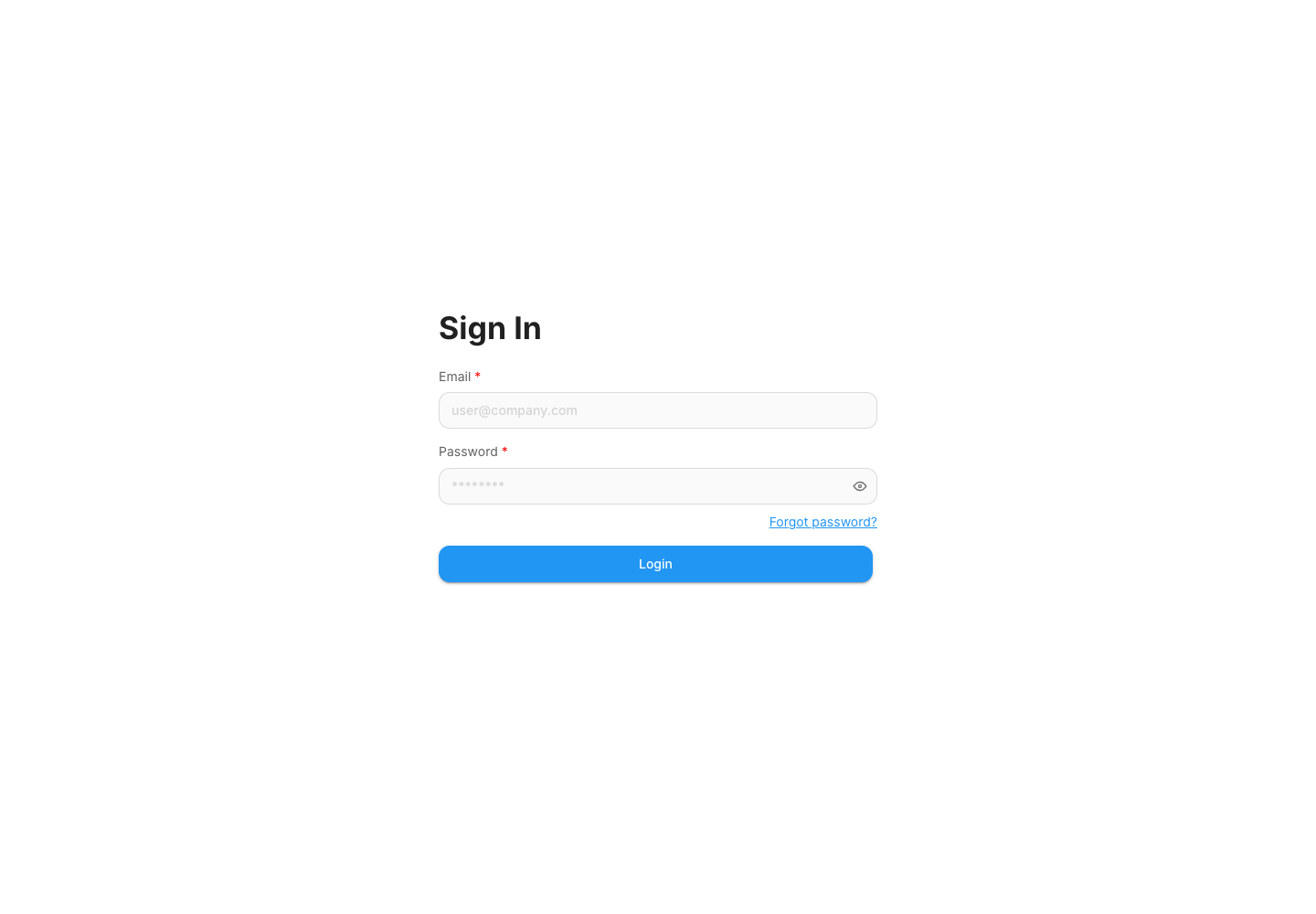
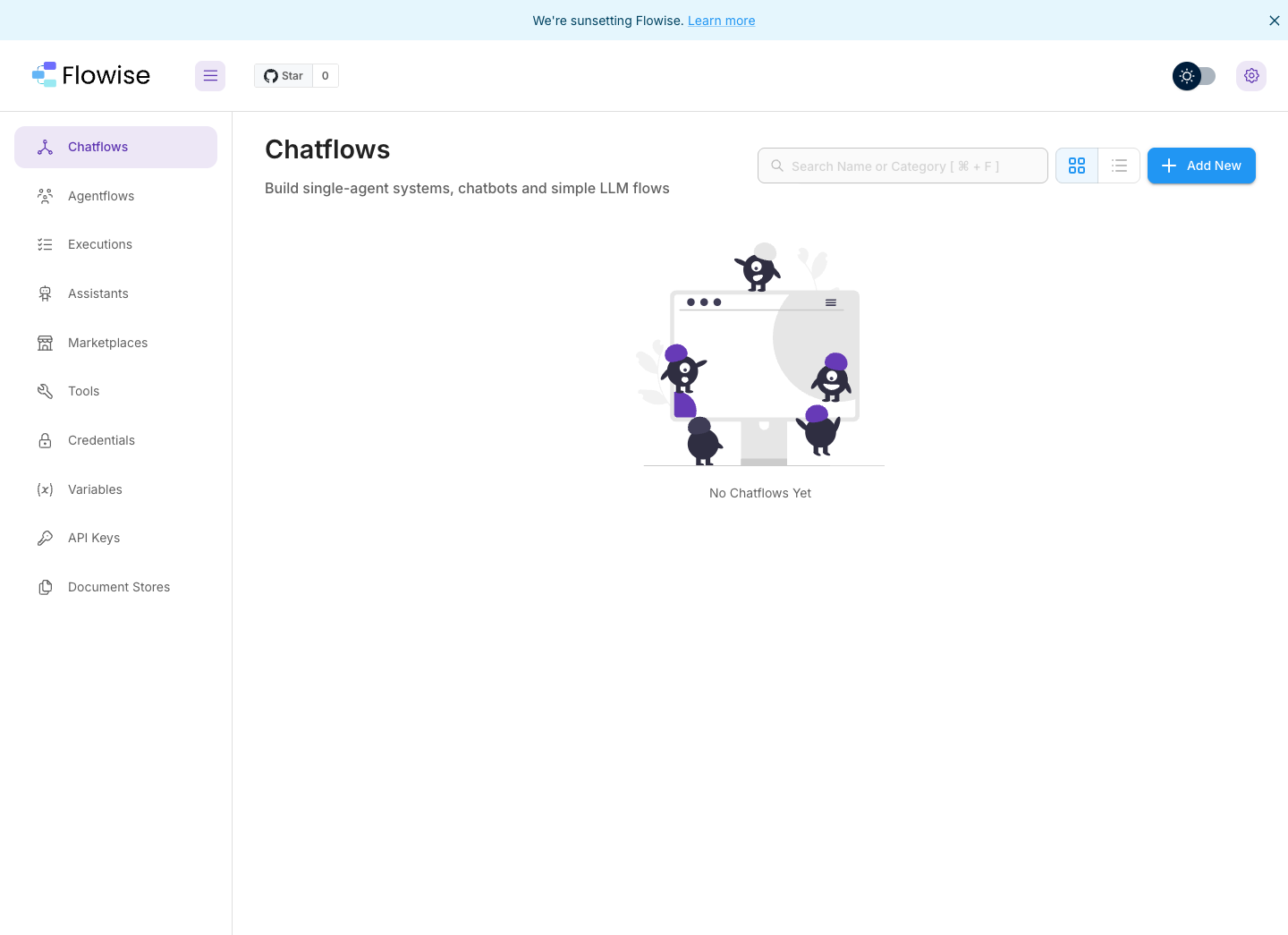
Open the generated URL and sign in with the administrator email and password entered during deployment. There is no public first-owner registration window.
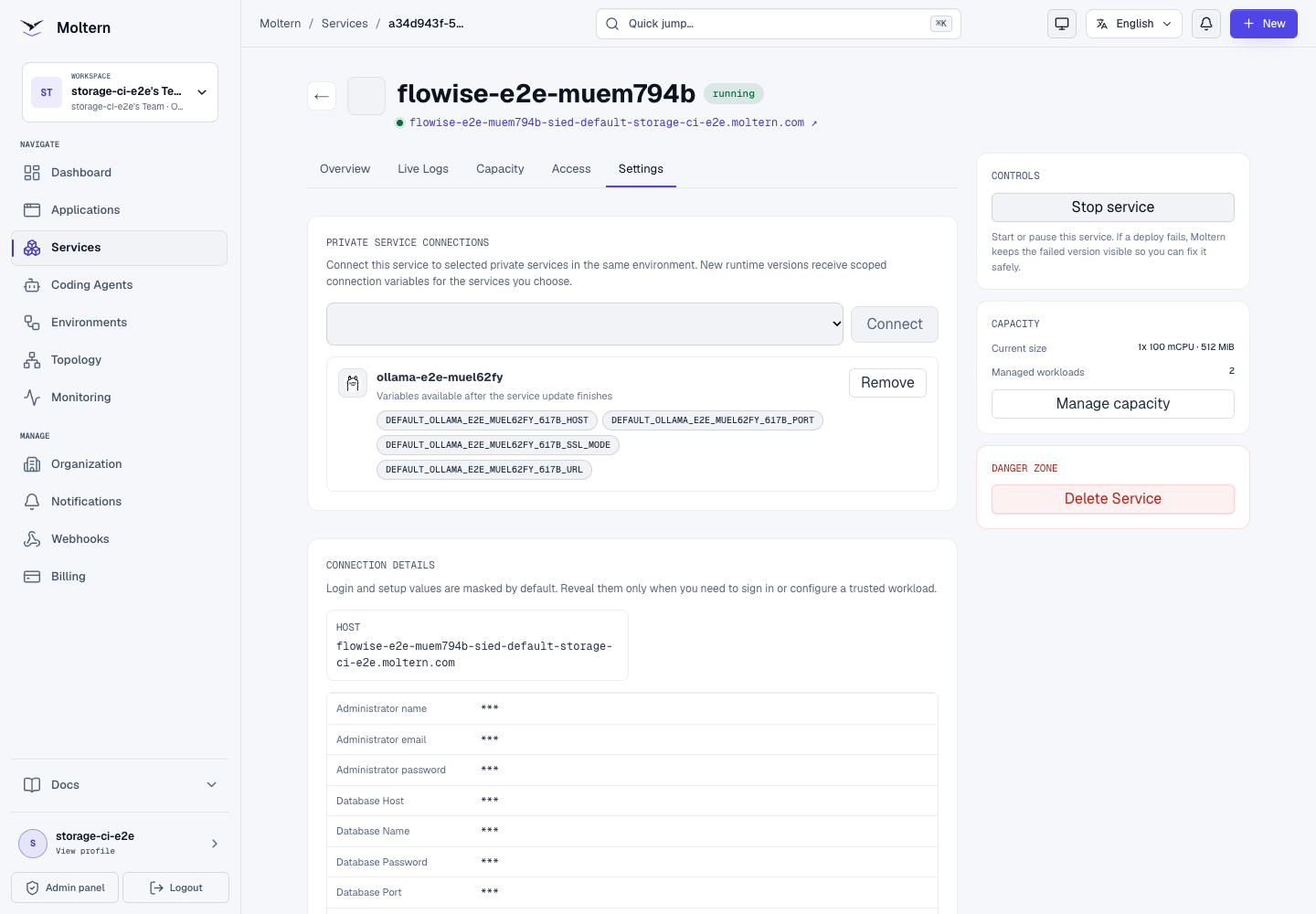
You can retrieve the masked setup values later from Service → Settings → Connection details. Moltern requires account confirmation before revealing sensitive values.
Connect private Ollama
Deploy Ollama in the same environment before continuing. In Flowise:
- Open Settings in the Moltern service page.
- Under Private service connections, select the Ollama service.
- Choose Connect.
- Wait while Moltern replaces the Flowise runtime and returns it to Running.
Moltern grants only the selected connection, creates scoped variables and adds the corresponding private network policy. Ollama remains without a public URL.
Use the connection in Flowise
The connection card displays the generated variable names. To use the URL without copying a private address into a flow:
- In Flowise, open Settings → Variables.
- Create a variable with the generated name ending in
_URL. - Set its type to Runtime and leave its stored value empty.
- Add a ChatOllama node to a chatflow.
- Set Base URL to
{{$vars.YOUR_OLLAMA_URL_VARIABLE}}. - Set Model Name to a model already installed in Ollama.
- Connect ChatOllama to the chain and save the flow.
The runtime variable reads the scoped value supplied by Moltern. It does not store the private endpoint in the Flowise database.
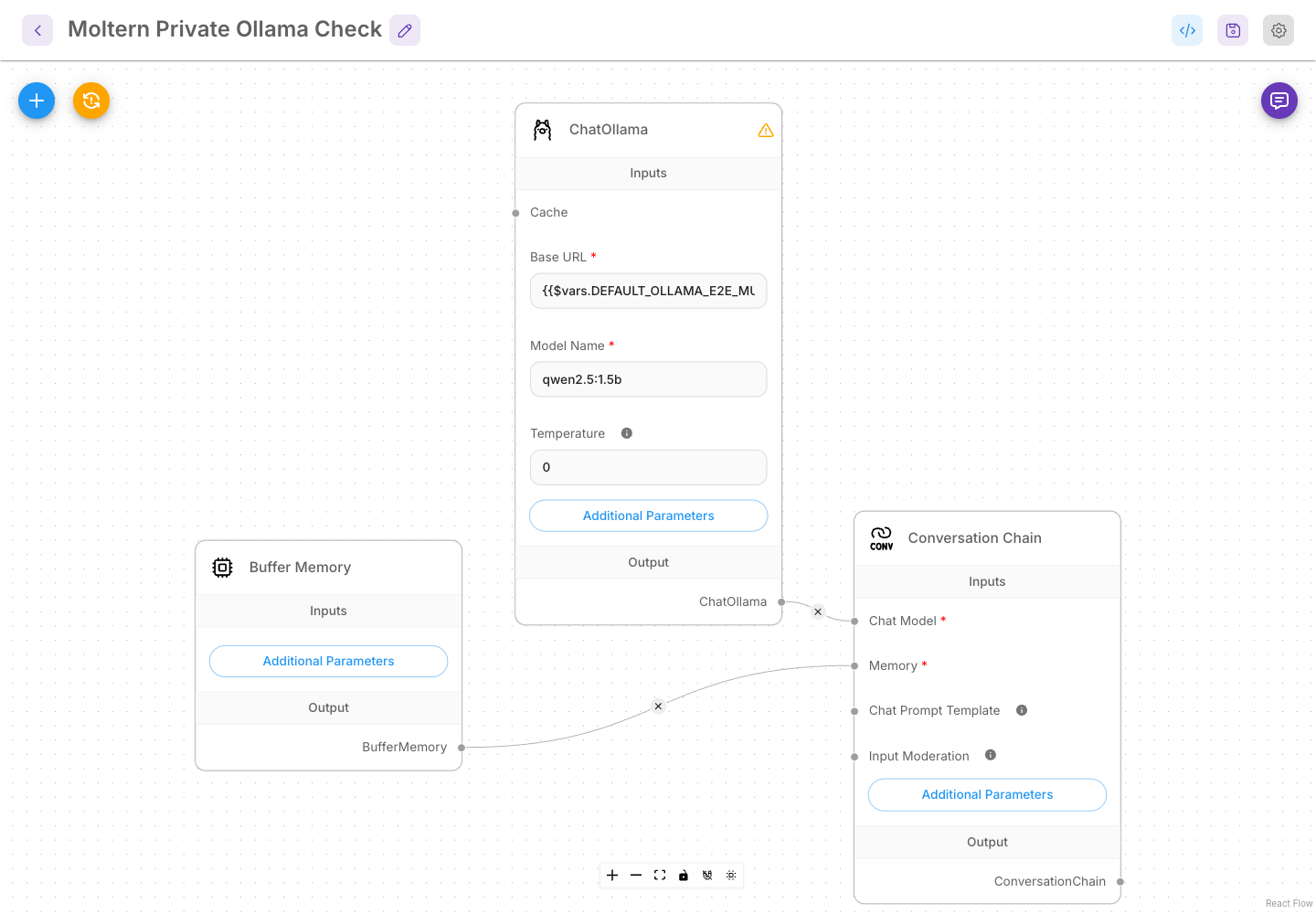
The production E2E used qwen2.5:1.5b and verified a real prediction through
the private attachment. A healthy page or pod alone was not treated as proof.
Persistence and operations
Use Stop service and Start service on the Moltern service page for a controlled runtime replacement. The administrator account, runtime variable, chatflow and post-restart Ollama prediction were all retained in the production test.
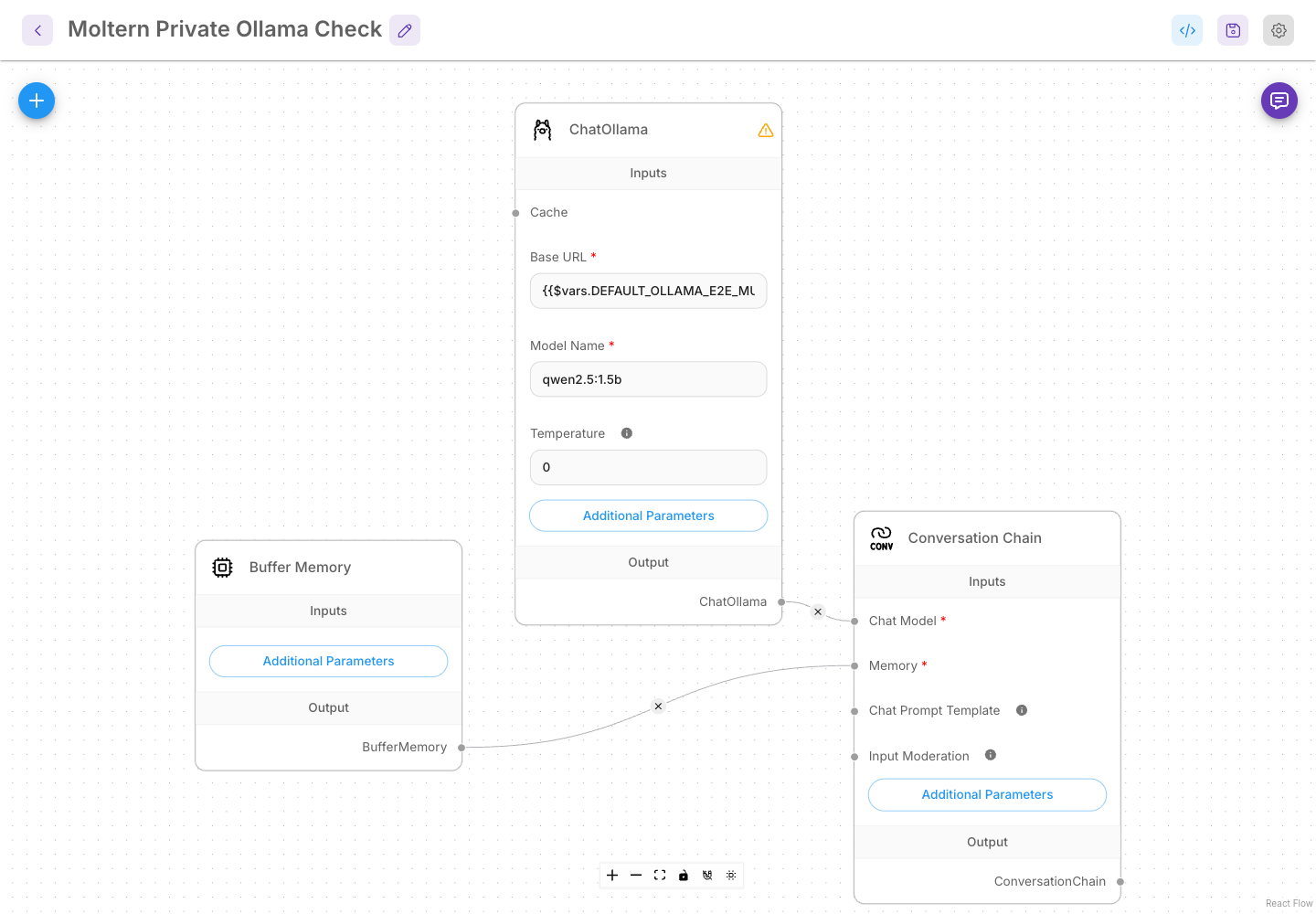
Changing a private connection also replaces the Flowise runtime. Plan a short interruption because Flowise is currently deployed as one replica and its final upstream image is approximately 1.5 GB. A cold pull to a worker can take several minutes; subsequent starts on a cached worker are faster.
Storage and metering
Moltern measures Flowise and its managed database separately even though both use the workspace filespace. In the production validation:
- Flowise reported
31,848bytes. - Managed PostgreSQL reported
49,831,956bytes. - Resource accounting reported 100 mCPU, 512 MiB and one Flowise replica.
- PostgreSQL accounting reported 100 mCPU, 256 MiB and one replica.
The collector values matched direct measurements at the same collection point. Elapsed invoice and proration certification remains tracked separately from this point-in-time resource test.
Delete Flowise
Choose Delete Service, select the option that removes stored data and confirm the protected action. Moltern removes:
- the Flowise runtime and route;
- the managed PostgreSQL dependency;
- both assigned workspace paths;
- generated secrets and private-connection policy; and
- active CPU, memory, replica and storage usage.
The workspace filespace itself remains available for the team's other workloads.
Known limitations
The final upstream image starts and ChatOllama works, but its startup log reports upstream dependency failures for the ReAct Agent Chat, ReAct Agent LLM and AWS Bedrock nodes. Do not depend on those nodes in this catalog version. The Moltern validation did not cover external model-provider credentials, high availability, load performance, backup restore or interrupted migration recovery.
Troubleshooting
| Symptom | What to check |
|---|---|
| First start takes several minutes | Check Live Logs for image pull and database migration progress. |
| Sign-in fails | Confirm the administrator email and reveal the managed setup values through the protected connection-details flow. |
| ChatOllama cannot connect | Confirm Ollama is Running in the same environment, the private connection is present and the Flowise variable type is Runtime. |
| Model not found | Pull the exact model in Ollama and use the same model name in ChatOllama. |
| A node is absent from the editor | Review Known limitations; several nodes are broken in the archived final upstream release. |
| Restart loses a flow | Confirm the managed database is Running and contact support before deleting or redeploying stored data. |