Deploy Apache Superset
Apache Superset is a business intelligence and data visualization platform with SQL exploration, dashboards and a broad chart library. Moltern deploys the official Superset 6.1 runtime with managed PostgreSQL, managed Redis and an initialized administrator account.
What Moltern deploys
| Component | Purpose | Access |
|---|---|---|
| Apache Superset 6.1 | SQL workspace, charts and dashboards | Public HTTPS URL with Superset sign-in |
| Managed PostgreSQL | Superset users, configuration and saved objects | Private to the selected environment |
| Managed Redis | Shared cache and request-throttling state | Private to the selected environment |
Moltern runs database migrations and creates the first administrator during startup. The web runtime is stateless; PostgreSQL owns the durable product state, while Redis holds reconstructible cache and rate-limit data.
Deploy Superset
- Open Services and choose Apache Superset.
- Select the project and environment.
- Enter the administrator email address.
- Set a strong administrator password and session secret.
- Review the Superset, PostgreSQL and Redis install impact.
- Choose Deploy service.
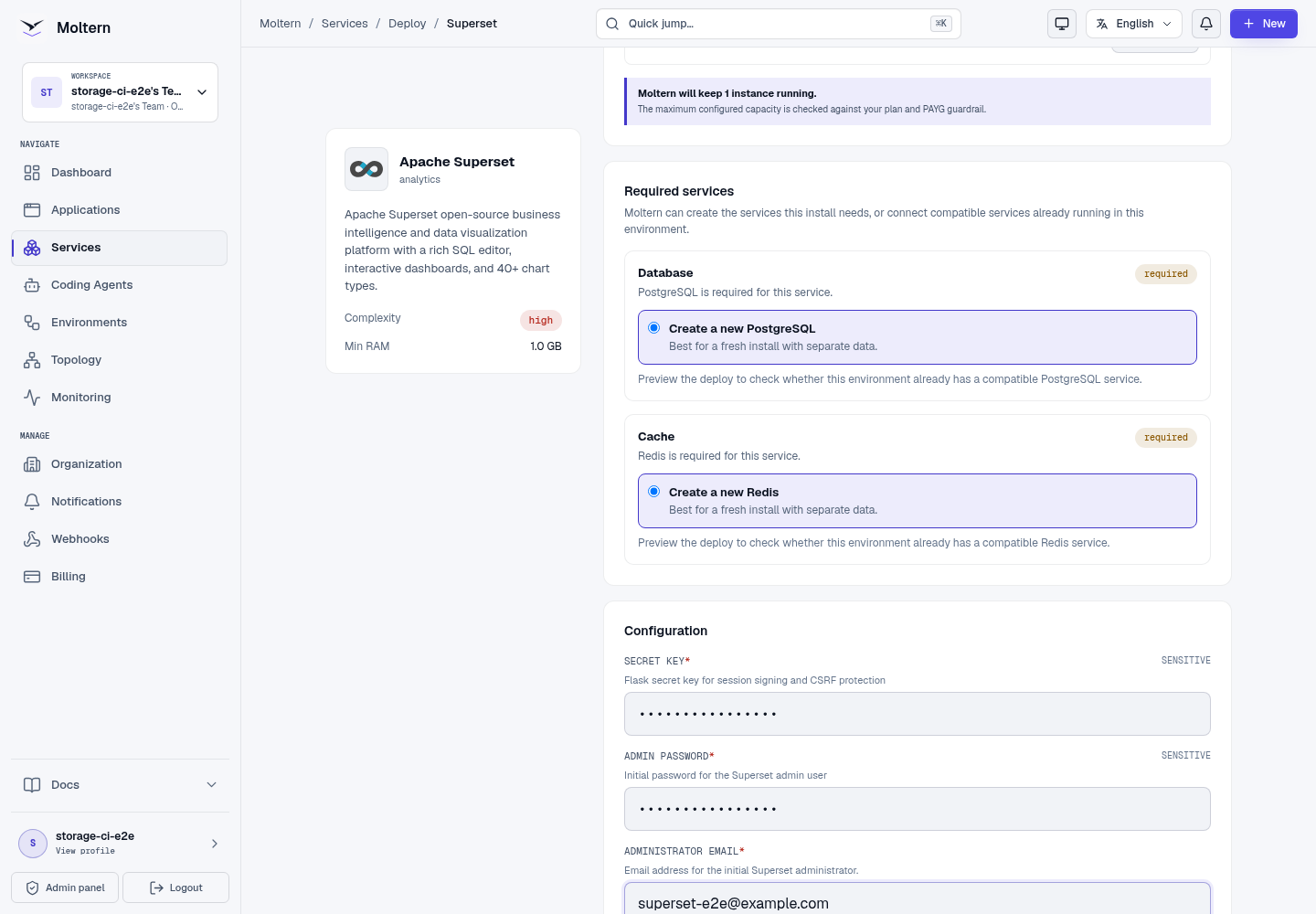
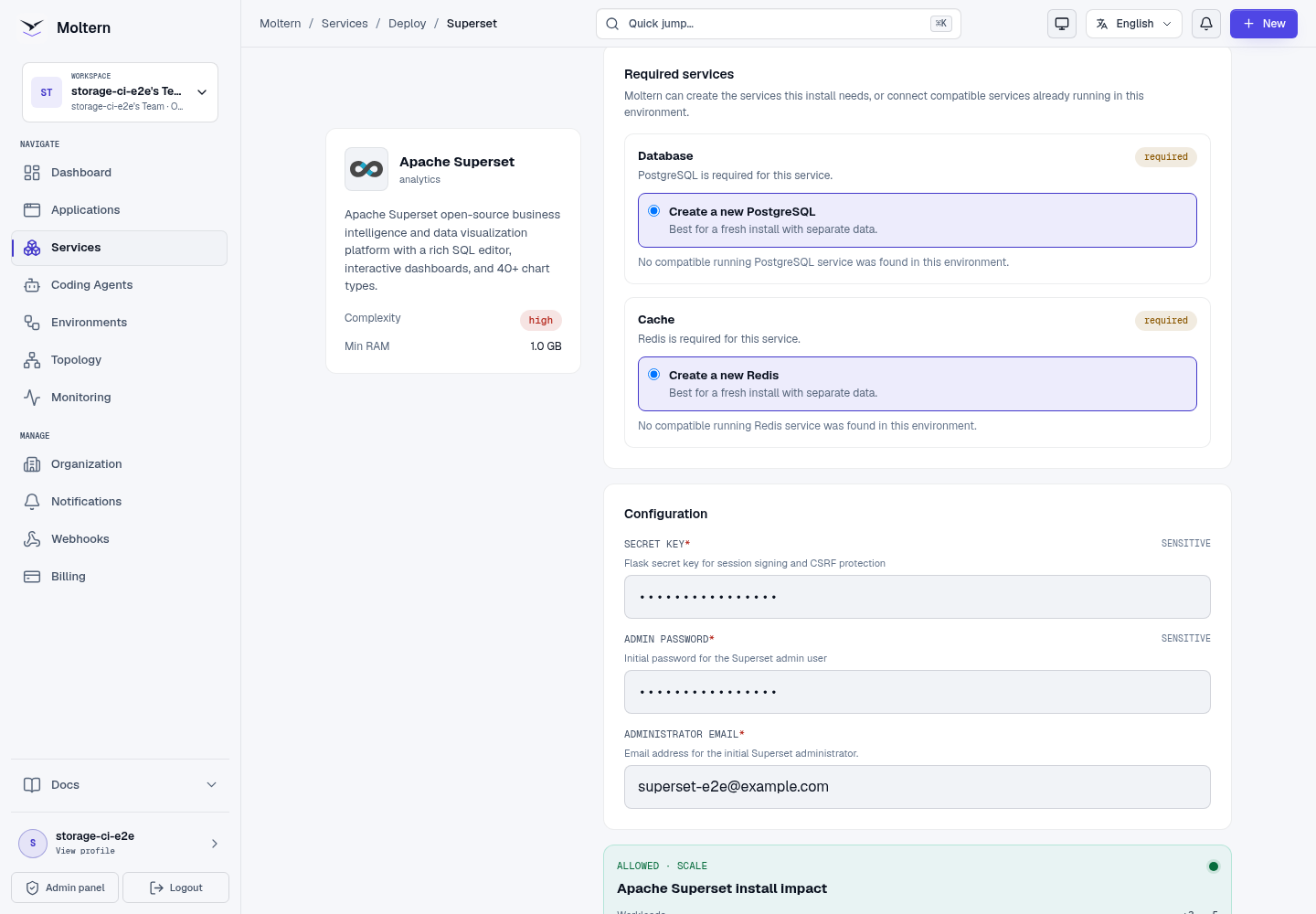
The first start can take several minutes while migrations and initialization finish. Follow Live Logs and wait for Running before opening the URL.
Sign in and create a dashboard
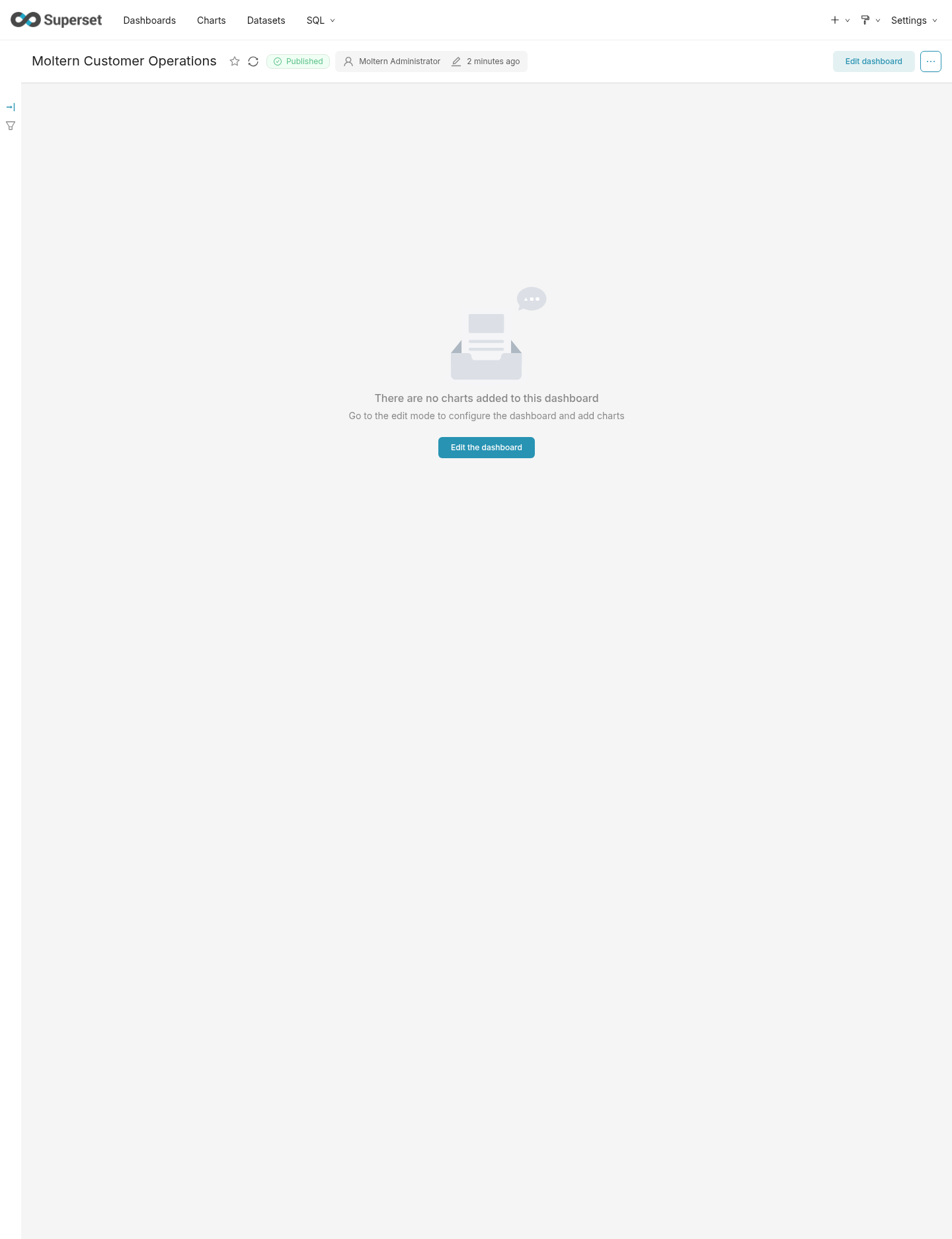
Open the generated URL and sign in with username admin and the password
selected during deployment.
- Open Dashboards.
- Choose Dashboard → Add dashboard.
- Enter a descriptive name.
- Save the dashboard.
- Connect a data source before adding charts.
Connect a data source
Deploy the database in the same environment and grant Superset an explicit Private service connection. In Superset, open Settings → Database Connections and create a connection using the scoped values shown by Moltern.
Do not expose a database publicly to connect it. The connection should stay on the private environment network and include only the credentials Superset needs.
Credentials
Reveal the administrator email, password and setup values from Service → Settings → Connection details after completing the account security check. Moltern does not display these values in logs or documentation.
Restart and persistence
Use Stop service and Start service to replace the Superset runtime. The administrator, database connections and dashboards remain in managed PostgreSQL. Redis cache entries can be rebuilt without changing saved product state. Sign in after restart and reopen the saved dashboard to verify the lifecycle.
Storage and metering
Moltern accounts for Superset, PostgreSQL and Redis independently. Billing reports CPU, memory, replicas and measured workspace bytes. Superset has no dedicated persistent volume; the managed database stores its durable state.
Delete Superset
Choose Delete Service, select stored-data removal and confirm the protected action. Moltern removes Superset, its auto-provisioned PostgreSQL and Redis dependencies, database files, credentials, route and active usage allocations.
Troubleshooting
| Symptom | What to check |
|---|---|
| Sign-in fails | Use username admin and reveal the deployment password through the protected connection-details flow. |
| The route times out during first start | Follow Live Logs while migrations and administrator initialization complete. |
| Superset waits on dependencies | Confirm both PostgreSQL and Redis are Running before retrying the parent service. |
| A private database cannot connect | Confirm the explicit service connection, database port and scoped credentials. |
| A dashboard disappears after restart | Confirm the original managed PostgreSQL dependency remains attached. |
| A chart query fails | Test the database connection in Superset and verify that its user has permission for the selected schema. |