CodiMD
CodiMD is the community edition of HackMD, a real-time collaborative Markdown editor. Use it for shared technical notes, runbooks, meeting records, documentation drafts, diagrams, presentations, tables and task lists.
Moltern deploys the editor behind HTTPS, creates or connects its PostgreSQL database, generates the session secret and assigns persistent upload storage. The CodiMD account you create is separate from your Moltern account.
Before You Start
You need:
- a Moltern workspace and environment;
- permission to create services;
- an email address for the first CodiMD account;
- a unique CodiMD password stored in a password manager;
- plan capacity for two workloads.
The tested starting reservation is:
| Workload | CPU | Memory | Instances |
|---|---|---|---|
| CodiMD | 200 mCPU | 768 MiB | 1 |
| Managed PostgreSQL | 100 mCPU | 256 MiB | 1 |
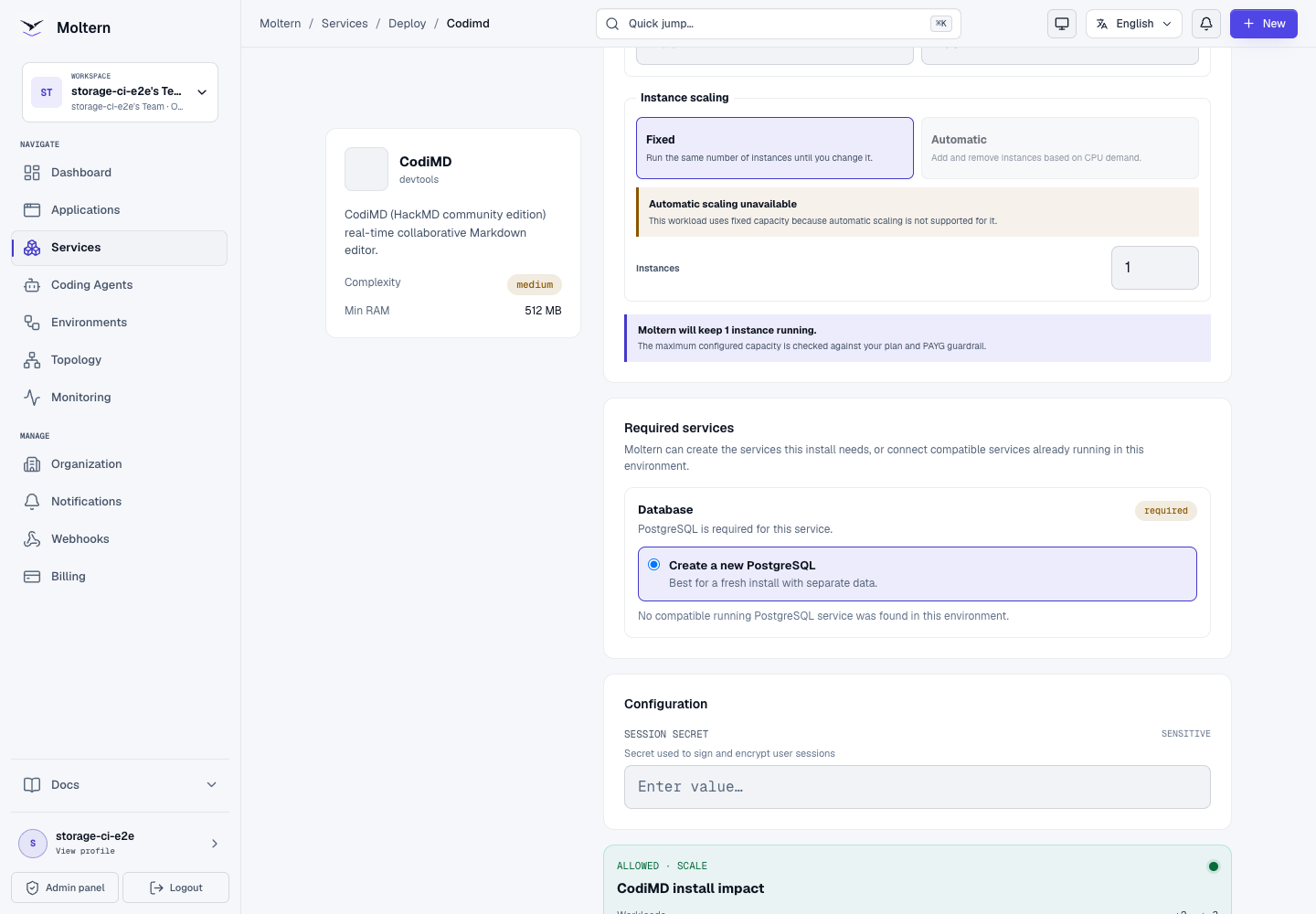
CodiMD uses one fixed application instance. Do not add replicas unless the upstream session and real-time collaboration architecture has been configured for that topology.
Deploy CodiMD
- Open Services in Moltern.
- Search for CodiMD and select it.
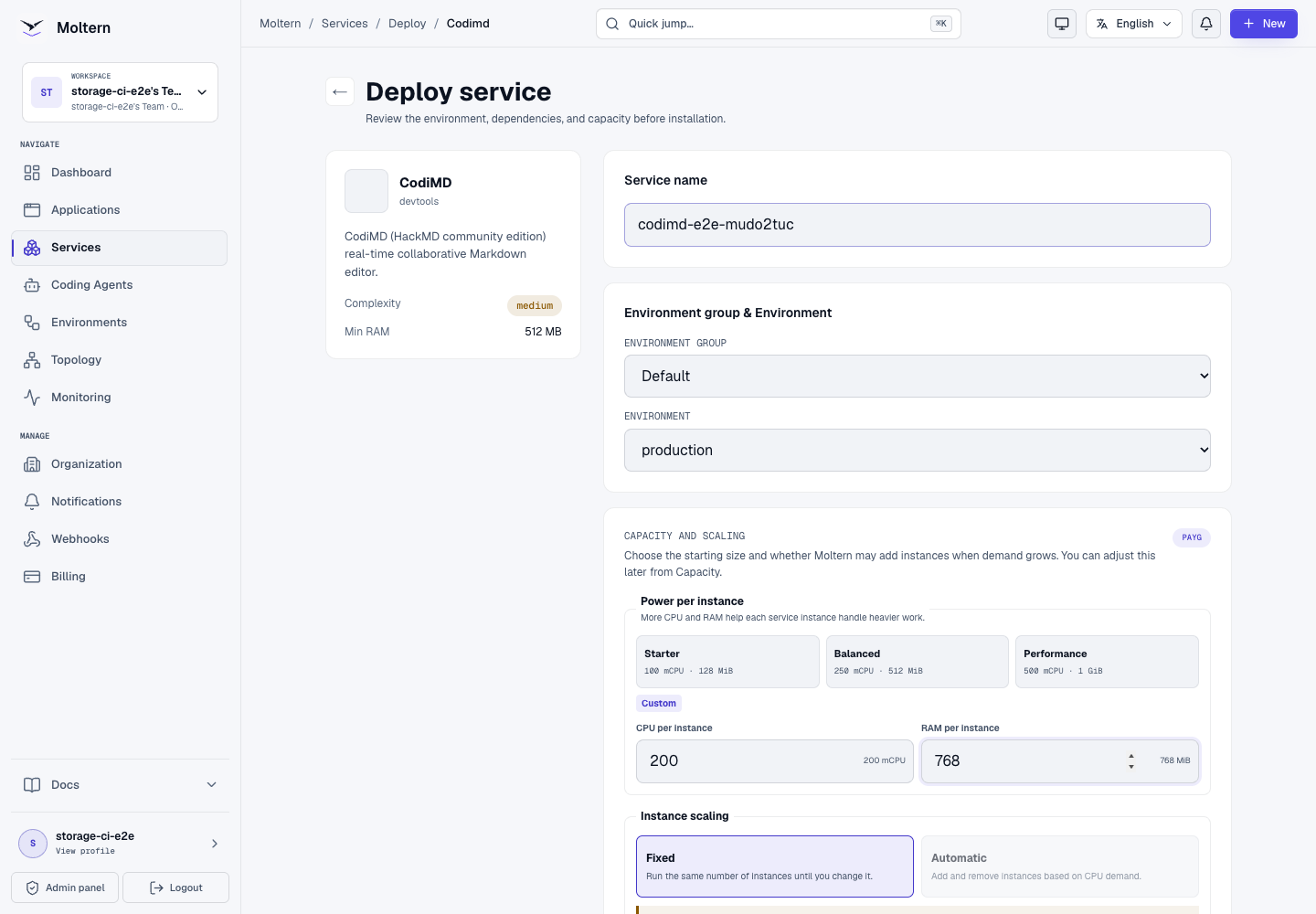
- Enter a unique service name.
- Choose the environment that should own the notes and database.
- Choose the initial CPU and memory capacity.
- Under Required services, keep Create a new PostgreSQL selected for an independent installation.
- Select Preview deploy.
- Confirm that the preview shows two workloads and no dedicated storage volume.
- Select Confirm deploy and wait for Running.
Database initialization can take several minutes on a new workspace. Keep the current deployment open instead of submitting another install. Use Live Logs when a stage stops progressing.
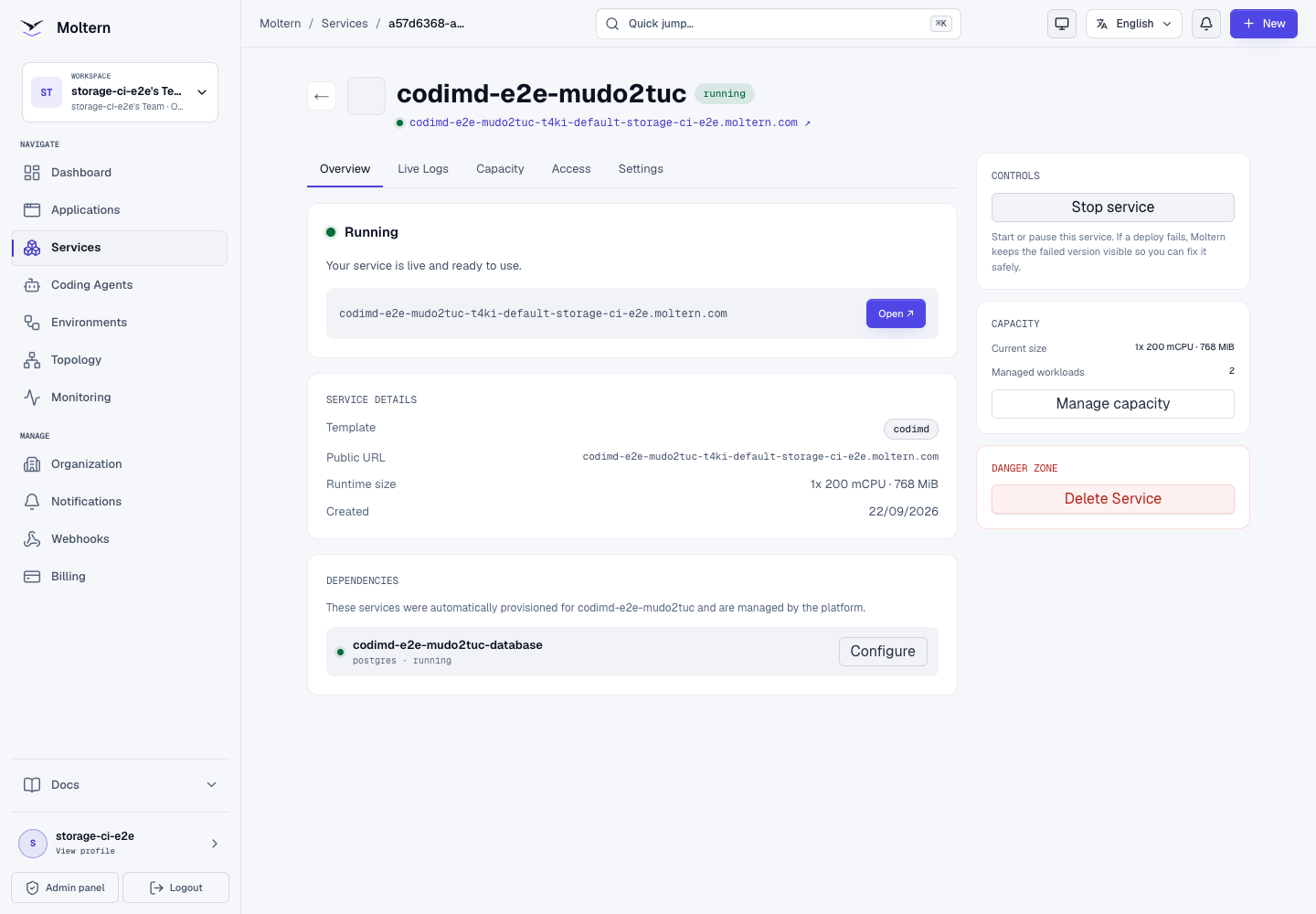
The service Overview exposes the HTTPS address only after both PostgreSQL and CodiMD are ready.
Create Your Account
Open the generated URL, then:
- Select Sign In.
- Enter your email address and a unique password.
- Select Register.
- Wait for the successful-registration message.
- Open Sign In again and authenticate with the new account.
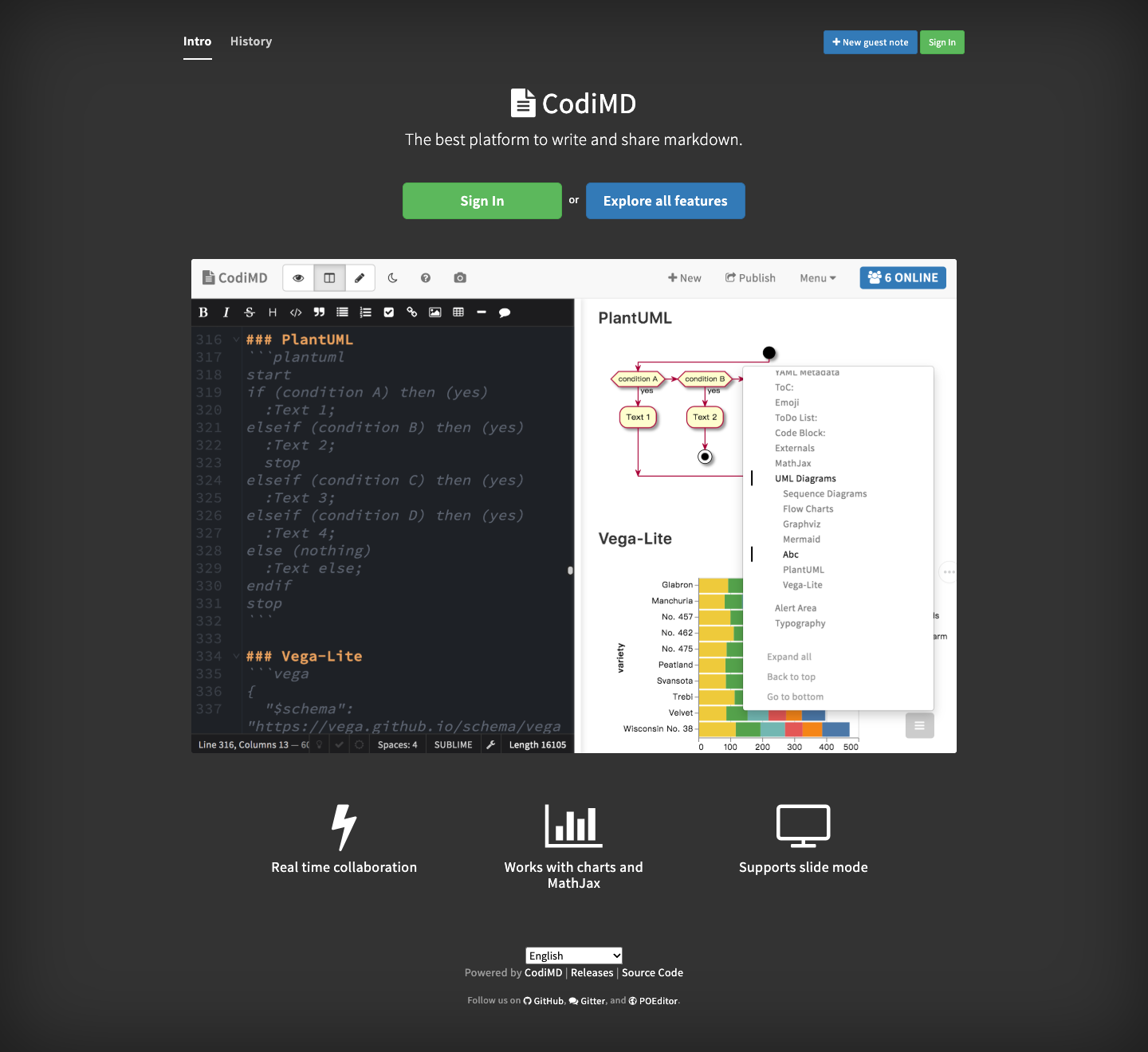
Registration creates a CodiMD account. It does not reuse your Moltern password or social login. Do not place the CodiMD password in a note, service variable, repository or screenshot.
Anonymous guest notes are enabled for the quick-start workflow. Sign in before creating important notes so the account owns them and they appear in its history.
Create And Format A Note
- Select New note.
- Start the first line with
#and a title. - Add Markdown content in the editor.
- Use the toolbar to switch between Edit, Both, and View.
- Wait for the saved-state indicator before closing the page.
- Copy the note URL only after choosing the intended permission.
Example content:
# Release runbook

## Checklist

- [ ] Confirm the deployment is healthy
- [ ] Review the database migration
- [ ] Record the release owner

| Check | Result |
| --- | --- |
| Application | Ready |
| Database | Connected |
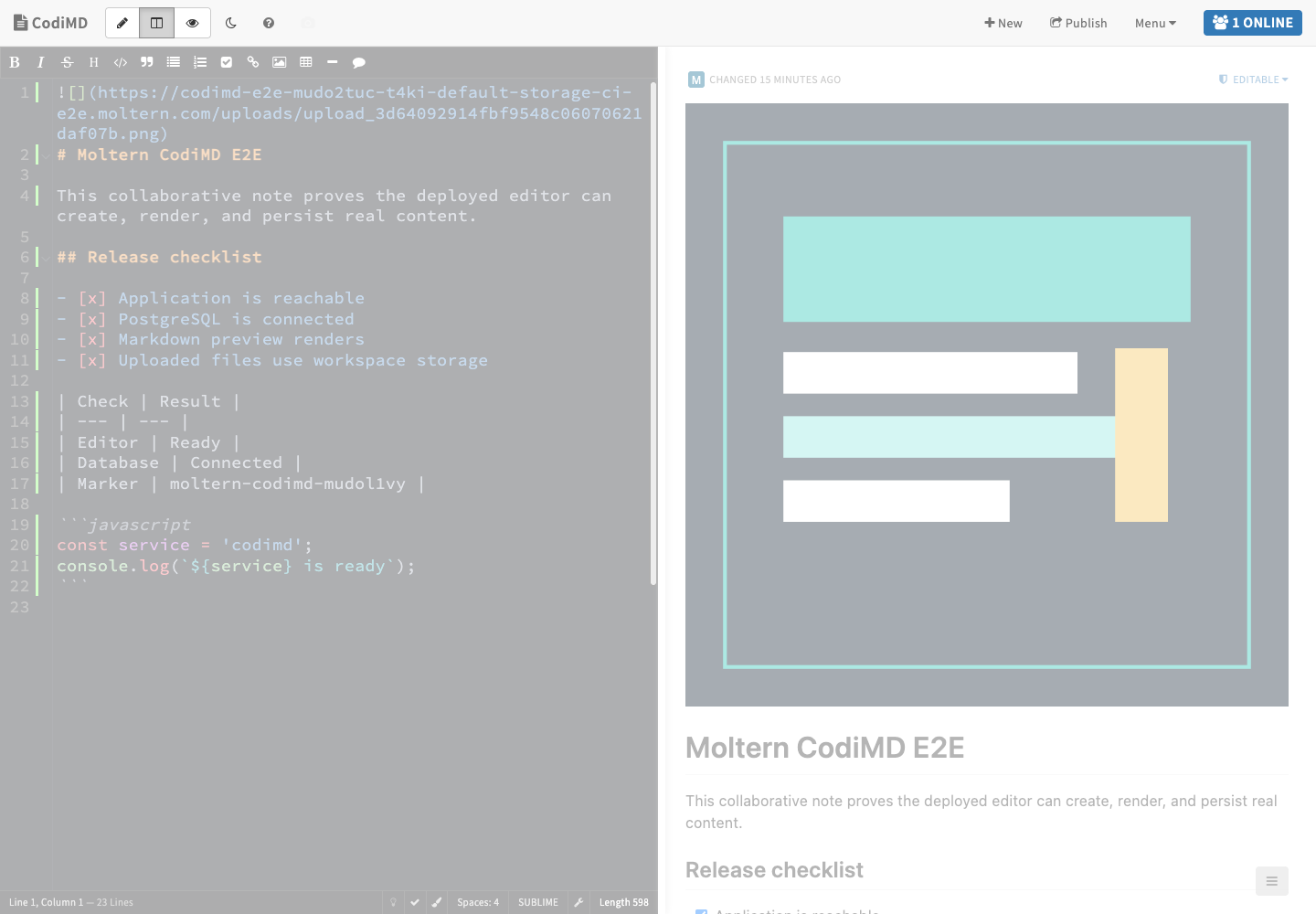
CodiMD supports headings, code blocks, tables, task lists, links, mathematical notation and several diagram formats. Preview advanced syntax before sharing a note because rendering support can differ from another Markdown application.
Upload Images
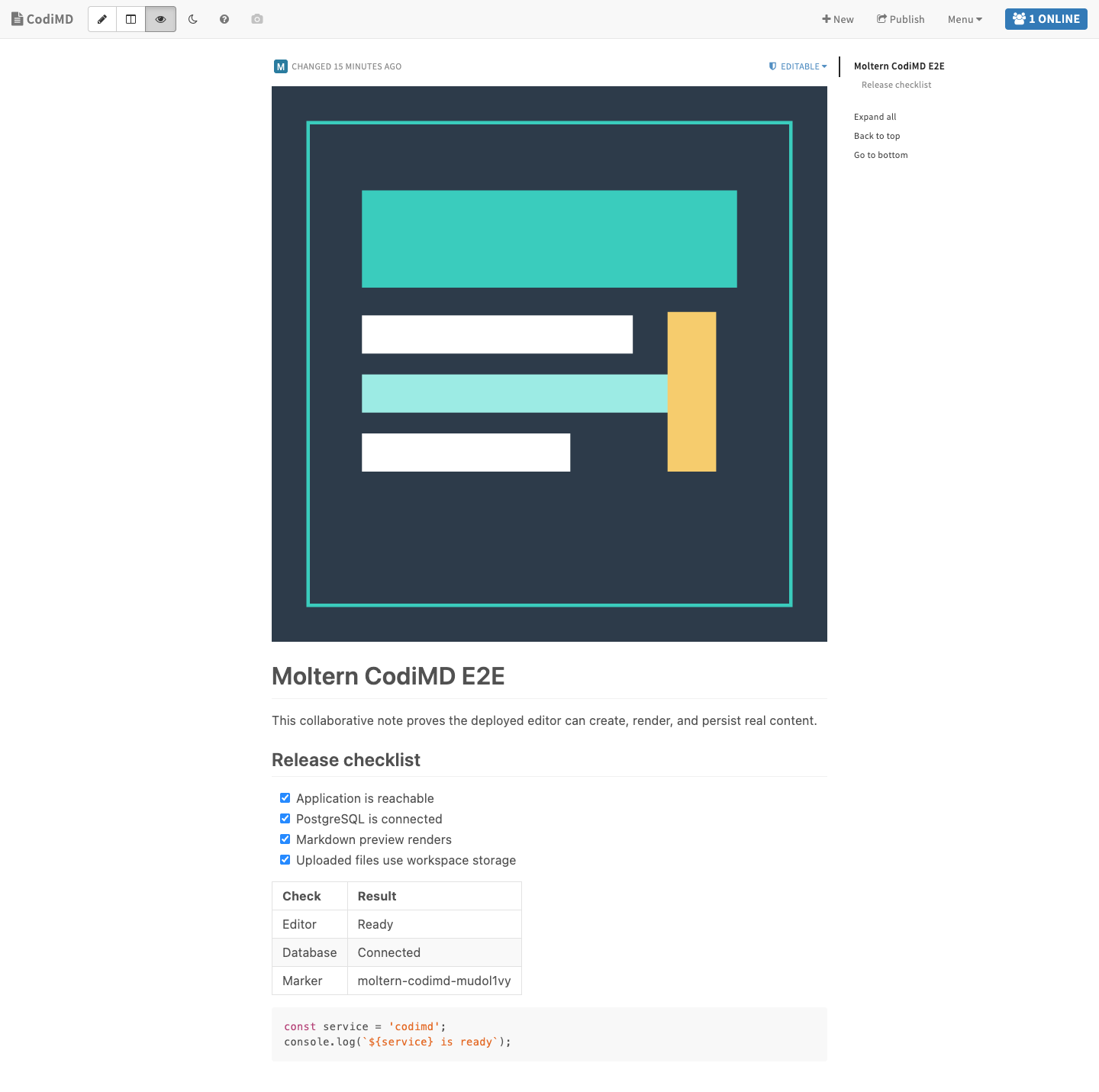
Use the image action in the editor toolbar or drag a supported image into the editor. CodiMD uploads the file and inserts its Markdown link into the note.
After upload:
- switch to View;
- confirm that the image renders;
- reload the note;
- open the image URL in a separate browser context when it is meant to be public;
- remove any sensitive metadata from images before uploading.
The production validation uploaded an 11,539-byte PNG, rendered it in the
note and downloaded the exact original bytes after a runtime replacement.
Share And Collaborate
Use the permission menu in the note header before sharing a URL. CodiMD can allow different combinations of reading and editing depending on its note permission.
For team content:
- create the note while signed in;
- choose the least permissive option that supports the collaboration;
- avoid putting passwords, API keys or customer secrets in a shared note;
- review the online-user indicator during a live editing session;
- export important notes as part of the team's backup process.
The validated workflow proves account ownership and a freely editable note. It does not certify every permission mode, concurrent editor conflict, external identity provider or large-team collaboration scenario.
PostgreSQL Dependency
CodiMD requires PostgreSQL for users, notes, revisions, sessions and sharing metadata. For a new installation, Moltern creates the database automatically and connects it without asking you to copy credentials into the setup page.
The dependency remains private and has no public database URL. Its lifecycle is managed with the parent CodiMD service:
- stopping CodiMD leaves PostgreSQL available;
- starting CodiMD reconnects to the same database;
- deleting CodiMD with stored data also removes the automatically created database and its isolated data path.
When the deployment screen offers a compatible existing database, reuse it only when the database ownership and backup policy are understood. Deleting a consumer must not delete a database that was connected as an existing service. That reuse path has not yet been certified for CodiMD.
Storage And Persistence
The deployment has two persistent data owners:
| Owner | Stored data |
|---|---|
| CodiMD | Uploaded images in the service's isolated workspace path |
| PostgreSQL | Accounts, notes, revisions, sessions, permissions and history in its isolated database path |
Neither workload creates a CodiMD-specific cloud disk. Both use separate paths inside the workspace storage allocation, and CodiMD receives only its uploads path.
In the lifecycle test, Stop service removed the CodiMD runtime while the database remained ready. Start service created a new runtime. The account, note, table, checklist, code block and uploaded image all remained available, and the image checksum was unchanged.
Stopping and starting is not a backup. For important notes, keep a coordinated backup of PostgreSQL and uploaded files and test restoring both into a disposable environment. Restoring only one side can leave note links and files inconsistent.
Capacity And Metering
Moltern meters CodiMD and its managed database as separate workloads. The customer billing view reports their configured CPU, memory, instance count and measured workspace-storage use.
During production validation, the collector recorded:
| Workload | CPU | Memory | Instances | Measured storage |
|---|---|---|---|---|
| CodiMD | 200 mCPU | 768 MiB | 1 | 23,078 bytes |
| PostgreSQL | 100 mCPU | 256 MiB | 1 | 48,488,468 bytes |
Both storage values exactly matched direct filesystem measurements at the same collection point. Removing stored data returned active CPU, memory, instances and storage to zero.
Review Billing before importing a large note archive or uploading many images. Database revisions and uploaded files can continue to grow even when runtime capacity remains unchanged.
Operate CodiMD In Moltern
Use the service page for:
- Overview to open CodiMD and check health;
- Live Logs to investigate database migrations, startup and WebSocket errors;
- Capacity to change the fixed CPU and memory reservation;
- Access to review approved workload connections;
- Settings to manage service variables;
- Stop service and Start service to pause and restore the application.
Moltern keeps Start in Deploying until the new CodiMD runtime is ready. The database dependency remains running during a normal CodiMD stop/start.
Delete CodiMD
- Export notes and verify the backup.
- Open the CodiMD service in Moltern.
- Select Delete Service.
- Review the parent and managed-database impact.
- Choose Delete stored data only when both notes and uploads may be destroyed.
- Complete the protected account confirmation.
Deleting stored data removes the CodiMD path and its automatically created PostgreSQL path. It does not delete the workspace's shared storage or data that belongs to other workloads.
Troubleshooting
| Symptom | What to check |
|---|---|
| Deployment waits for PostgreSQL | A new database can take several minutes to initialize. Keep one install active and review the dependency stage in Live Logs. |
| Deployment reports another operation in progress | A platform rollout or interrupted Helm operation may have overlapped the install. Do not submit more installs; wait for the current operation, then retry after the failed deployment is cleaned up. |
| CodiMD cannot connect to PostgreSQL | Confirm that the managed dependency is Running. Do not replace generated database values with localhost; CodiMD and PostgreSQL are separate workloads. |
| The URL opens but the editor does not connect | Check Live Logs, browser WebSocket errors and current service health. Reload only after Moltern reports Running. |
| Registration succeeds but sign-in fails | Use the CodiMD email and password, not your Moltern credentials. Password recovery requires the product's email configuration, which is not part of the default catalog deployment. |
| A note is missing from History | Confirm that it was created while signed in. Guest notes are not automatically attached to a later account. Open the saved note URL directly. |
| An uploaded image disappears | Confirm that the image link points to the current CodiMD host and that the upload completed before restart. Review storage usage and logs. |
| The service starts with an empty history | Stop further writes. Verify the PostgreSQL dependency and restore both database and uploads from the same recovery point. |
Frequently Asked Questions
Does CodiMD need PostgreSQL?
Yes. Moltern creates and connects a private PostgreSQL service for a fresh deployment.
Can I use CodiMD without an account?
Guest notes are available, but important notes should be created while signed in so they have an owner and appear in account history.
Are note links private by default?
Do not infer privacy from an unlisted URL. Review the note permission before sharing and avoid storing secrets in collaborative notes.
Will Stop service delete my notes?
No. A normal stop removes the active CodiMD runtime and retains PostgreSQL and uploads. Delete stored data is the destructive action.
Can I scale CodiMD horizontally?
Not with the current catalog contract. It uses one fixed application instance to preserve predictable real-time session behavior.
Can I reuse an existing PostgreSQL service?
Moltern can present compatible services in the same environment. Review ownership, isolation, backup and deletion behavior before selecting one. The current CodiMD E2E validated a newly managed database, not reuse.
Validated Scope
The current Moltern E2E covers deployment through the real UI, automatic PostgreSQL provisioning, registration and sign-in, an account-owned Markdown note, table, checklist and code rendering, image upload and exact retrieval, runtime replacement, persistent account/note/upload data, resource and storage metering, and protected deletion of the parent and owned dependency.
It does not certify existing-database reuse, every note permission, simultaneous multi-user editing, coding-agent attachment, sibling-path denial, email-based password recovery, independent backup restoration, interrupted database writes or elapsed-time billing.