Deploy EspoCRM
EspoCRM is an open-source customer relationship management system for accounts, contacts, leads, opportunities, activities and support work. Moltern deploys the CRM with a private MariaDB dependency, protected administrator credentials, a live HTTPS URL and durable workspace storage.
What Moltern Deploys
| Component | Purpose | Access |
|---|---|---|
| EspoCRM | CRM interface and API | Generated HTTPS URL with sign-in |
| Managed MariaDB | Accounts, users, activity and configuration | Private to the selected environment |
| Workspace files | Customisations, uploads and runtime data | Assigned to this service |
Moltern can create MariaDB automatically or connect a compatible database that already exists in the environment. Reusing a database does not transfer its ownership to EspoCRM, and deleting EspoCRM will not remove a reused dependency.
Before You Start
You need a workspace, an environment and permission to create services. Prepare a unique service name, an administrator username and a strong password.
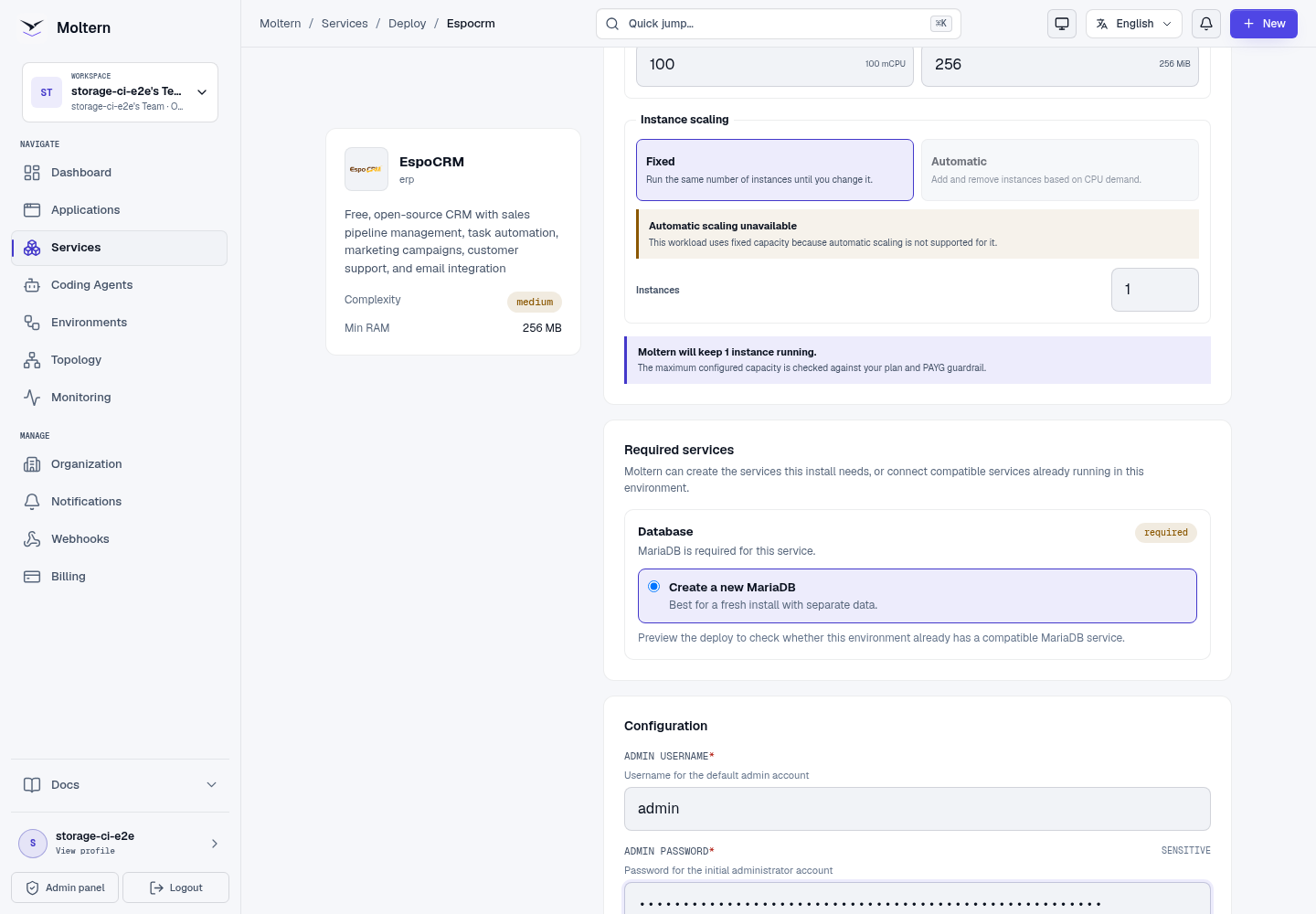
The validated starting profile reserves 100 mCPU and 256 MiB for EspoCRM. The database is sized and metered separately. Review the complete install impact before confirming because customer volume, email integration, automation and reporting can require additional capacity.
Deploy EspoCRM
- Open Services and select EspoCRM.
- Choose the destination project and environment.
- Enter a unique service name.
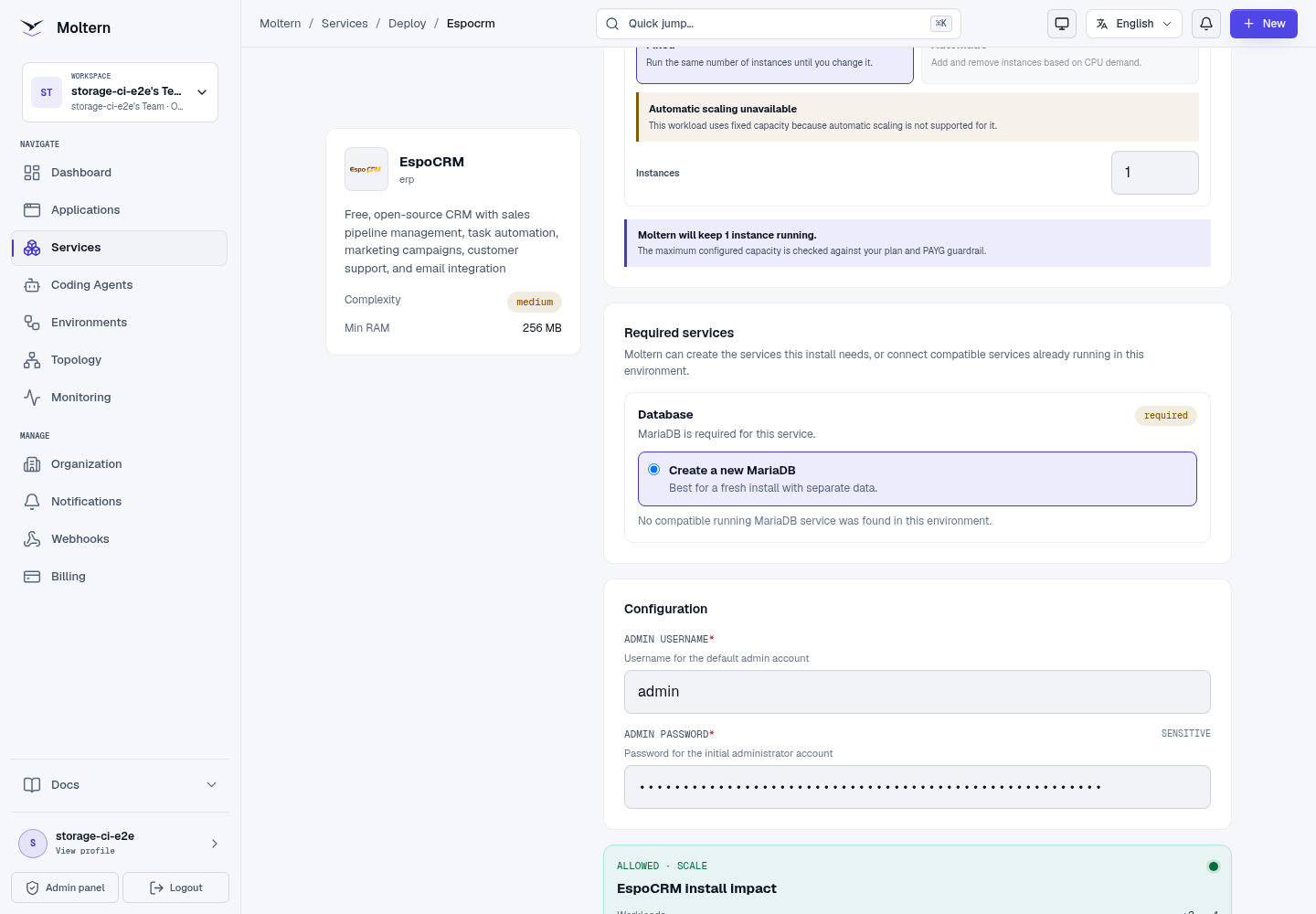
- Reuse a compatible MariaDB service or choose Create a new MariaDB.
- Set the initial administrator username and password.
- Preview the deployment and review the application, dependency and storage impact.
- Confirm and wait until the service reports Running.
The first start prepares the database and application configuration. Follow Live Logs when setup takes longer than expected instead of launching a duplicate installation.
Sign In And Create An Account
Open the generated URL and sign in with the administrator username and password from deployment. Verify the CRM with a non-sensitive account:
- Open Accounts.
- Select Create Account.
- Enter a recognisable account name.
- Set Type to Customer and add an optional description.
- Save, then reopen the account from the list.
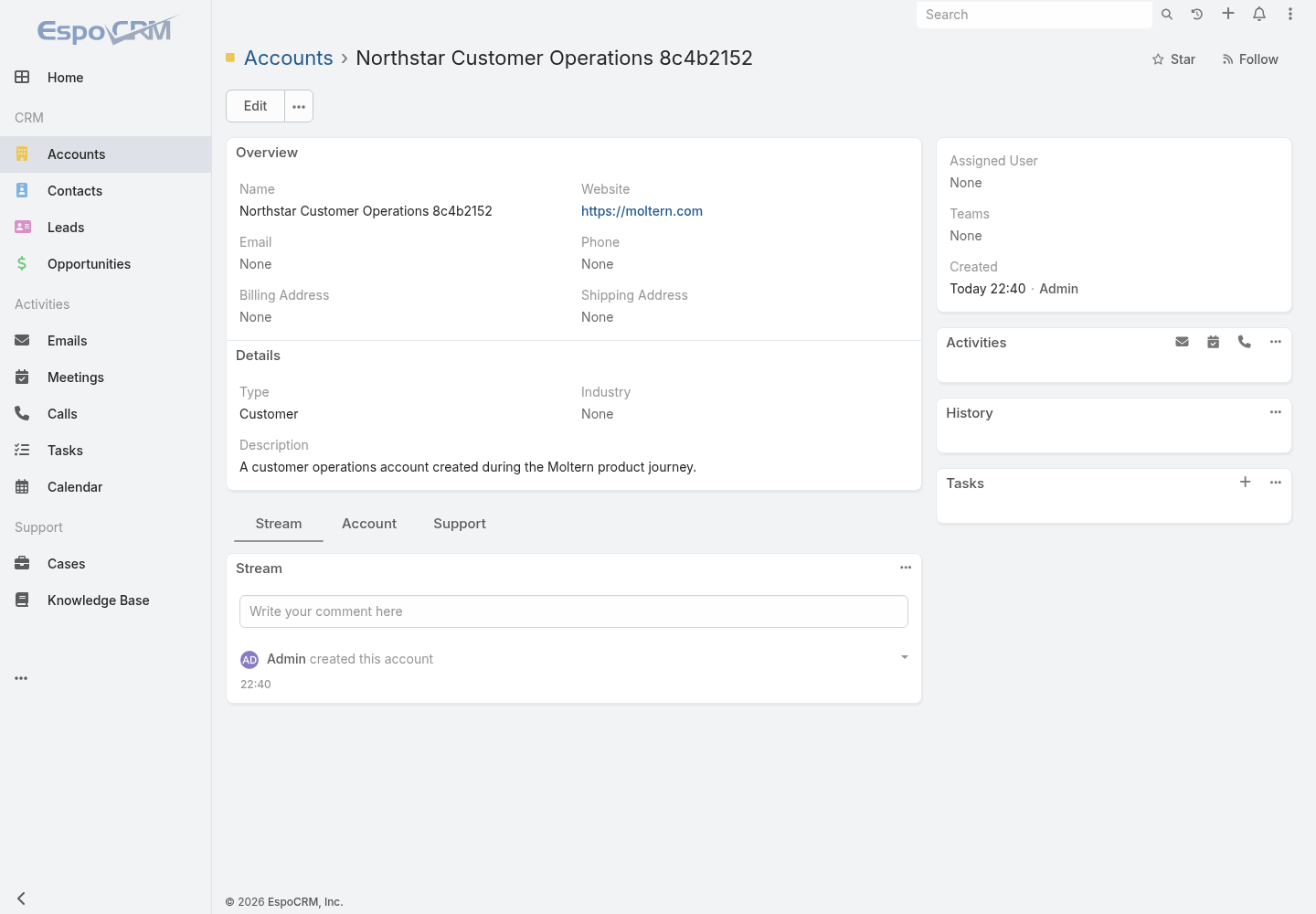
This confirms that the web interface, authenticated API and MariaDB state are working together. Configure contacts, teams, roles and email only after this basic write-and-read check succeeds.
Credentials And Private Connections
The initial administrator credential is available through protected connection details in the Moltern service settings. Revealing it requires account confirmation. Store it in your approved password manager.
Passwords changed inside EspoCRM are managed by EspoCRM; the initial protected value does not track later product-side changes. Configure an organisation-owned mailbox before relying on email-based password recovery.
Applications and coding agents should receive only the specific connection they need. Normal CRM users do not need direct database credentials. If a trusted integration uses the EspoCRM API, create a dedicated API user and limit its roles rather than sharing the administrator account.
Persistence And Restart
CRM records, users and most configuration live in managed MariaDB. Supported files and customisations use the assigned workspace path. A normal stop/start replaces the EspoCRM runtime while preserving those resources.
After restart, sign in and reopen a known account before resuming imports or automation.
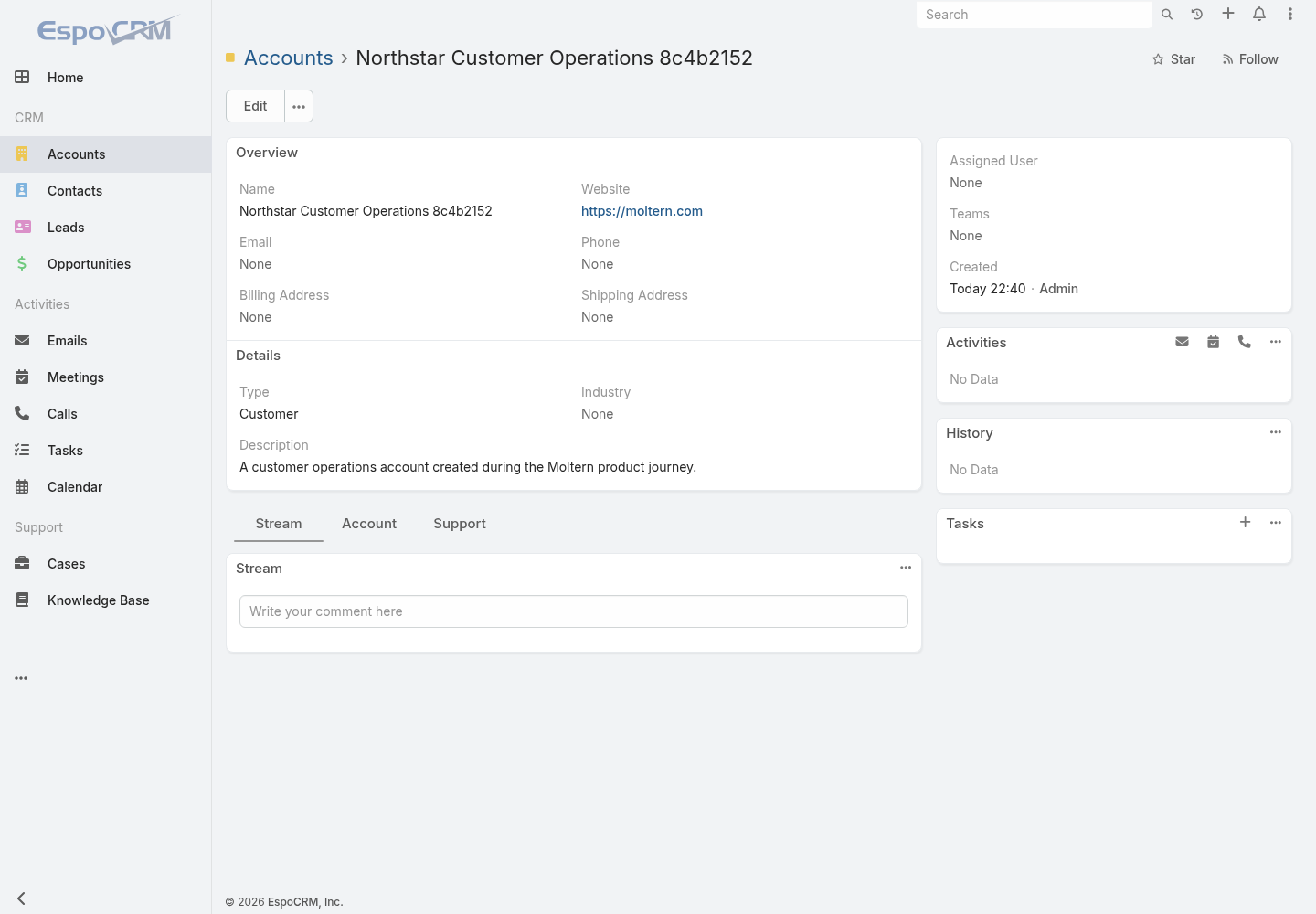
This check proves restart persistence, not independent backup recovery. Export critical CRM data and test your restore procedure separately.
Capacity And Metering
Moltern shows EspoCRM and MariaDB as separate workloads in usage and billing.
Review CPU, memory, replicas and measured stored bytes for each. A configured
storage allowance is a maximum, while the usage view reports measured data;
small values can round to 0 GiB.
Resize the web application and database based on observed pressure. Schedule stateful changes when a short interruption is acceptable, and verify a known account after the operation.
Delete EspoCRM
- Export records and attachments that must be retained.
- Open the EspoCRM service and choose Delete Service.
- Choose whether its stored files should be deleted or retained.
- Complete protected account confirmation.
Moltern removes an auto-provisioned MariaDB dependency with the parent when you choose to delete stored data. A reused database remains available to its other consumers. Retained workspace files continue to count toward storage usage.
Troubleshooting
| Symptom | What to check |
|---|---|
| Initial deployment remains pending | Confirm the selected MariaDB service is healthy and inspect Live Logs for database setup errors. |
| Administrator sign-in fails | Use the configured username, not the administrator email address, unless they were deliberately made the same. |
| The page loads but records cannot be saved | Check API requests and service logs, then confirm MariaDB is still attached and Running. |
| Incoming or outgoing email fails | Verify mailbox credentials, provider policy and allowed network access; test with a dedicated account. |
| Custom files disappear after restart | Stop changes and confirm the service still uses its original workspace data before attempting recovery. |
| A reused database blocks deletion | Remove active attachments deliberately; do not delete a shared database to work around the relationship. |