Deploy LimeSurvey
LimeSurvey is an open-source platform for questionnaires, participant lists, quotas and response analysis. Moltern deploys it with a private PostgreSQL dependency, a generated HTTPS URL, protected administrator credentials and durable workspace storage.
What Moltern Deploys
| Component | Purpose | Access |
|---|---|---|
| LimeSurvey | Survey administration and public questionnaires | Generated HTTPS URL |
| Managed PostgreSQL | Surveys, users, participants and responses | Private to the selected environment |
| Workspace files | Uploaded resources, themes and supported runtime files | Assigned to this service |
Moltern can create PostgreSQL for this installation or connect a compatible database already running in the same environment. An automatically created database follows the LimeSurvey lifecycle. A reused database remains an independent service and is not deleted with LimeSurvey.
Before You Start
You need a workspace, an environment and permission to create services. Prepare a unique service name, an organisation-owned administrator email, an administrator username and a strong password.
The validated starting profile reserves 100 mCPU and 256 MiB for LimeSurvey. PostgreSQL has its own capacity and usage entry. Review the deployment preview because participant volume, concurrent surveys and large exports can require more capacity.
Deploy LimeSurvey
- Open Services and select LimeSurvey.
- Choose the project and environment that will own the survey data.
- Enter a unique service name.
- Reuse a compatible PostgreSQL service or select Create a new PostgreSQL.
- Enter the administrator name, email, username and password.
- Review the application, database and storage impact.
- Confirm the deployment and wait for Running.
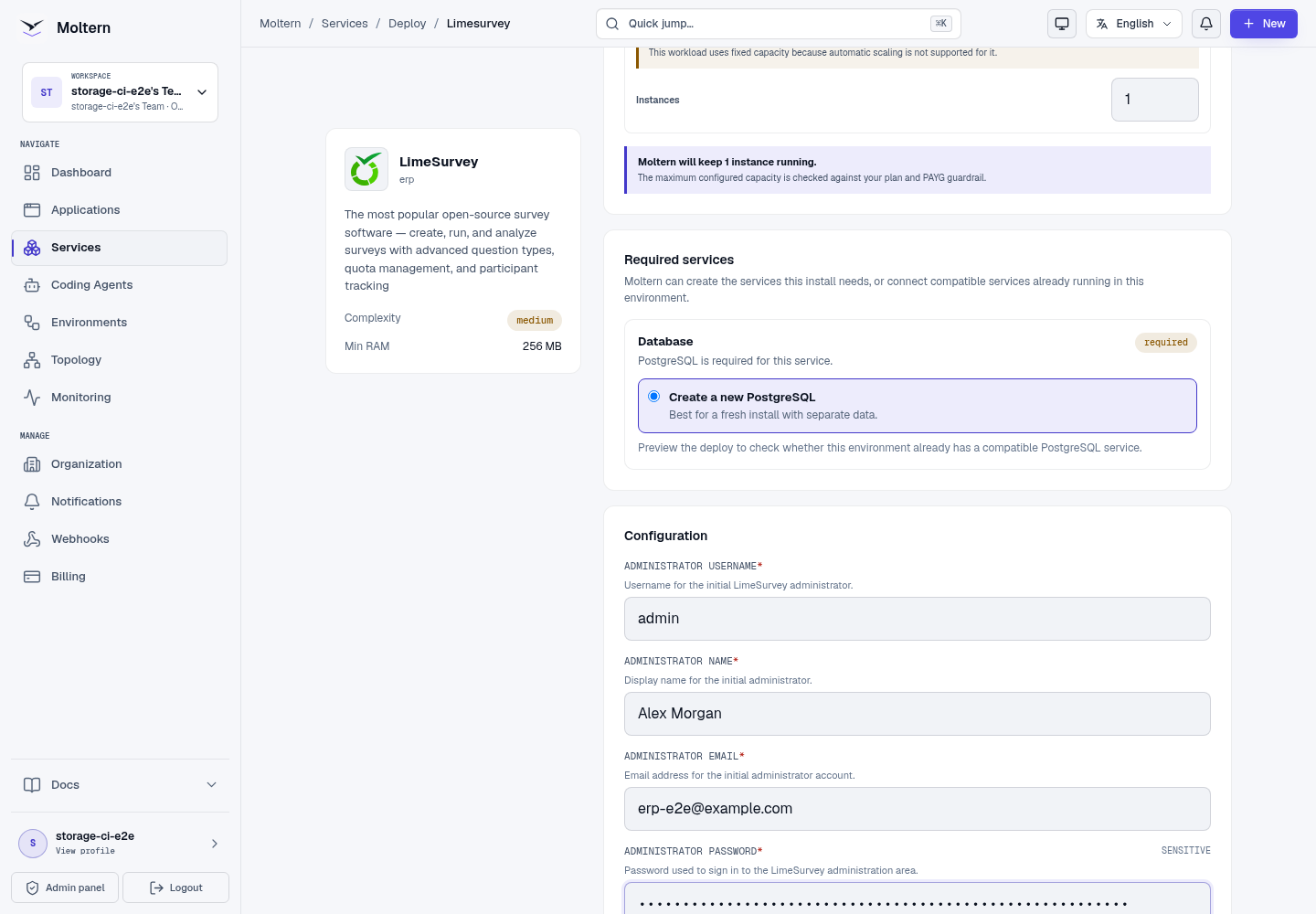
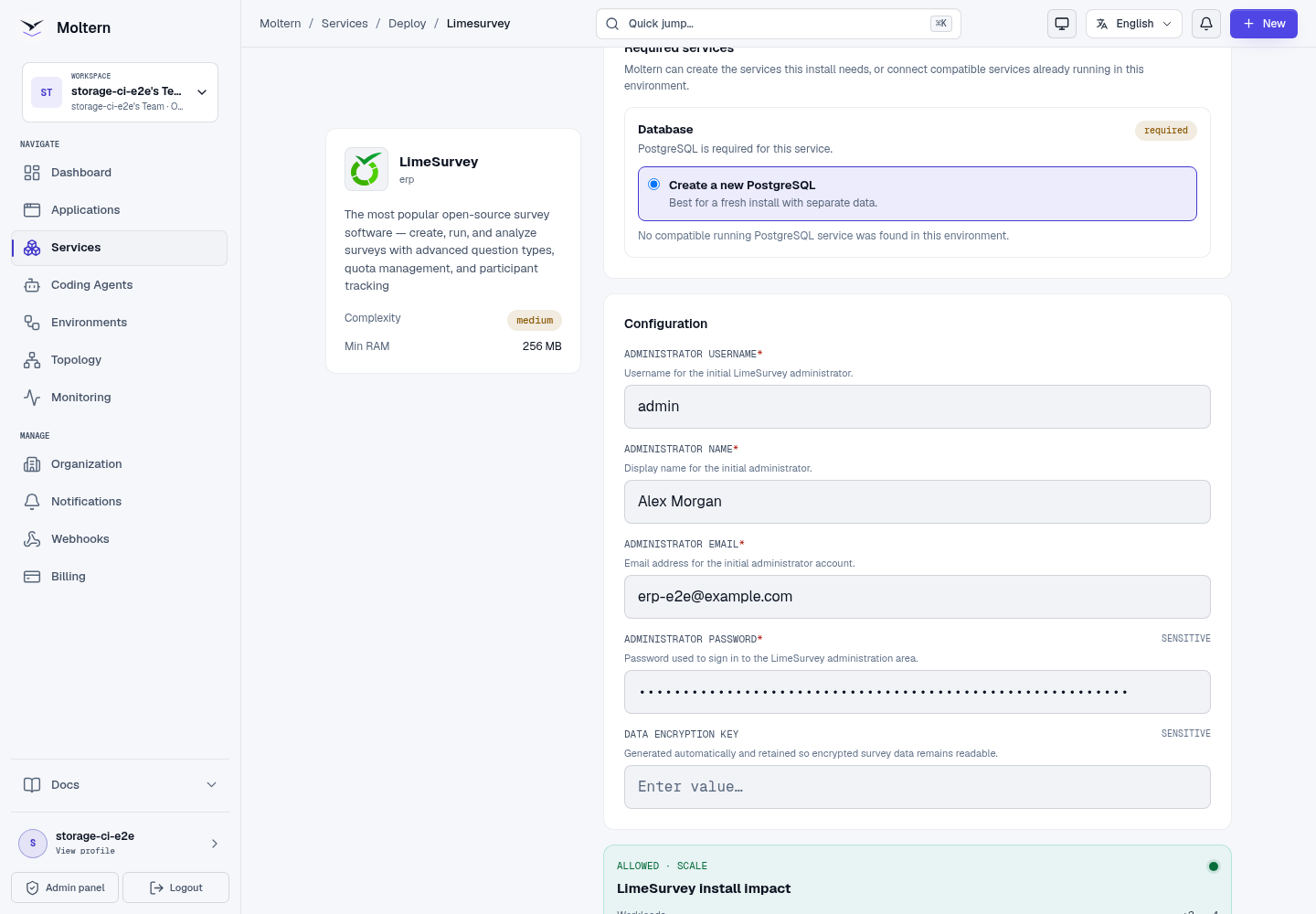
The first start prepares the database and application configuration. Use Live Logs when setup takes longer than expected instead of submitting a second installation.
Sign In And Create A Survey
Open the generated URL and select the administration sign-in. Use the administrator username and password entered during deployment.
- Select Create survey from the administration dashboard.
- LimeSurvey opens the new survey in its editor with a sample question group and question.
- Select the large survey title in the Welcome screen and enter a clear name.
- Wait for the Saved at status before navigating away or refreshing.
- Edit the sample question or add another question to the existing group.
- Preview the questionnaire and confirm its title and question are visible.
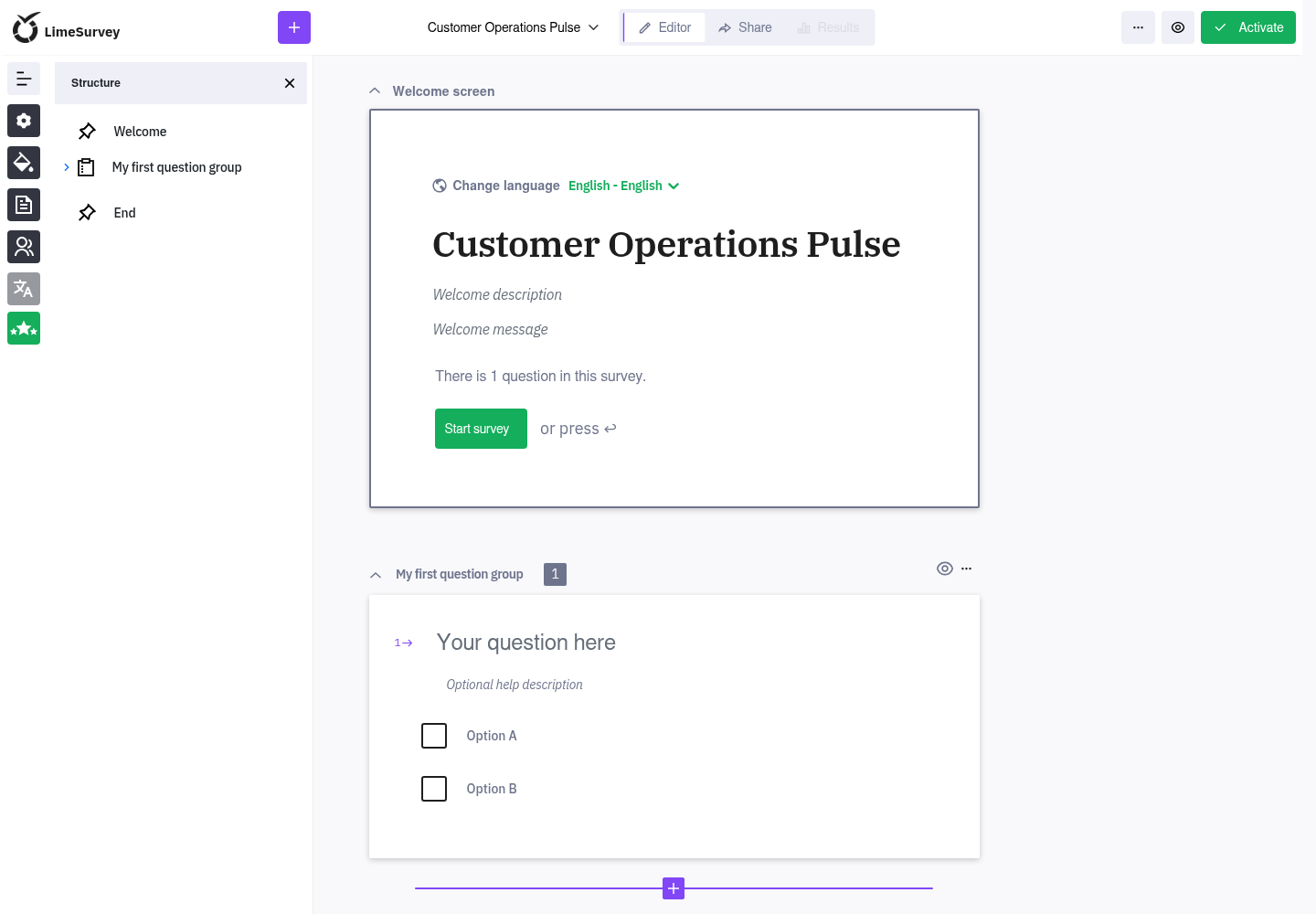
Creating and reopening a survey exercises authentication, PostgreSQL writes and the administration interface. A public survey list or sign-in page alone does not prove that the installation can be used.
Credentials And Password Recovery
The initial administrator credential is available through protected connection details in the service settings. Revealing it requires account confirmation. Store it in your organisation's approved password manager.
Password changes made inside LimeSurvey are managed by LimeSurvey and do not update the protected initial value. Configure an organisation-owned email sender and test delivery before depending on email recovery or invitations. Normal survey authors and participants do not need database credentials.
Persistence And Restart
Surveys, users, participants and responses live in managed PostgreSQL. Supported uploaded resources and service files use LimeSurvey's assigned workspace path. Stopping and starting the service replaces the runtime while preserving those resources.
After a restart, sign in and reopen a known survey before accepting new responses.
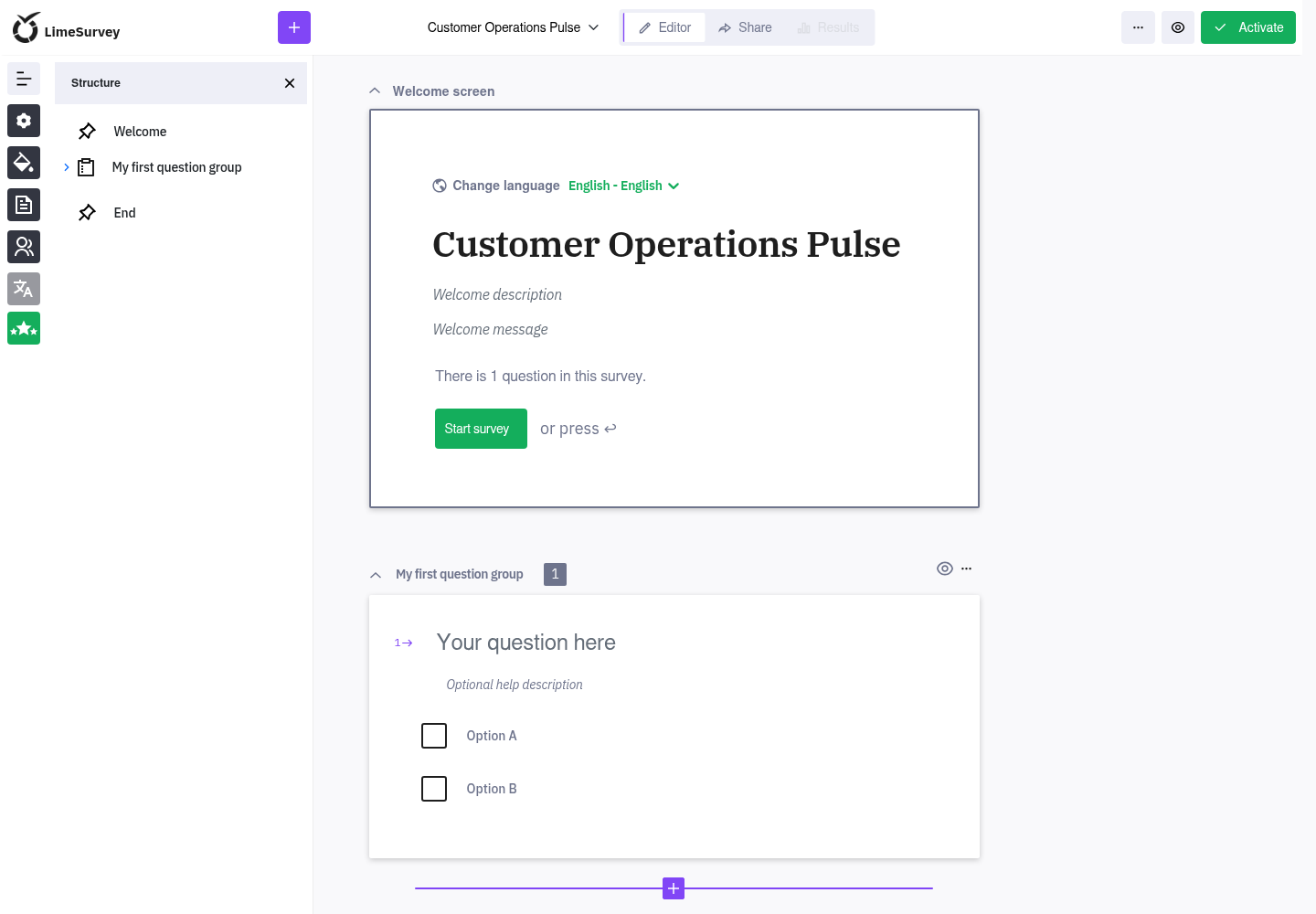
Restart persistence is not an independent backup restore. Export survey structures and responses on an appropriate schedule and test recovery before collecting important data.
Capacity And Metering
Moltern meters LimeSurvey and PostgreSQL as separate workloads. Review CPU,
memory, replicas and measured stored bytes in usage and billing. Requested
storage is an allowance; small measured values can display as 0 GiB after
rounding. Resize the application and database according to their own pressure.
Delete LimeSurvey
- Export survey structures and responses that must be retained.
- Open the LimeSurvey service and choose Delete Service.
- Decide whether to delete or retain its assigned files.
- Complete protected account confirmation.
Deleting the parent with stored data also removes a PostgreSQL dependency that Moltern created only for this installation. A reused database is not deleted. Retained files continue to count toward workspace storage usage.
Troubleshooting
| Symptom | What to check |
|---|---|
| Deployment remains pending | Confirm PostgreSQL reached Running, then inspect Live Logs for first-start errors. |
| Administrator sign-in fails | Use the configured username rather than the display name or email address. |
| The public page has no surveys | Sign in to administration and create or activate a survey; the public list is not the administration screen. |
| A survey cannot be saved | Check required title and language fields, then confirm PostgreSQL is attached and healthy. |
| Email invitations fail | Verify the configured sender, provider policy and allowed network access with a test recipient. |
| A survey is absent after restart | Stop new writes, verify the original database is attached and contact support before deleting or redeploying data. |