Deploy Odoo ERP and CRM
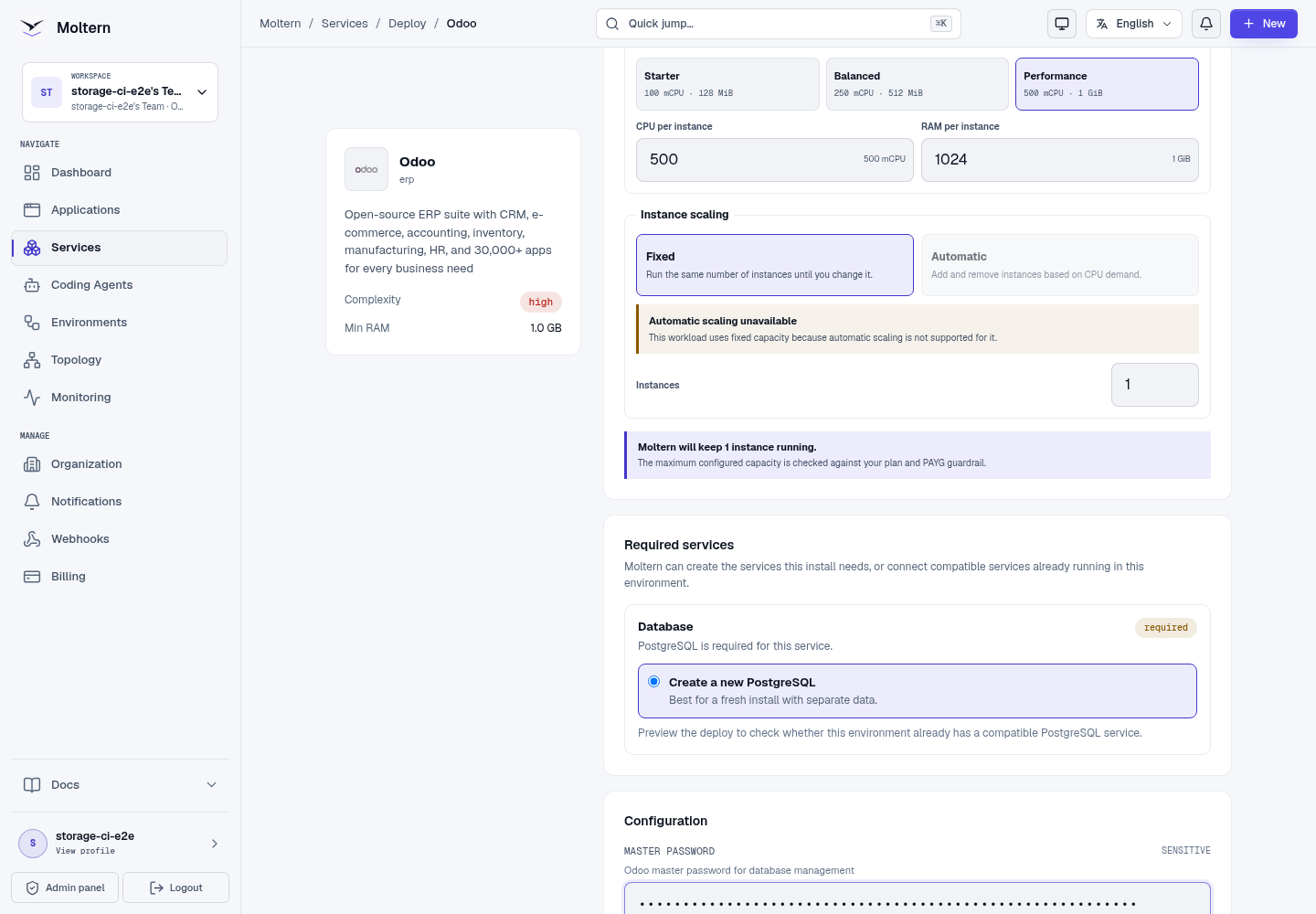
Odoo is an extensible business suite for CRM, sales, projects, inventory, websites and other operational workflows. Moltern deploys the Community edition with private PostgreSQL, a live HTTPS URL, a protected database manager credential and durable workspace storage.
What Moltern Deploys
| Component | Purpose | Access |
|---|---|---|
| Odoo | Business applications and administration | Generated HTTPS URL with sign-in |
| Managed PostgreSQL | Business databases, users, customers and application state | Private to the selected environment |
| Workspace files | Attachments and supported Odoo data files | Assigned to this service |
Moltern can create PostgreSQL for Odoo or connect a compatible database that already exists in the environment. Reusing a database does not transfer its ownership to Odoo, and deleting Odoo will not remove that reused service.
Before You Start
You need a workspace, an environment and permission to create services. Prepare a unique service name, an organisation-owned email for the first Odoo owner, a strong owner password and a database name containing letters, numbers or underscores.
The validated starting profile reserves 500 mCPU and 1 GiB for Odoo. PostgreSQL is sized and metered separately. Review the deployment preview because installed modules, workers, reports and attachments can increase both compute and storage requirements.
Deploy Odoo
- Open Services and select Odoo.
- Choose the destination project and environment.
- Enter a unique service name.
- Reuse a compatible PostgreSQL service or select Create a new PostgreSQL.
- Review the application, database and storage impact.
- Confirm the deployment and wait for Running.
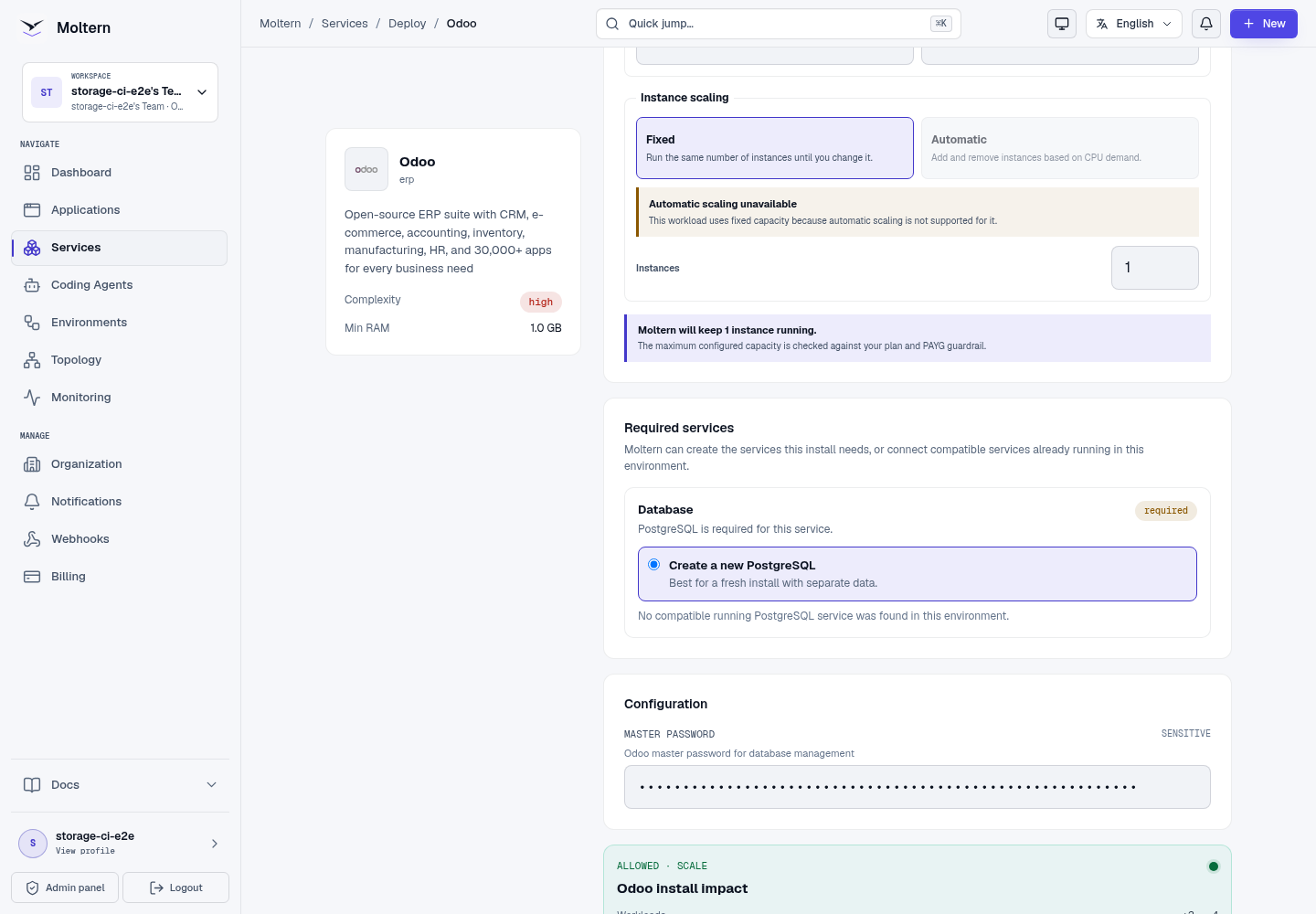
Odoo initially opens its database manager because no business database exists yet. The database manager credential is available through the service's protected connection details.
Create The First Database And Owner
- Open the generated Odoo URL.
- Reveal the protected master password from Connection Details after completing account confirmation.
- Enter that value as the Master Password.
- Choose a database name and enter the first owner's email and password.
- Choose the required language and country, then create the database.
- Wait for Odoo to finish initialising before closing the page.
The master password controls database-management actions. It is not the same as the first owner's sign-in password.
Create A Customer
After the owner account is ready, verify the installation with a harmless business record:
- Sign in with the owner email and password.
- Open Contacts.
- Create a company contact with a recognisable test name.
- Add a non-sensitive email and website.
- Save and reopen the contact.
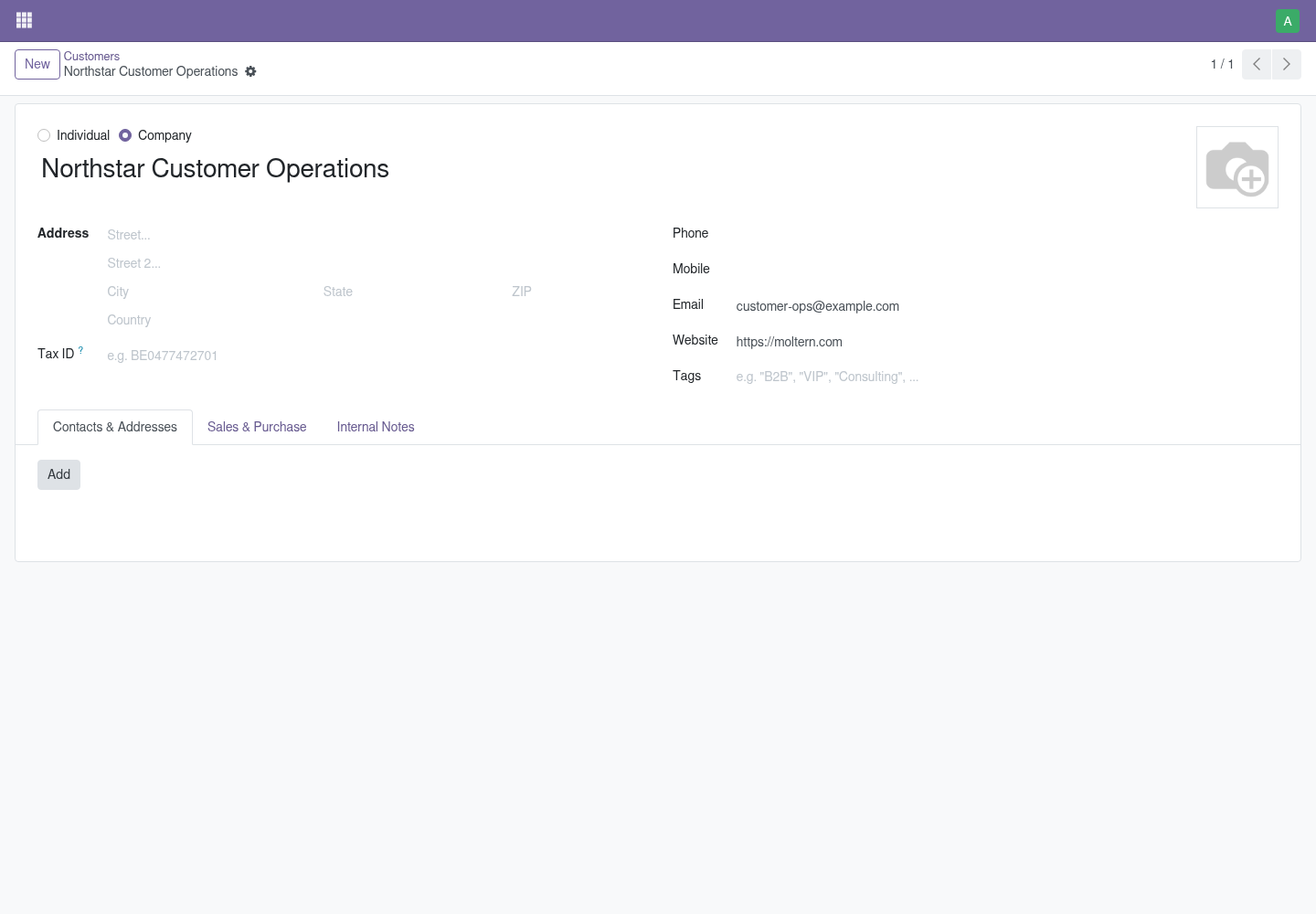
This confirms that the web interface, owner authentication, Odoo application logic and PostgreSQL writes work together.
Credentials And Account Recovery
Moltern protects the initial database manager credential behind account confirmation. Store it separately from normal user passwords and reveal it only when database administration is required.
Owner and employee passwords are managed inside Odoo. Configure an organisation-owned outgoing mail server and test delivery before relying on email invitations or password reset. Normal Odoo users do not need PostgreSQL credentials; use dedicated Odoo identities for integrations.
Persistence And Restart
Business records and user accounts live in managed PostgreSQL. Attachments and supported Odoo data files use the assigned workspace path. A normal stop/start replaces the Odoo runtime without deleting those resources.
After restart, authenticate against the same database and reopen a known customer before accepting new writes.
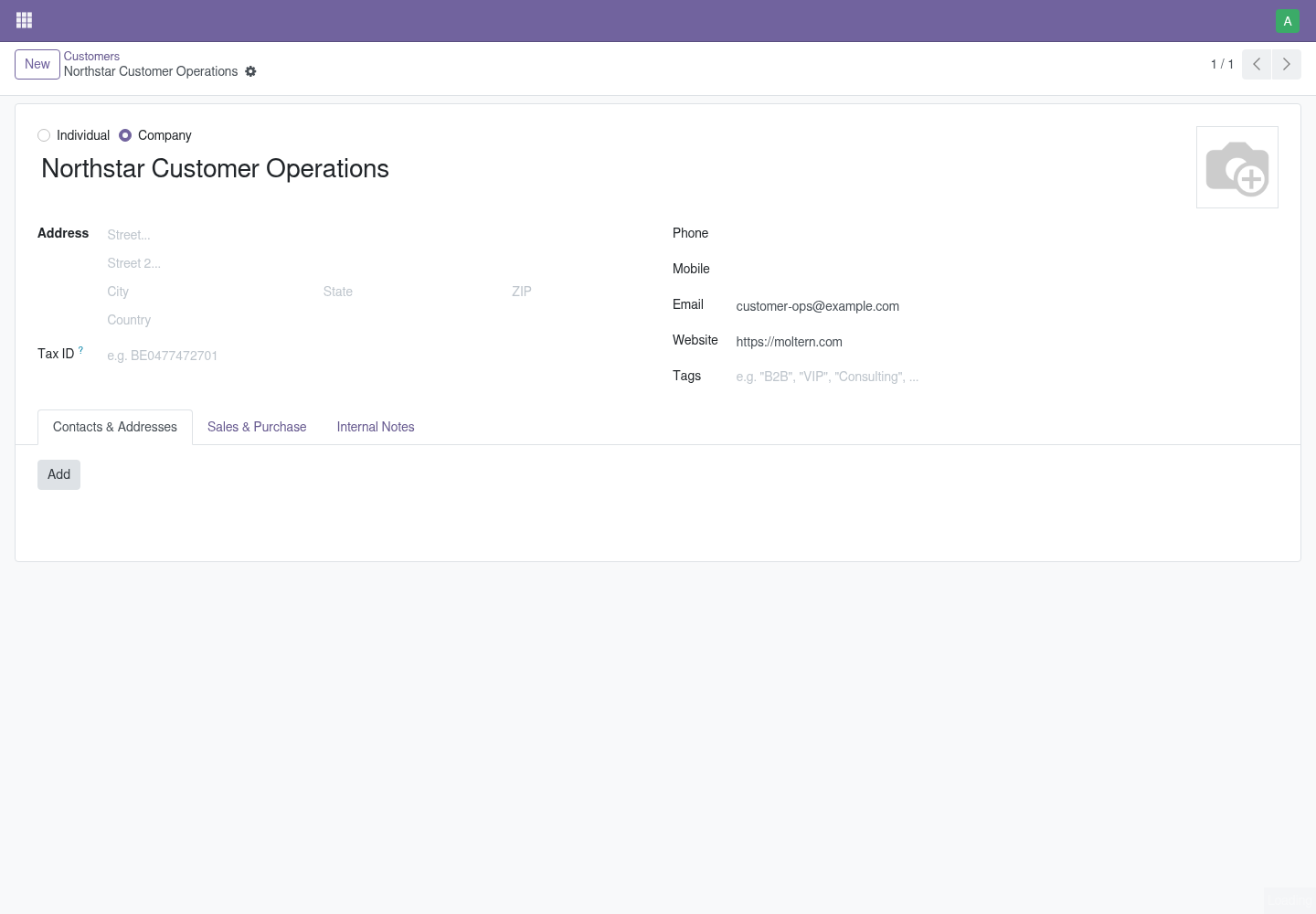
This check proves restart persistence, not independent backup recovery. Export critical data and maintain a tested recovery procedure appropriate to the installed modules.
Capacity And Metering
Moltern meters Odoo and PostgreSQL as separate workloads. Review CPU, memory,
replicas and measured stored bytes in usage and billing. Requested storage is
an allowance, while the usage view reports measured data; small values can
round to 0 GiB. Schedule stateful capacity changes outside important
operations and verify a known record afterward.
Delete Odoo
- Export the databases, attachments and records that must be retained.
- Open the Odoo service and choose Delete Service.
- Decide whether to delete or retain its assigned files.
- Complete protected account confirmation.
When PostgreSQL was created only for Odoo, deleting the parent with stored data also removes that managed dependency and its assigned data. A reused database remains available. Retained files continue to count toward storage usage.
Troubleshooting
| Symptom | What to check |
|---|---|
| Odoo remains on the database manager | Create the first database with the protected master password; deployment does not create the business owner automatically. |
| Database creation is rejected | Confirm the master password, database name and PostgreSQL health before retrying. |
| Owner sign-in fails | Select the correct database and use the owner email and password created in Odoo. |
| A module fails to install | Review its edition, dependencies and Odoo compatibility before changing the service. |
| Attachments fail | Check workspace storage usage and service logs before altering permissions or deleting files. |
| Records are absent after restart | Stop new writes, confirm the original PostgreSQL service and database are attached, then contact support. |