Deploy Twenty CRM
Twenty is an open-source CRM for people, companies, opportunities, notes and workflows. Moltern deploys the application and background worker with private PostgreSQL and Redis dependencies, protected application secrets, a generated HTTPS URL and durable workspace storage.
What Moltern Deploys
| Component | Purpose | Access |
|---|---|---|
| Twenty | CRM interface and authenticated API | Generated HTTPS URL |
| Twenty worker | Background jobs required by the CRM | No separate public URL |
| Managed PostgreSQL | Workspace, users and CRM records | Private to the selected environment |
| Managed Redis | Queues and transient coordination | Private to the selected environment |
| Workspace files | Supported uploaded and runtime files | Assigned to this service |
When compatible services are not selected, Moltern creates and connects both dependencies. You can reuse compatible services from the same environment. Reused dependencies remain independently owned and are not deleted with Twenty.
Before You Start
You need a workspace, an environment and permission to create services. Prepare a unique service name, an organisation-owned email for the first workspace owner and a strong owner password.
The validated starting profile reserves 300 mCPU and 1 GiB for the Twenty application plus 100 mCPU and 256 MiB for its worker. PostgreSQL and Redis have separate capacity and usage entries. Initial database migrations can take several minutes, so review the complete deployment preview and wait for the first run to finish.
Deploy Twenty
- Open Services and select Twenty.
- Choose the project and environment for the CRM workspace.
- Enter a unique service name.
- Choose compatible PostgreSQL and Redis services, or let Moltern create new managed dependencies.
- Review all application, worker, database, cache and storage requirements.
- Confirm the deployment and wait for Running.
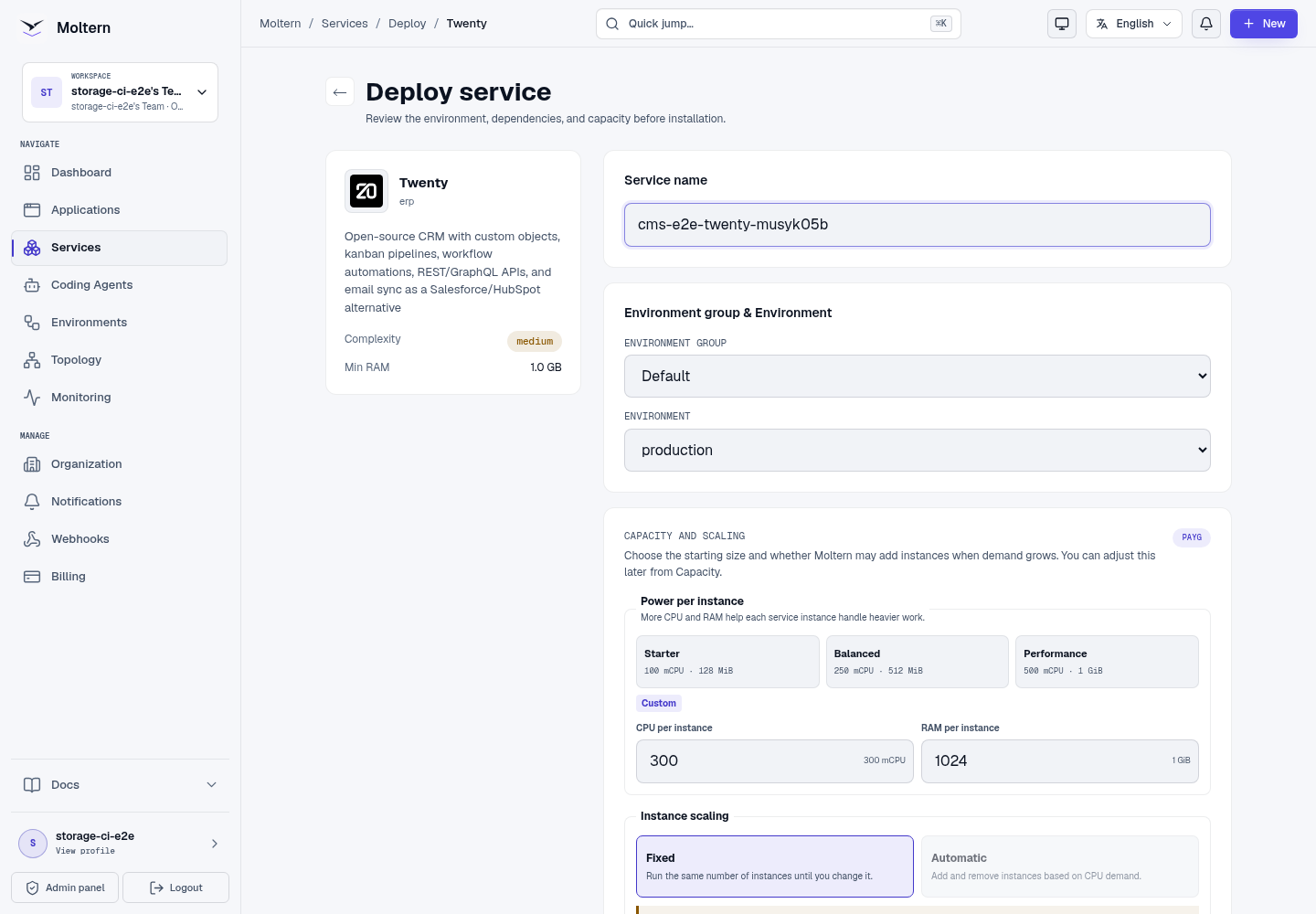
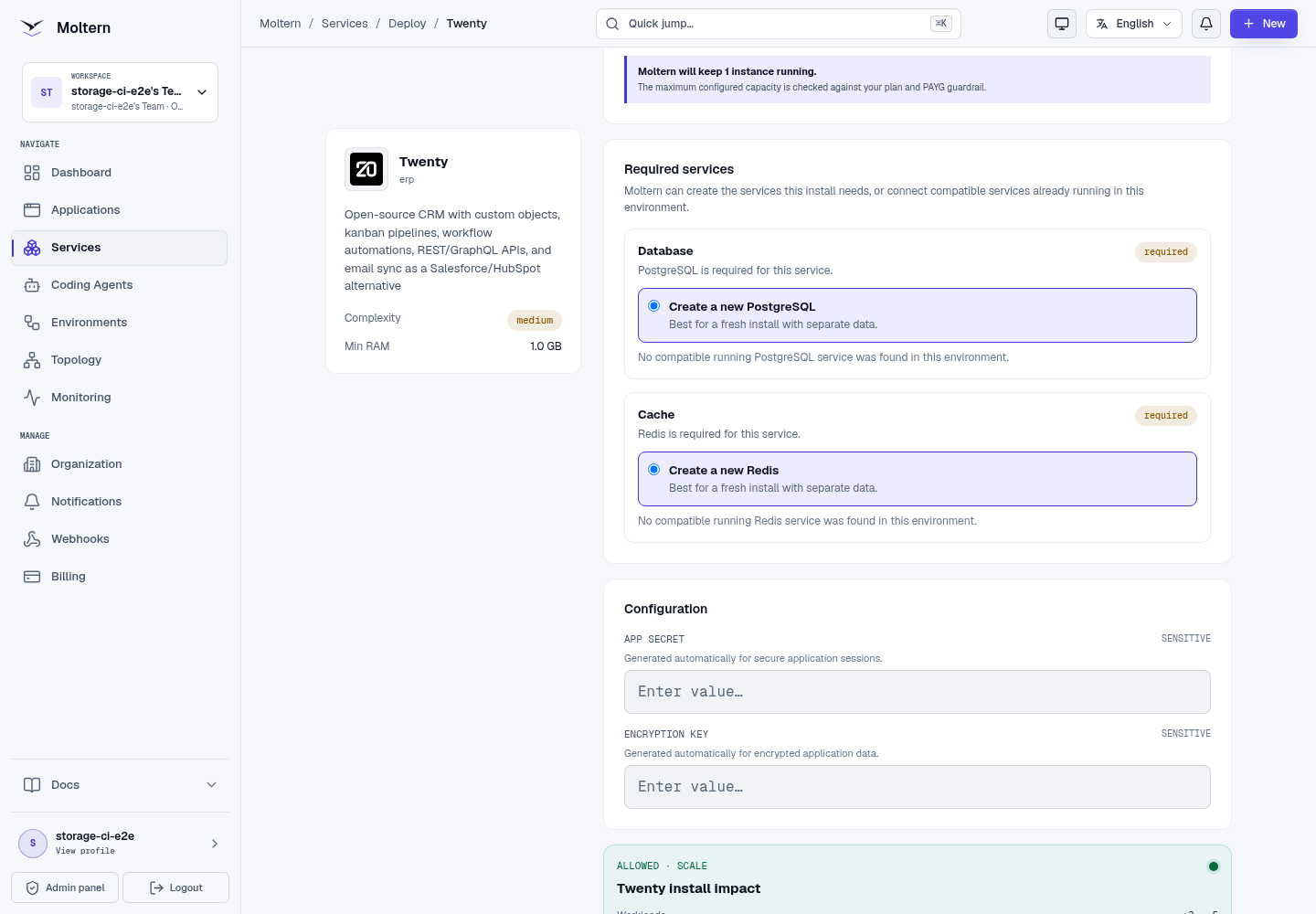
Use Live Logs when migrations are still running. Do not submit a second installation while the first one is progressing.
Create The First Workspace Owner
Open the generated URL and complete Twenty's first-user flow:
- Continue with the organisation-owned owner email.
- Set a strong password.
- Name the CRM workspace and choose its available subdomain.
- Enter the owner's name.
- Invite initial teammates or explicitly skip invitations for now.
- Complete or skip any remaining optional connection steps as appropriate.
The first account controls the initial Twenty workspace. Add other users with the least privilege required for their role.
Create A CRM Person
- Open People.
- Create a person with a recognisable test name.
- Add only safe test contact data.
- Save and reopen the person from the list.
- Confirm the same name and fields are visible.
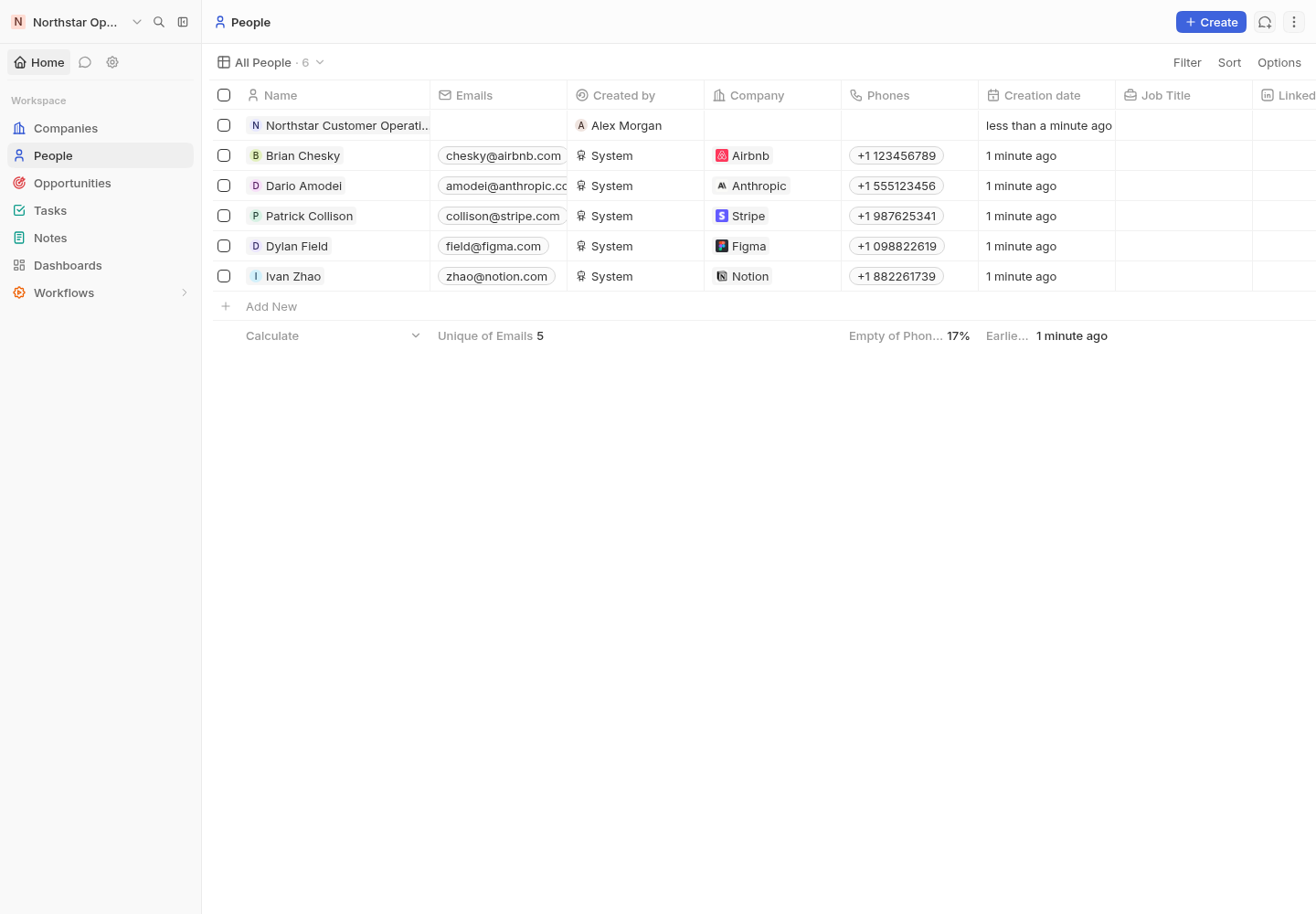
This confirms owner authentication, the customer API, PostgreSQL writes and the Twenty interface together. A sign-in screen or healthy container alone is not a complete product check.
Credentials And Integrations
Twenty owner passwords are managed inside Twenty. Configure an organisation-owned email sender and test delivery before relying on password recovery or invitations.
Moltern protects generated application credentials and private dependency connections. Normal CRM users do not need these values. For an integration, create a dedicated Twenty API key or application identity with the minimum required access instead of sharing the workspace owner account.
Applications and coding agents should receive only the selected Twenty or dependency connection. Connecting a service does not grant unrestricted access to every workload in the environment.
Persistence And Restart
CRM records, workspace membership and configuration live in managed PostgreSQL. Redis supports queues and transient coordination; it is not the source of truth for customer records. Supported files use Twenty's assigned workspace path.
Stopping and starting Twenty replaces its application and worker runtimes while preserving the database and files. After restart, sign in and reopen a known person before resuming imports or automation.
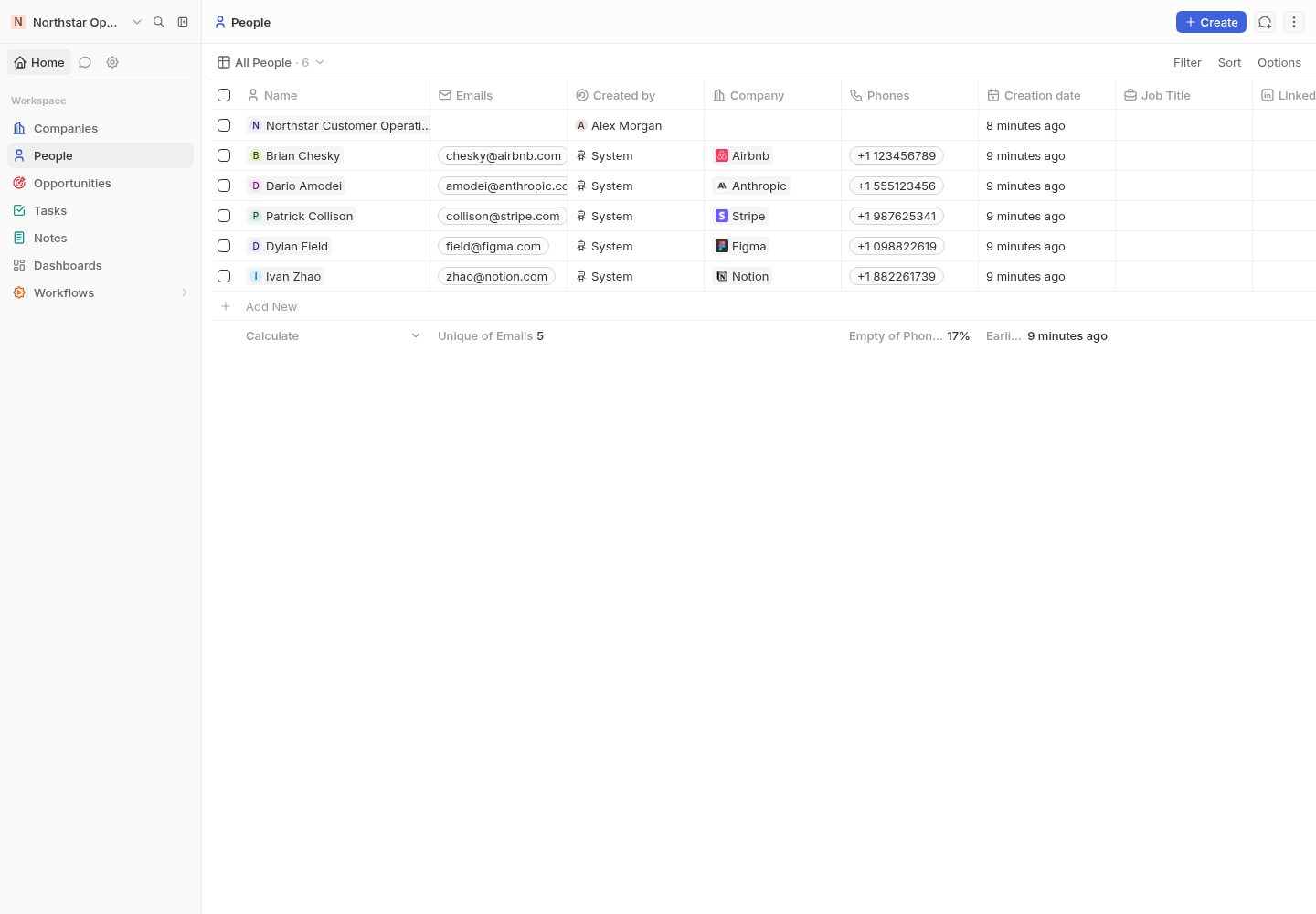
Restart persistence is not backup recovery. Export important CRM data and test an independent restore process before production use.
Capacity And Metering
Moltern reports the Twenty application, PostgreSQL and Redis as distinct
workloads. Review CPU, memory, replicas and measured stored bytes in usage and
billing. Requested storage is an allowance; small measured values can display
as 0 GiB after rounding.
Initial migrations and imports can use more resources than idle operation. Resize each component according to observed pressure and verify a known CRM record after a stateful change.
Delete Twenty
- Export CRM records and files that must be retained.
- Open the Twenty service and choose Delete Service.
- Decide whether to delete or retain its assigned files.
- Complete protected account confirmation.
Deleting the parent with stored data removes PostgreSQL and Redis dependencies that Moltern created only for this Twenty installation. Reused dependencies remain available to their owners. Retained files continue to count toward workspace storage usage.
Troubleshooting
| Symptom | What to check |
|---|---|
| First deployment takes several minutes | Follow Live Logs and wait for database migrations and both application containers to become ready. |
| Owner onboarding repeats | Confirm browser cookies are allowed for the generated domain and PostgreSQL remains attached. |
| A person cannot be saved | Check service logs and PostgreSQL health, then retry with required fields only. |
| Background work is delayed | Confirm Redis and the Twenty worker are healthy before restarting the parent. |
| Email invitations fail | Verify the configured sender and provider policy with a controlled test recipient. |
| Records are missing after restart | Stop new writes, confirm the original PostgreSQL dependency is attached and contact support before deleting data. |