Spring Boot Starter
Deploy A Java Workspace
The starter page is publicly accessible. Workspace permissions do not add application login protection. Add your own authentication before using sensitive data, and use a production deployment for a finished application.
Use this starter for backend prototypes. For a finished application, commit the project to Git and deploy it through Applications with production settings.
- Open Services and select Spring Boot Starter.
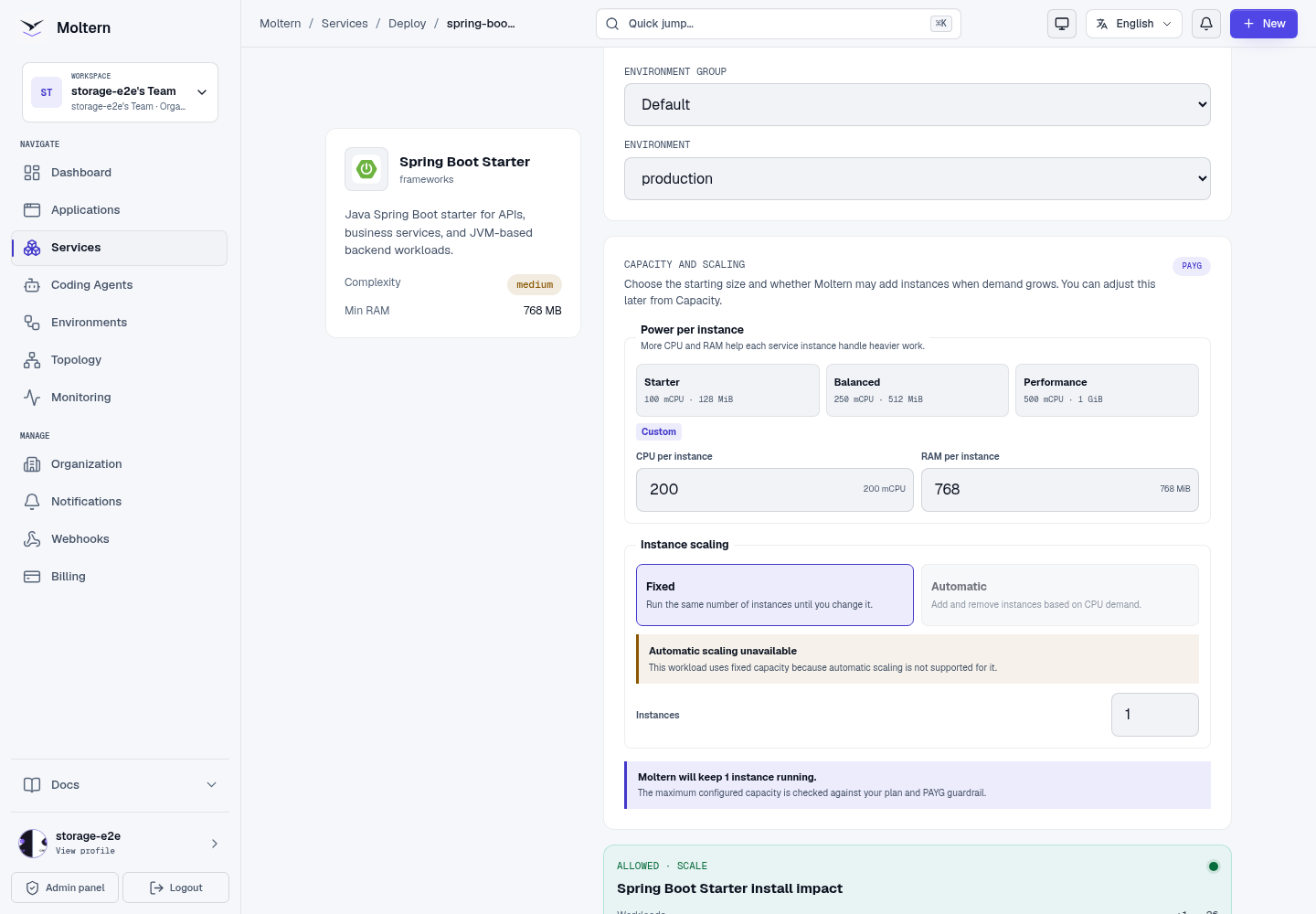
- Choose a name and environment. The functional test started with 200 mCPU / 768 MiB. This is not a benchmark or a recommended production size.
- Choose Preview deploy, review the allowance, then Confirm deploy.
- Wait for Maven to download dependencies, package the application and start it.
Open And Check The Application
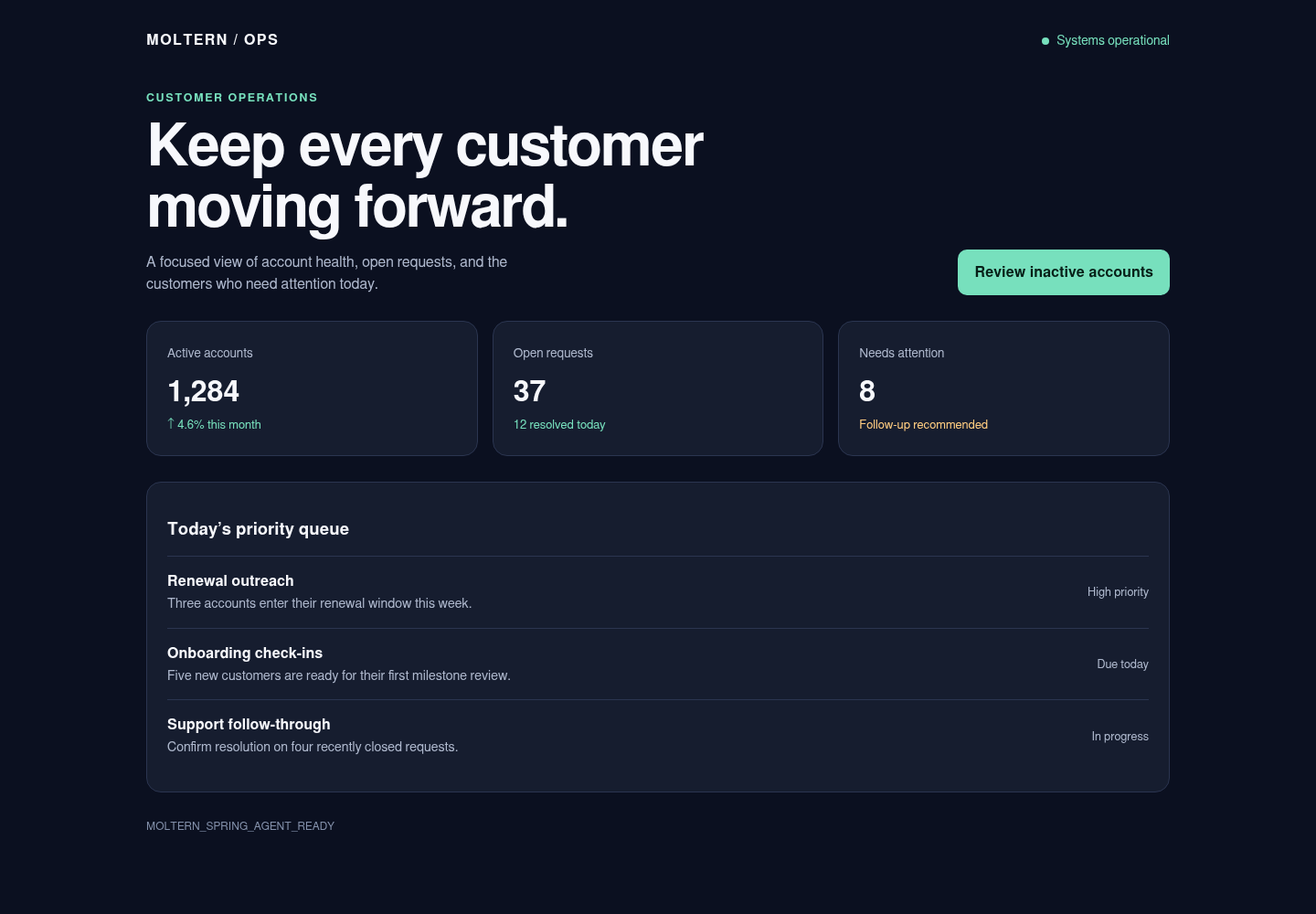
Open the generated URL. The page should identify the Spring Boot starter, not
an offline placeholder. /health should return {"status":"ok"}.
Edit The Project
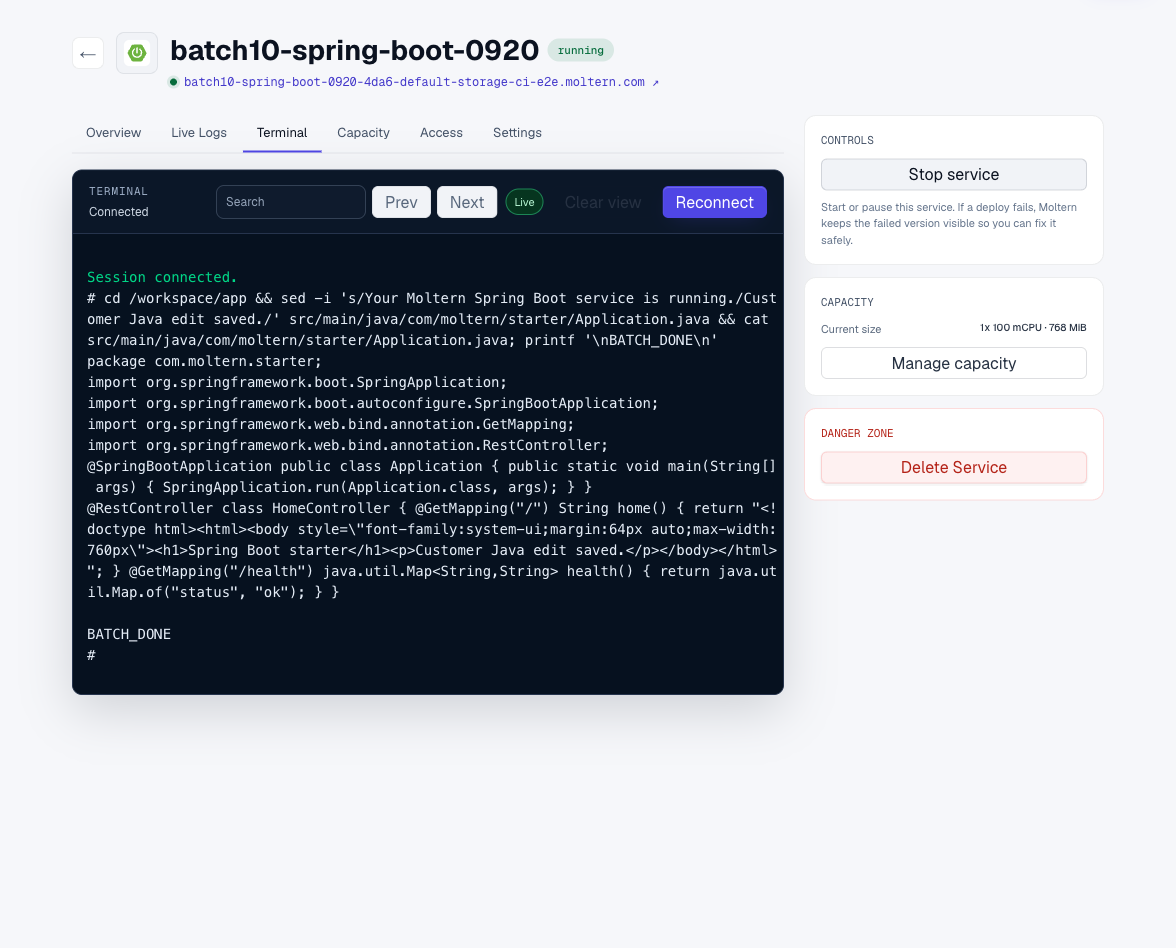
Open Terminal, wait for Connected, then inspect the project:
cd /workspace/app
java -version
mvn --version
The generated controller is in
src/main/java/com/moltern/starter/Application.java. Edit its response, then
use Stop service followed by Start service. Startup rebuilds the JAR;
wait for the public URL to respond before checking your change. Do not start a
second process on the same port.
Work With Git And A Coding Agent
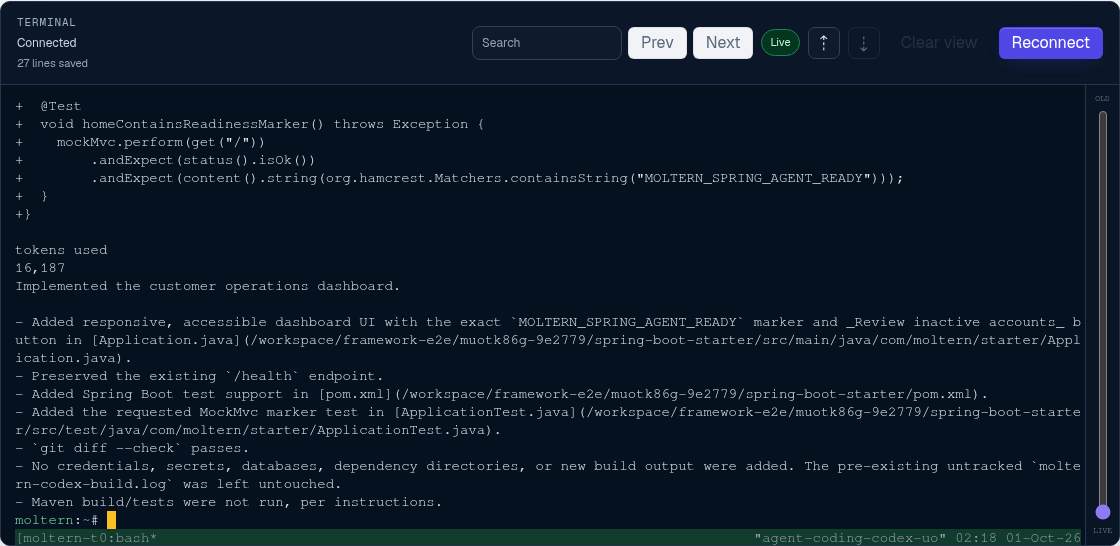
Attach the Spring Boot service under one coding agent's Resources settings and grant only the scope needed for the task. Use a private feature branch and a repository-scoped credential; repository access is not embedded in the image.
Pull and review the exact agent commit in /workspace/app, then run:
mvn -q test
Verify the homepage and /health before and after restart. Remove temporary
Git access and the agent attachment when the task is complete.

Storage And Connections
Source files in /workspace/app belong to this service's persistent workspace.
Keep a Git copy too; persistence is not a versioned backup. Private dependencies
must be explicitly connected using the service connection controls.
Delete Service with Delete stored data requests removal of the runtime and workspace files. Check that cleanup completes before reusing the allowance.
Troubleshooting
- A 503 during startup can mean the build is still running. Check Live Logs.
- A
no main manifest attributeerror means the JAR is not executable. New starter projects use the Spring Boot parent and repackaging plugin. Existing project files are preserved; review your POM rather than deleting your source. - If the service remains Failed while the URL responds, do not assume the deployment completed. Inspect the deployment logs before retrying.
Supported Workflow
Use the workspace terminal or an attached coding agent to edit the Spring Boot
project, manage Maven dependencies, run mvn -q test, preview the service, and
synchronize changes with a private Git repository. Project files remain
available after stopping and starting the workspace.
Before production, connect required services, review profiles and secrets, and test health checks, shutdown behavior, and expected traffic.