Deploy OpenClaw
OpenClaw is a self-hosted agent gateway with a browser Control UI, persistent agent workspaces, tools, plugins and messaging-channel integrations. Moltern deploys the gateway behind HTTPS and gives it an assigned workspace path for state that must survive runtime replacement.
What Moltern Deploys
| Component | Purpose | Access |
|---|---|---|
| OpenClaw gateway | Agent sessions, tools, channels and control-plane API | Public HTTPS URL with gateway authentication |
| Control UI | Browser management and agent workspace | Same protected gateway URL |
| Workspace files | Configuration, sessions, memory, plugins and agent files | Assigned service path |
OpenClaw does not include a model-provider account. Connect a provider after the gateway is running.
Before You Start
You need a Moltern workspace, an environment, permission to create services and a unique gateway secret. Prepare a supported model-provider credential when you are ready to run an agent task.
An agent can call tools and external systems with the permissions you grant. Start with no optional integrations, add one controlled capability at a time, and review the result before broadening access.
Deploy OpenClaw
- Open Services, select Agents, then choose OpenClaw.
- Choose the target environment and enter a unique service name.
- Enter a strong, unique gateway secret.
- Review the runtime and workspace storage impact.
- Confirm the deployment and wait for Running.
- Open the service detail page and select Terminal.
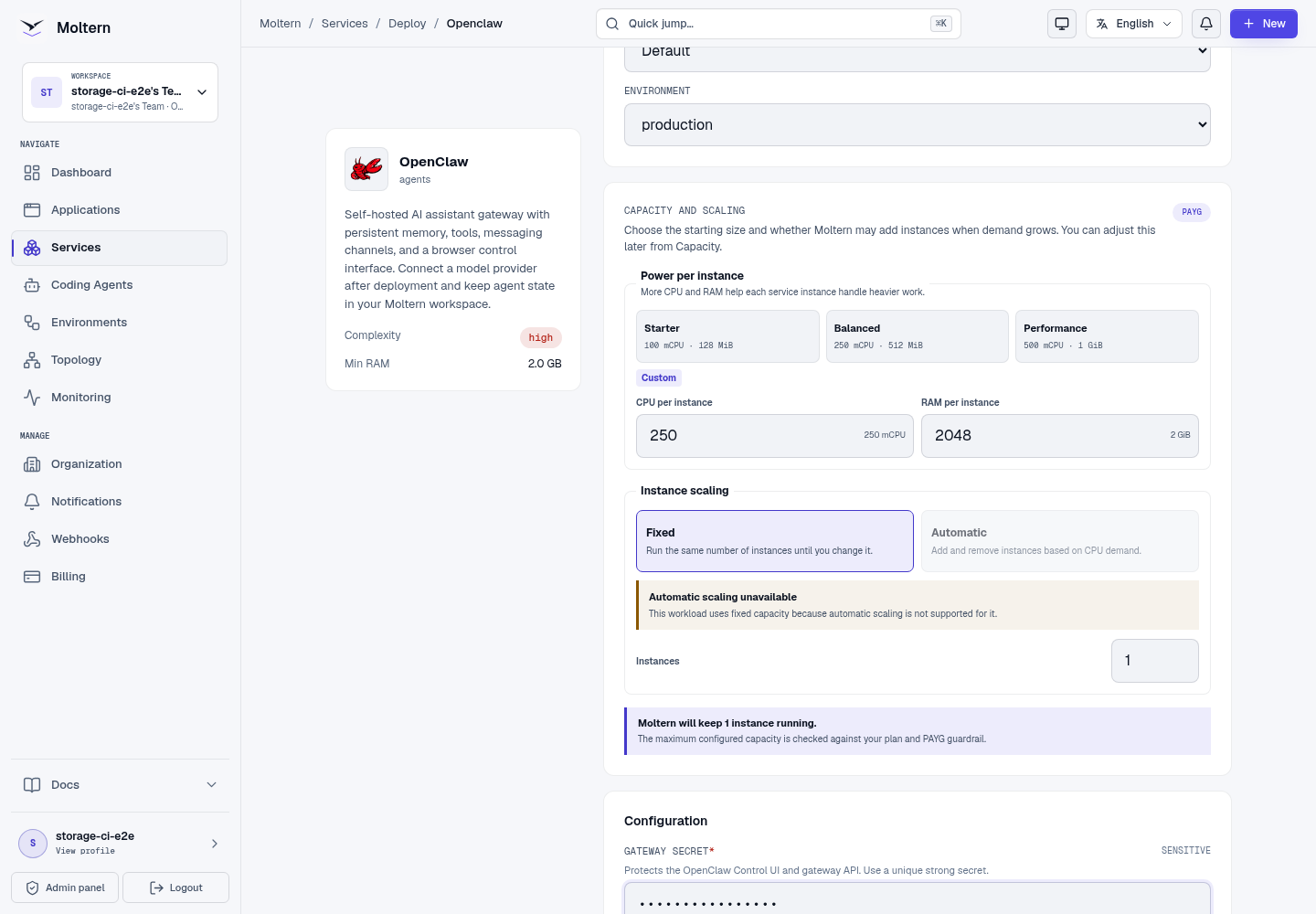
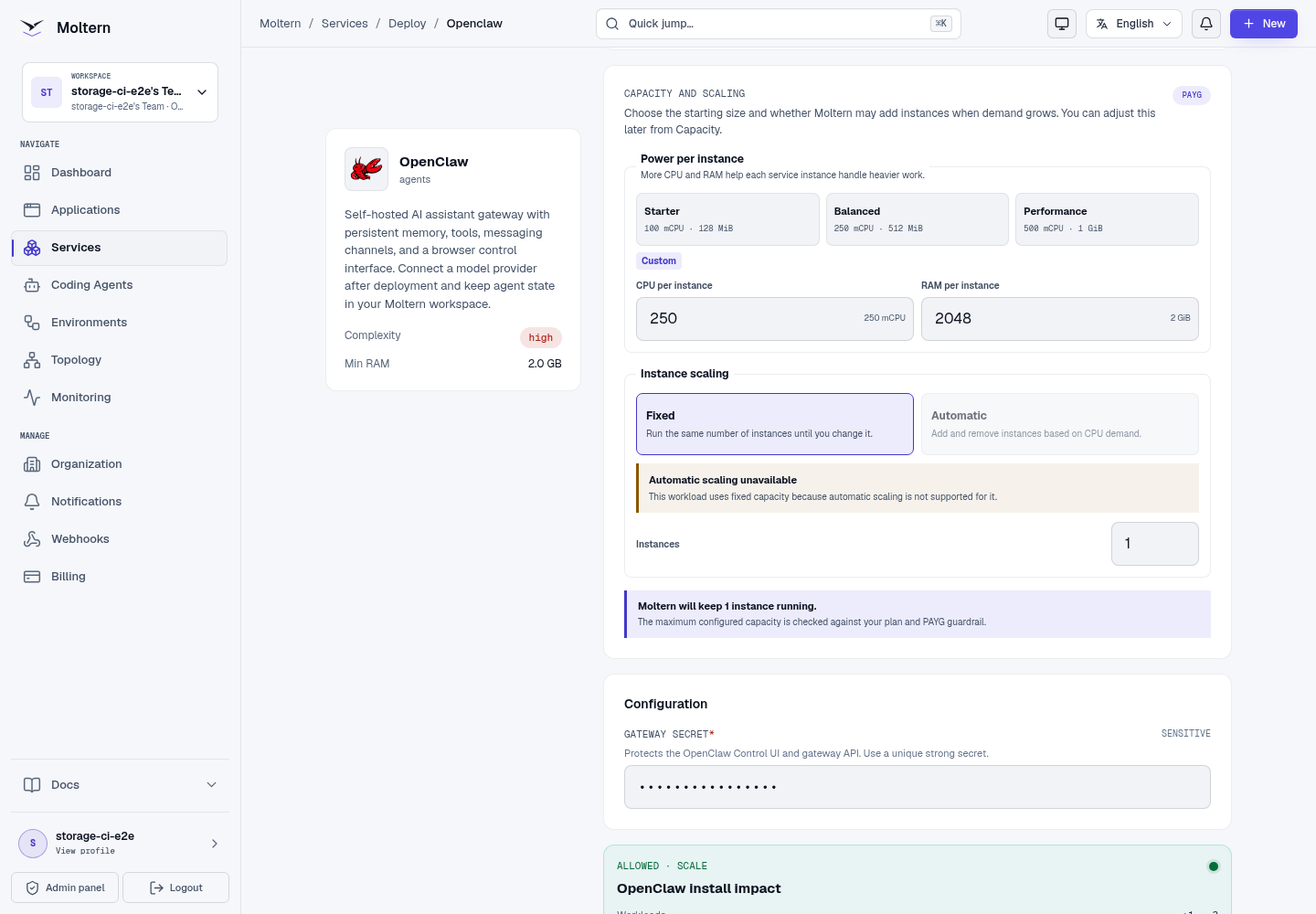
The default profile reserves 250 mCPU and 2 GiB, with a 4 GiB memory limit. The first start creates the gateway configuration and agent workspace.
Pair Your Browser Once
OpenClaw protects a new browser with a one-time owner handoff in addition to the gateway secret. In the authenticated Moltern service terminal, run:
node dist/index.js dashboard --json
Copy the browserUrl value directly into the browser profile you intend to
use. When the value starts with a loopback address, keep its complete path and
one-time parameters, then replace the page origin with the service's generated
HTTPS origin and the gatewayUrl fragment value with the corresponding WSS
origin. Do not alter the bootstrap token.
When the Control UI asks for a Gateway secret, enter the secret from the deployment form and choose Connect. Gateway authentication and the one-time device handoff are both required: the secret proves access to this gateway, while the handoff approves the browser identity. The handoff is short-lived and single-use. Never paste the secret or handoff URL into chat, logs, support tickets or screenshots.
After the handoff, the same persistent browser profile retains its device credential. Clearing site data, using a private window or changing browser profiles creates a new device and requires a new handoff. Do not disable gateway authentication or device identity to bypass this control.
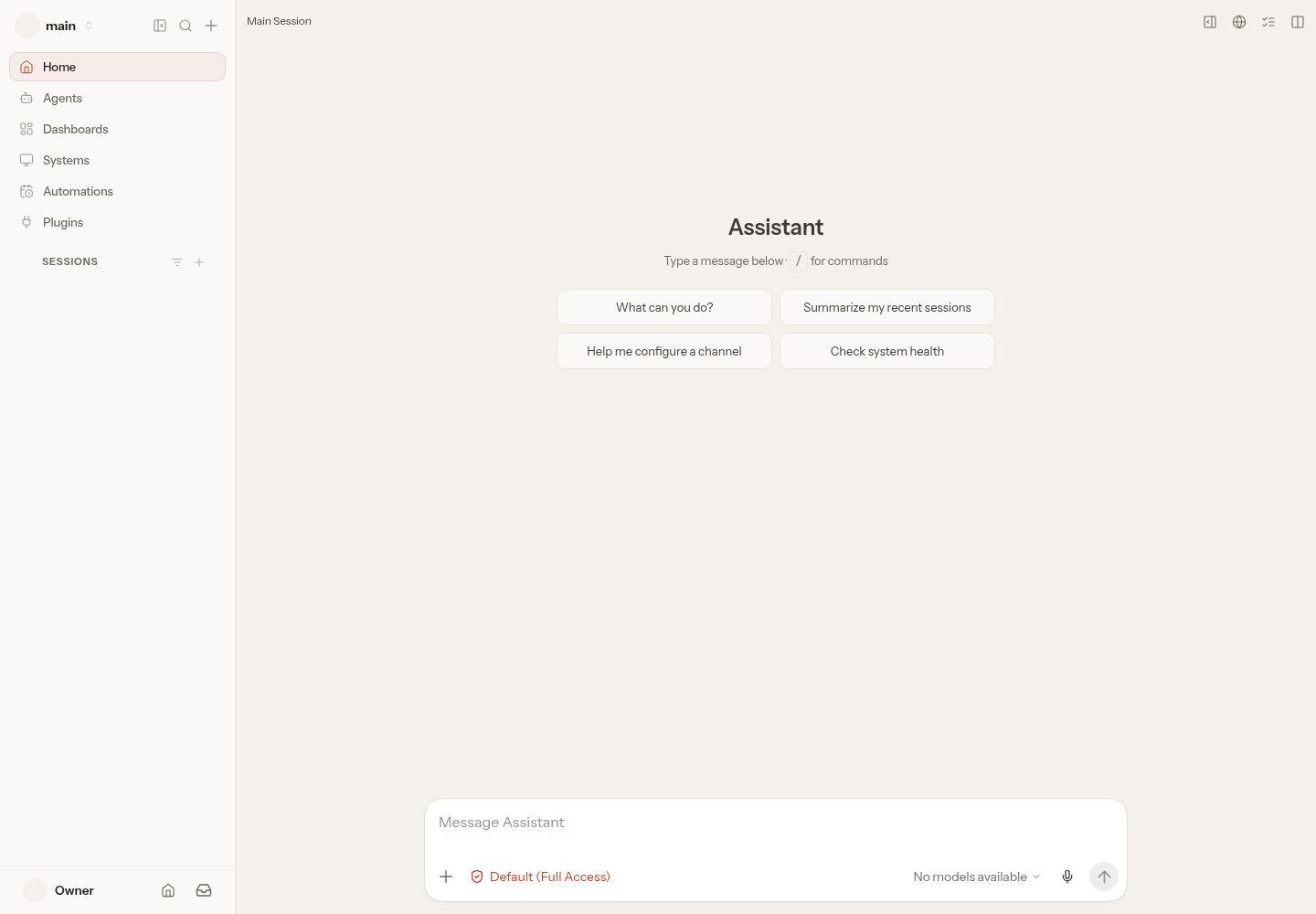
After authentication, OpenClaw opens the Control UI. Depending on the upstream first-run state, it may open Model Setup directly or show the main session with No models available. In either case, choose a model provider and add its credential before starting an agent task.
Connect A Model Provider
Open the model setup or provider settings in the Control UI and choose the provider. Enter the provider credential only in the protected secret field. Select a model available to that account, then save.
Use a dedicated provider credential with spending limits. A Moltern gateway secret protects OpenClaw access; it does not authorize model inference.
When a local model service is used, grant only that explicit private service connection. Do not disable private-address protections or expose the model just to simplify setup.
Run A Controlled Agent Task
Start with a non-sensitive prompt that does not require tools, for example:
Reply with exactly OPENCLAW-MOLTERN-READY.
Confirm that the response arrives in the same session. Then add one tool or service at a time and verify its effective permissions. Do not give an agent database, repository or browser access merely because the gateway is healthy.
Files, Memory And Workspace State
OpenClaw stores configuration, sessions, memory, plugins and agent workspaces inside its assigned service path. The runtime does not receive the root of the team filespace.
Keep agent instruction files free of credentials. Treat generated files and memory as application data: review retention, export important artifacts and delete obsolete sessions.
Persistence And Restart
Moltern Stop service and Start service replace the OpenClaw runtime without deleting its assigned workspace path. After restart:
- reopen the Control UI from the previously paired browser profile;
- confirm the authenticated Control UI loads;
- verify the configured provider is still present, or that Model Setup is still available when no provider has been configured; and
- run a harmless prompt before resuming tool-enabled work when a provider is connected.
This check is not a backup restore. Test recovery separately before relying on OpenClaw for irreplaceable agent memory or artifacts.
Capacity And Metering
Moltern records OpenClaw CPU, memory, instances and measured workspace bytes. Provider inference is billed by the selected provider and is not included in the Moltern runtime measurement.
Browser automation, large repositories, plugins and concurrent sessions can increase memory and storage. Measure first, then adjust capacity and PAYG limits from the service settings.
Delete OpenClaw
- Revoke provider and channel credentials that will no longer be used.
- Export required agent artifacts and memory.
- Open the service and choose Delete Service.
- Select Delete stored data only when the workspace may be destroyed.
- Complete protected account confirmation.
Troubleshooting
| Symptom | What to check |
|---|---|
| The URL reports that the gateway is unavailable | Confirm the service is Running and inspect Live Logs for configuration or permission errors. |
| The gateway expects its secret | Enter the exact deployment secret in Gateway secret, then choose Connect while the one-time handoff remains valid. |
| The gateway rejects the secret | Confirm that the deployment secret is correct. Generate a fresh handoff if the earlier link expired; do not paste the handoff URL into the secret field. |
| The browser requests device approval | Open Moltern's authenticated service terminal and create a fresh one-time dashboard handoff. Keep the requesting tab open and do not disable device identity. |
| No model is available | Add a supported provider credential and confirm that the provider account can use the selected model. |
| A tool cannot reach a service | Confirm an explicit private connection exists and that the service is Running in the same environment. |
| Sessions or memory disappear after restart | Stop destructive actions and verify the assigned service path is still mounted before contacting support. |
Validation Boundaries
The production gate covers deployment, the official one-time owner handoff, authenticated first-run Control UI access, runtime replacement, a new-browser handoff after restart, point-in-time metering and protected cleanup. Inference and tool execution need a customer-supplied provider credential and separately reviewed permissions. The base gate does not certify every provider, messaging channel, plugin, browser automation, backup restore or sustained concurrency.