FastAPI Starter
When To Use It
The starter page is publicly accessible. Workspace permissions do not add application login protection. Add your own authentication before using sensitive data, and use a production deployment for a finished application.
Use this starter for Python APIs and webhooks. Project files live in the service workspace. It is a development server, not a production deployment of your finished application.
Deploy In Moltern
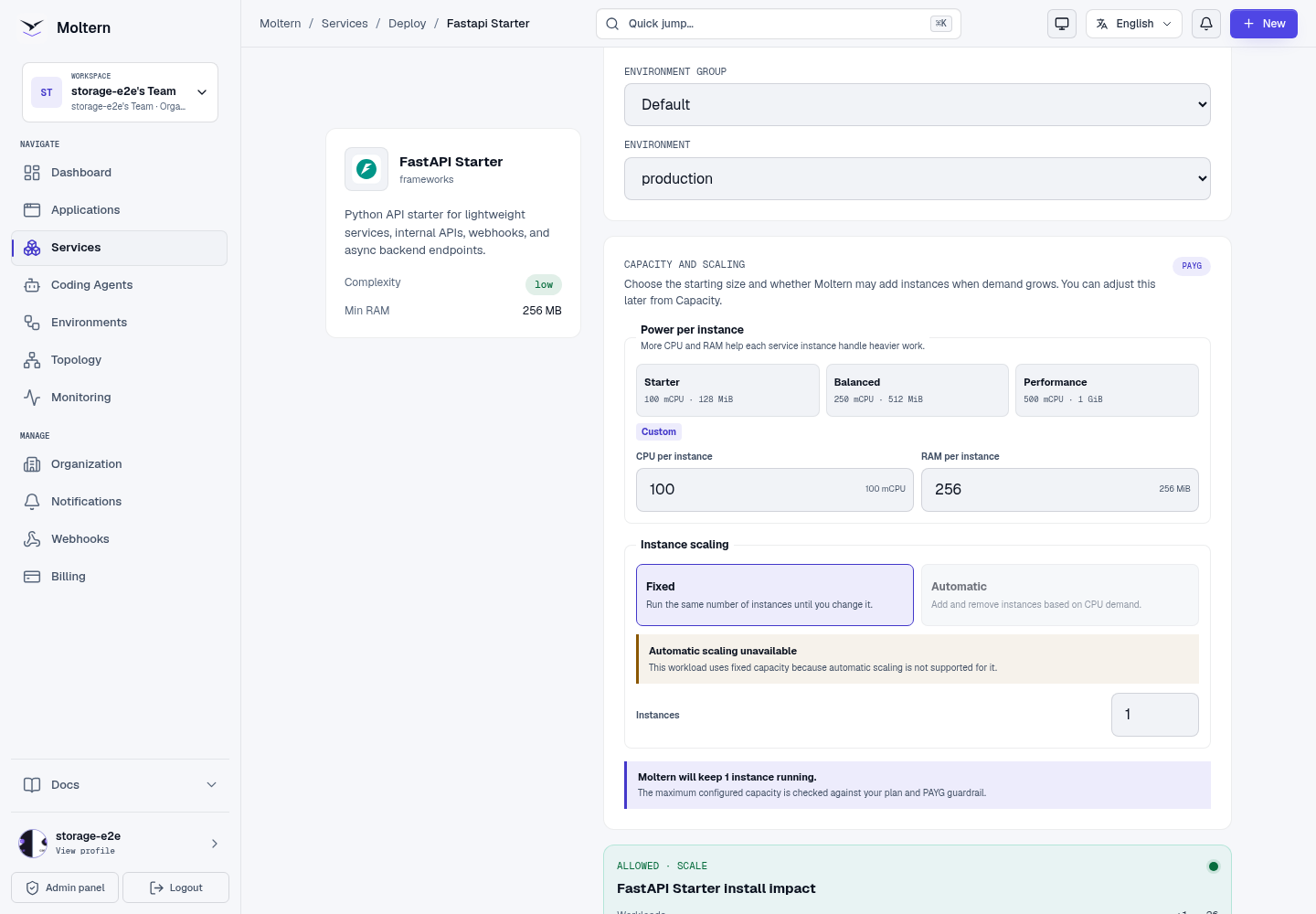
- Open Services, select FastAPI Starter, and choose a name and environment.
- Select capacity. The September 29 customer journey used 100 mCPU / 256 MiB with one instance. This is a tested starting size, not a load-tested minimum.
- Choose Preview deploy, review the impact, then Confirm deploy.
- Wait for deployment and open the application. First startup can take several minutes.
Use The Application
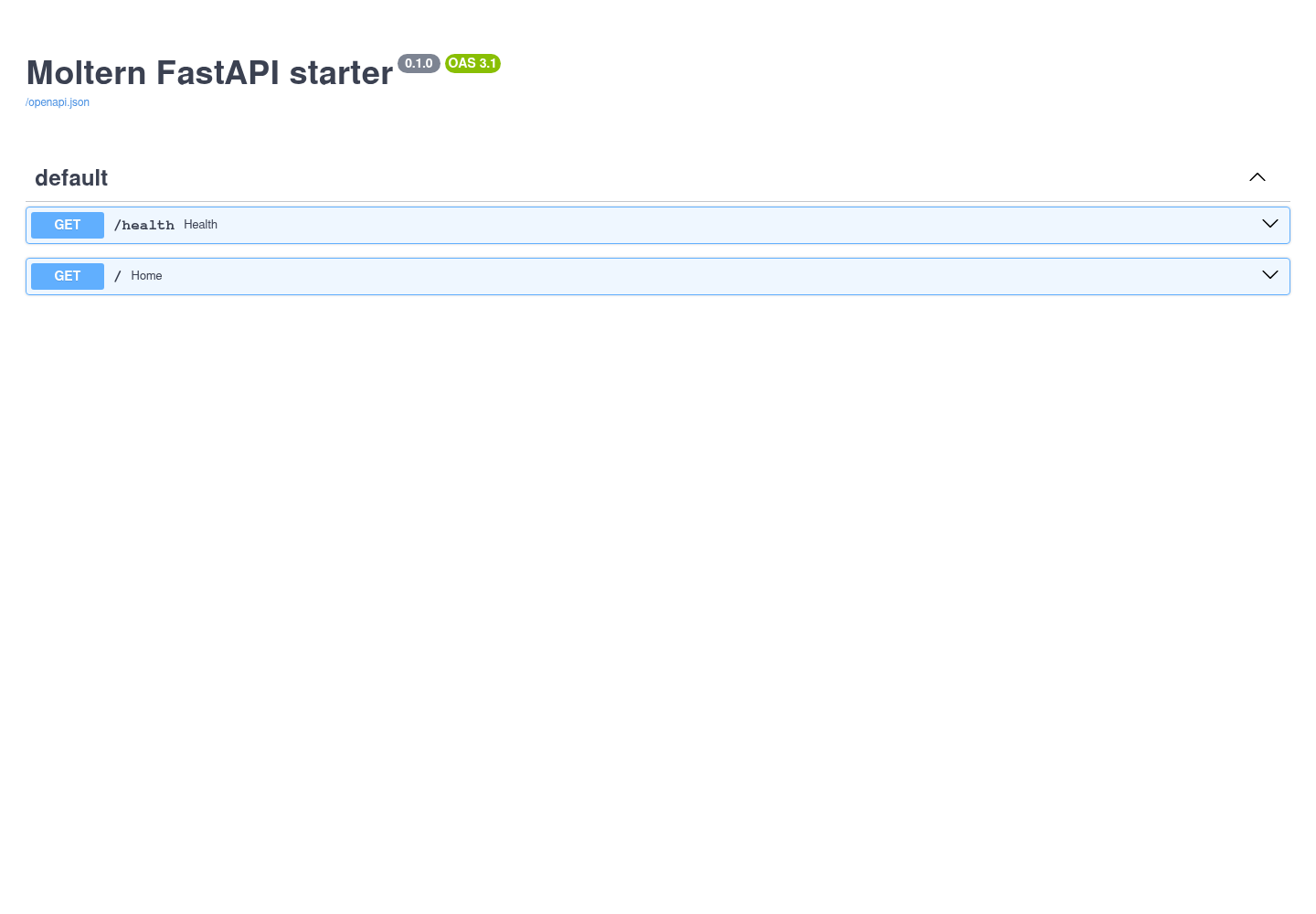
Open the service URL with /docs appended. Expand GET /health, choose Try it out, then Execute. The expected response is HTTP 200 with {"status":"ok"}. The explorer lists endpoints from your application, not a separate Moltern API.
Edit From The Terminal
Open the service's Terminal tab. After it connects:
cd /workspace/app
python -c "import fastapi; print(fastapi.__version__)"
main.py defines the API. Add dependencies to requirements.txt; they are installed again when the runtime starts. After editing a route, stop and start the service to reload it. Keep your own dependency versions in this file.
Keep useful code in Git as well. A service workspace is not a substitute for a versioned backup. Never paste credentials into screenshots or commit them into the project.
Restart And Storage
Use Stop service, then Start service. Wait until the public application responds again; the status label can update before startup has finished.
Files under /workspace persist across runtime replacement. Changes elsewhere
in the container may not. To remove the service and its stored files, select
Delete Service, keep Delete stored data selected, and complete account
confirmation. Retained files continue to count toward storage.
Work With Git And A Coding Agent
The runtime includes Git and SSH tooling, but it does not contain a repository credential. Use a repository-scoped credential and a private feature branch.
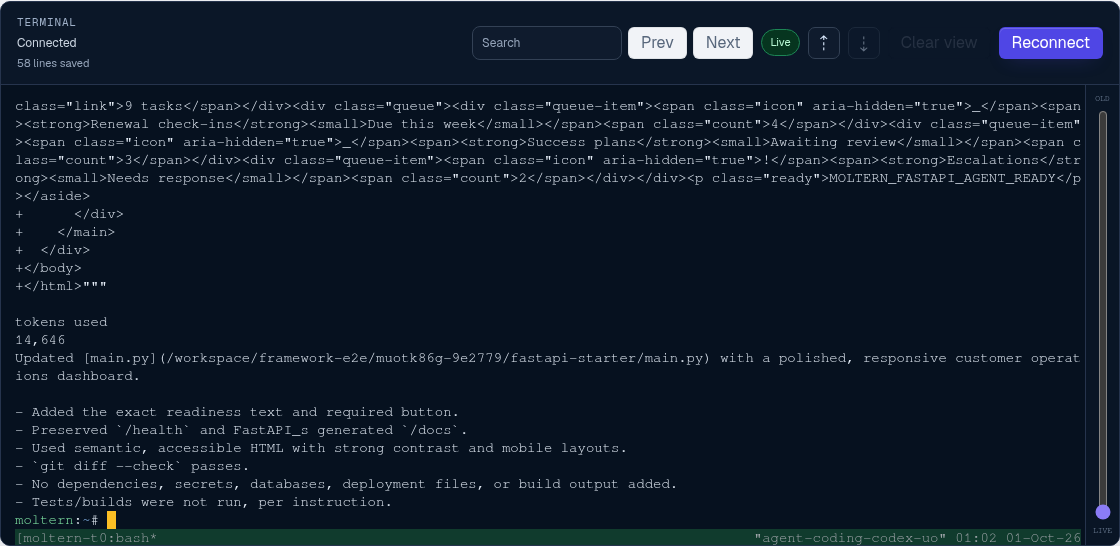
- Add the FastAPI service under the coding agent's Resources settings.
- Grant only the access required for the task, then apply the policy update.
- Let the agent commit its change to the private feature branch.
- Pull the exact commit into
/workspace/appand review the diff. - Run your Python checks and exercise
/healthand/docsbefore restarting. - Remove temporary Git credentials and unnecessary agent access afterward.

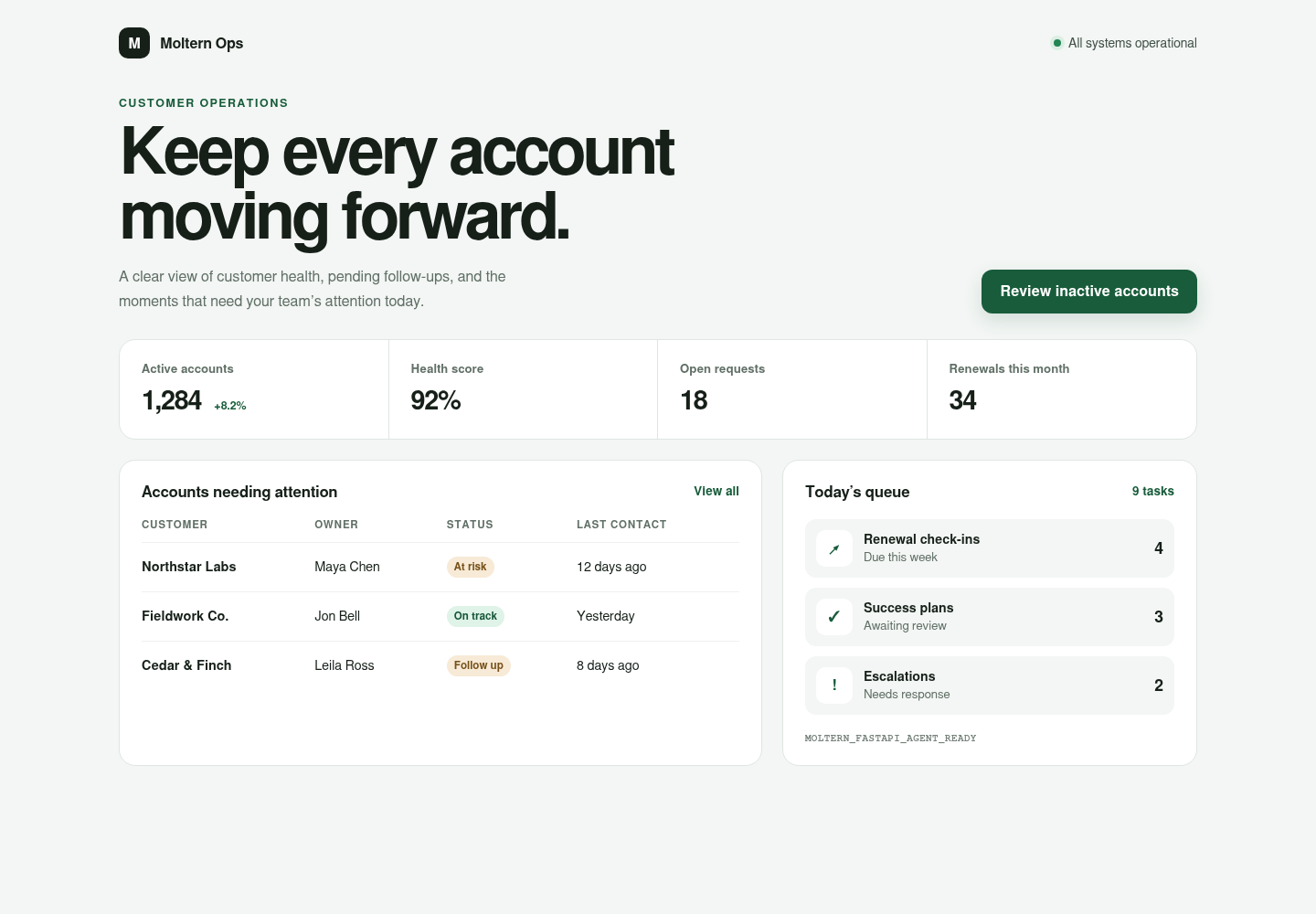
Private databases or APIs must also be attached explicitly. A connection does not generate FastAPI dependencies, schemas, or authentication code.
Troubleshooting
- Still starting: inspect Live Logs for package downloads or compilation.
- Package download failed: review the recorded error, then retry after connectivity is restored. An offline placeholder page is not a working framework.
- 503 just after restart: startup is not complete. If it persists, check logs rather than repeatedly restarting.
- No terminal connection: wait for the runtime to start, then reconnect.
Supported Workflow
Use the workspace terminal or an attached coding agent to edit the FastAPI project, run Python checks, inspect the OpenAPI interface, preview the service, and synchronize changes with a private Git repository. Project files remain available after stopping and starting the workspace.
Before production, connect required databases and services, exercise the API with representative traffic, and review authentication and CORS settings.
Next Steps
Commit the application to Git and deploy it through Moltern Applications when it is ready to run beyond the development workspace.