Laravel Starter
Deploy The Starter
The starter page is publicly accessible. Workspace permissions do not add application login protection. Add your own authentication before using sensitive data, and use a production deployment for a finished application.
Create a PHP development workspace for a Laravel prototype. Commit the result to Git before deploying it as a production application.
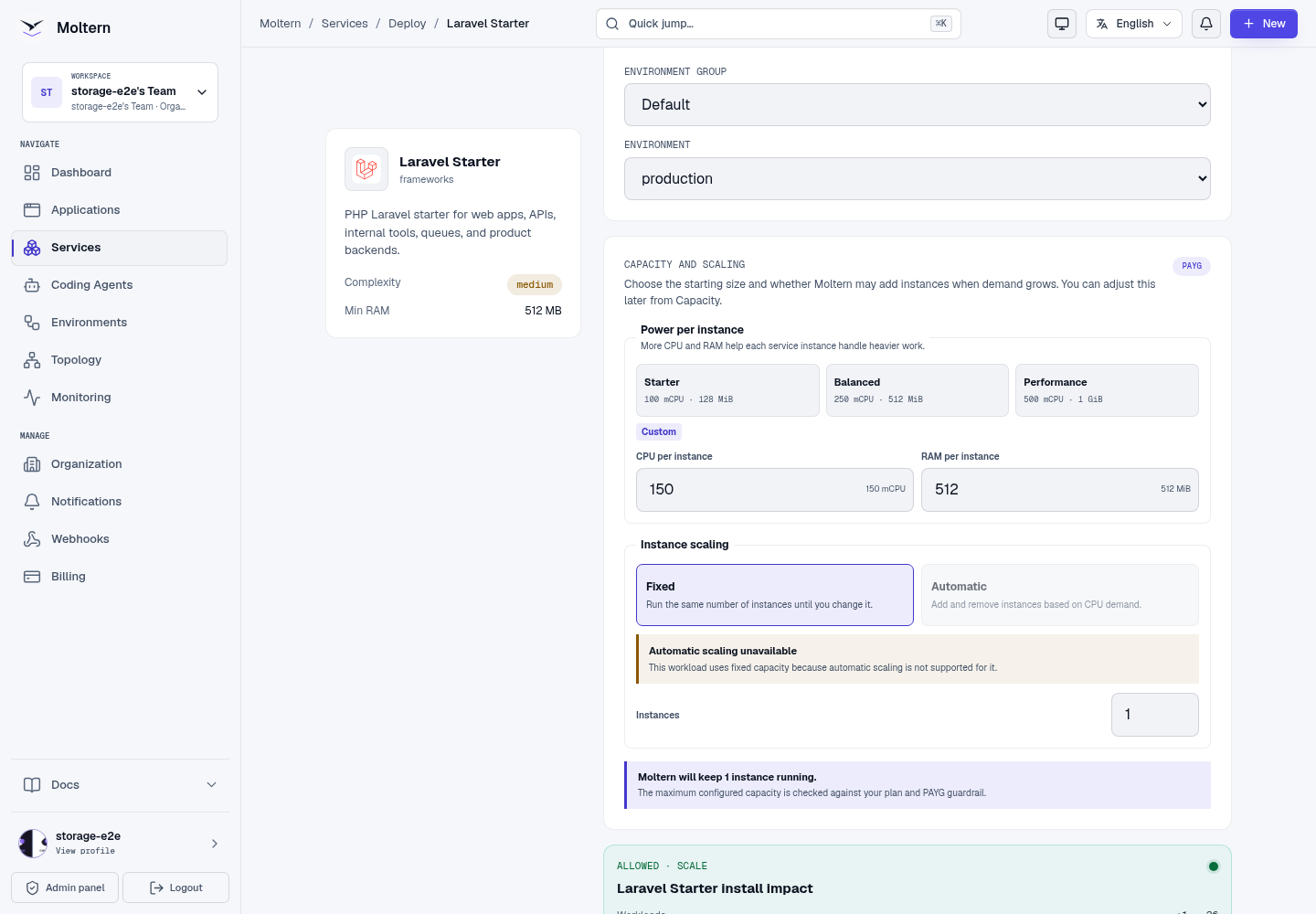
- Open Services and select Laravel Starter.
- Set a name and environment, then review capacity. The functional test used 150 mCPU / 512 MiB; this is not a production sizing recommendation.
- Choose Preview deploy, review the allowance and Confirm deploy.
- Follow Live Logs until the real application is ready, then open its URL.
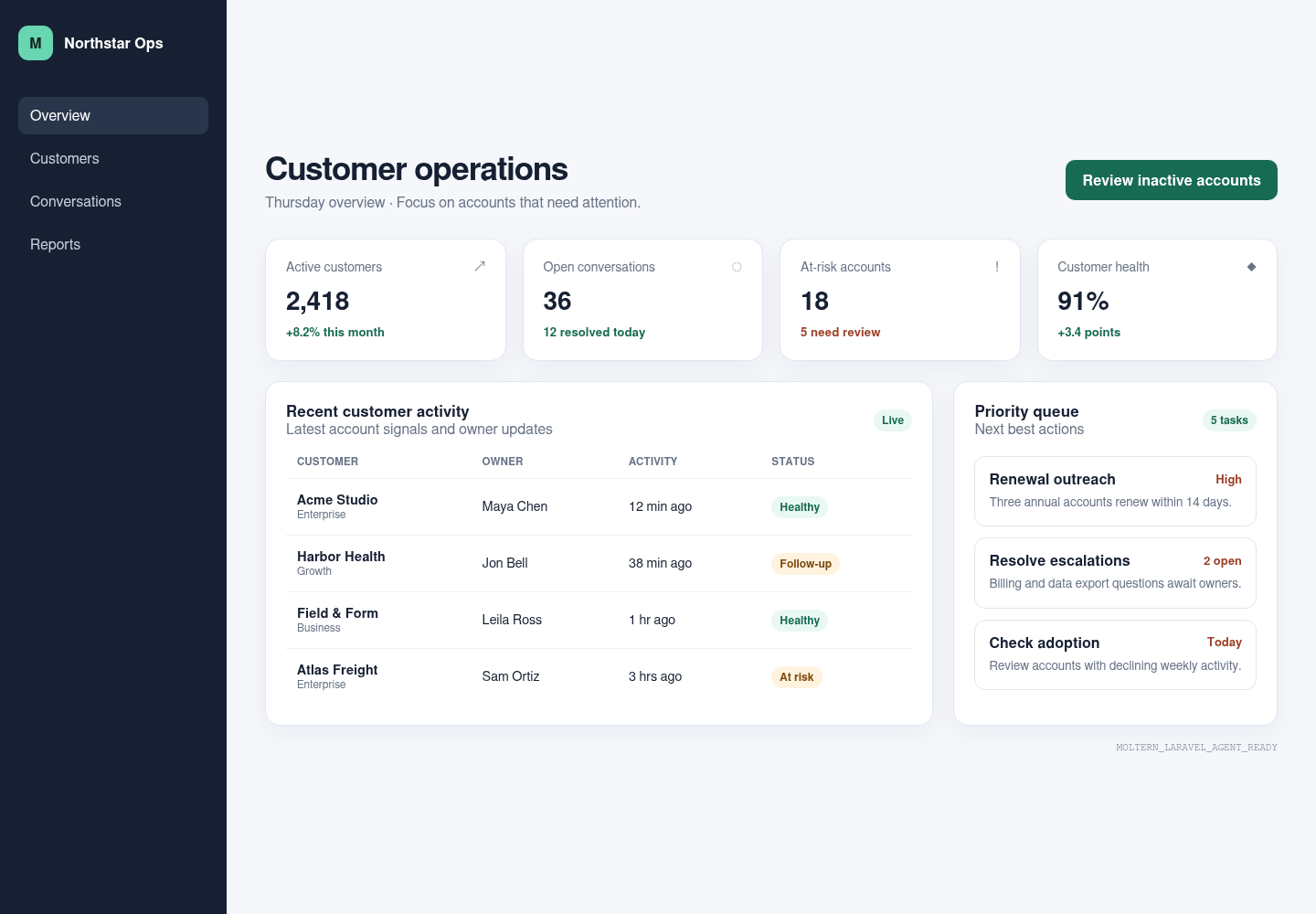
Open The Application
The generated URL should show the actual framework page, not an offline placeholder. A temporary 503 can mean startup has not finished.
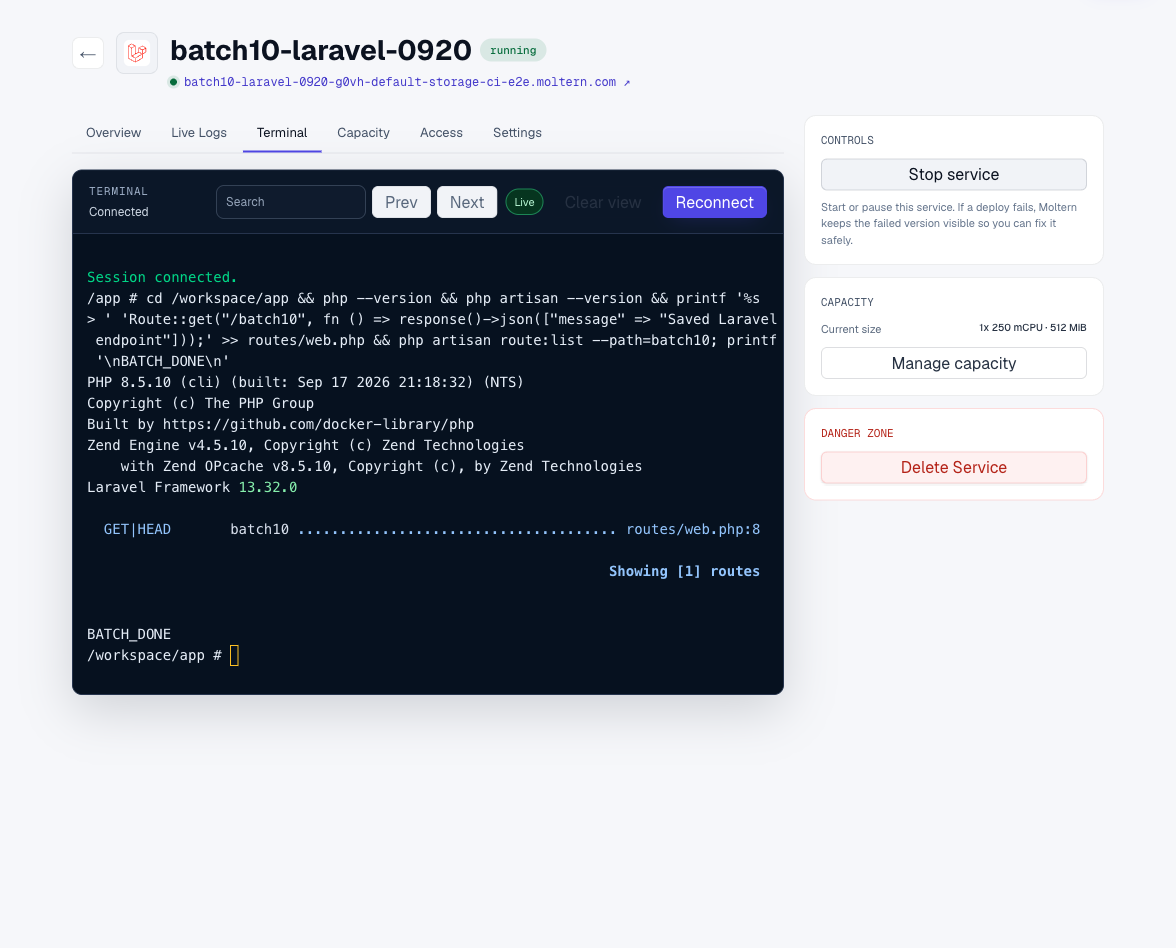
Use The Terminal
Open Terminal and wait for Connected:
cd /workspace/app
php --version
php artisan --version
The default landing page is resources/views/welcome.blade.php; routes are in
routes/web.php. Edit your page and refresh the generated URL. Use Stop
service, then Start service, to check the source survives replacement.
Do not start a second PHP server on the service port.
For a small API check, add a route to routes/web.php:
Route::get('/report', fn () => response()->json(['message' => 'My first report']));
Open /report on the service URL. After a restart, check both the route and
any data the application saved. A startup message alone is not a persistence
check.
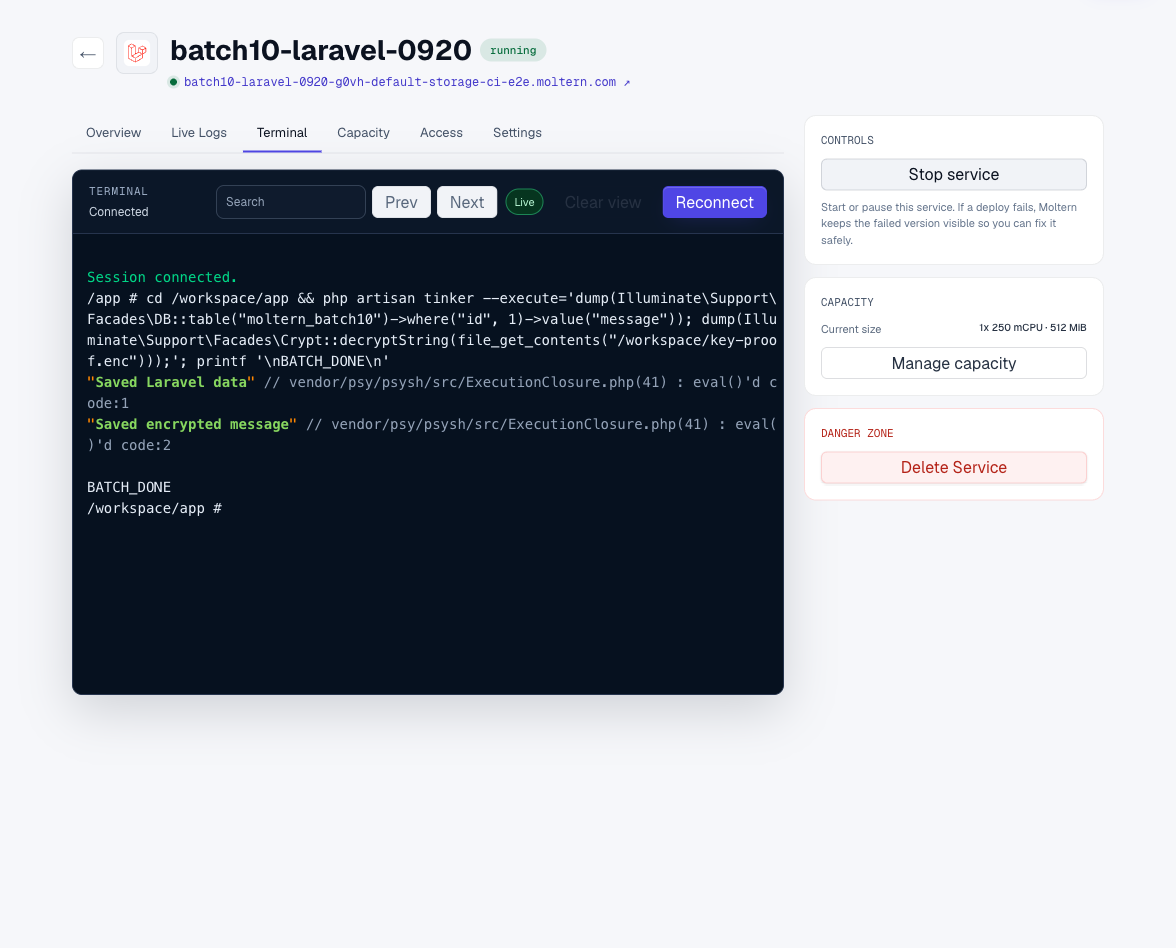
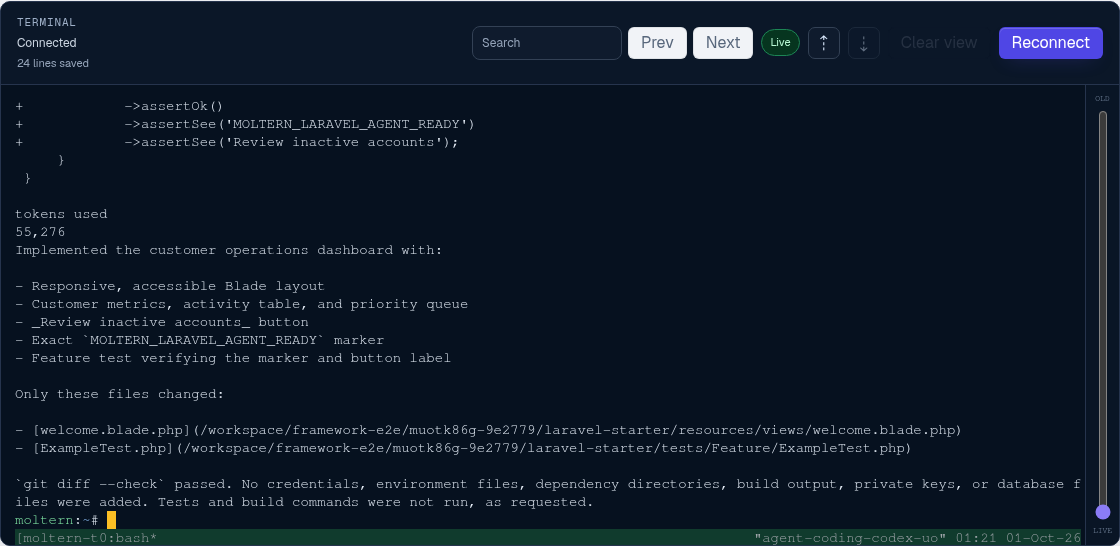
The screenshot uses synthetic test values, not an account password or service credential. The tested starter generated a local SQLite database; this is not proof of a connection to a separate database service.
Work With Git And A Coding Agent
The runtime includes Git and SSH tooling without an embedded repository credential. Attach the Laravel service to one coding agent with the minimum resource scope, then use a private feature branch for the handoff.
After pulling the reviewed agent commit into /workspace/app, run:
php artisan test
Do not commit .env, APP_KEY, deploy keys, database files, or other
credentials. Remove temporary repository access and the agent attachment when
the task is complete.

Storage And Private Connections
Project files live in this service's workspace under /workspace/app. Keep
source in Git too; persistent storage is not a versioned backup. Connect only
the private services this project needs through the connection controls.
Delete Service with Delete stored data requests runtime and workspace cleanup. Wait for cleanup to finish before assuming the allowance is released.
Troubleshooting
Composer can take several minutes to download and extract the initial project. Check Live Logs, not only the status label. If deployment fails while the URL responds, inspect the deployment error before retrying.
Do not regenerate APP_KEY on a normal restart: existing encrypted data and
sessions depend on it. Keep .env and credentials out of screenshots and Git.
Configuring a private database requires both an explicit connection and the
appropriate Laravel database configuration.
Supported Workflow
Use the workspace terminal or an attached coding agent to edit the Laravel
project, manage dependencies with Composer, run php artisan test, preview the
site, and synchronize changes with a private Git repository. Project files and
the workspace application configuration remain available after stopping and
starting the workspace.
Before production, connect the intended database, test migrations and queues, and review application keys, sessions, mail, and cache configuration.