Node Express Starter
Deploy A Development API
The starter page is publicly accessible. Workspace permissions do not add application login protection. Add your own authentication before using sensitive data, and use a production deployment for a finished application.
Use this starter for small Node.js APIs and prototypes. It is not a production deployment of your finished application.
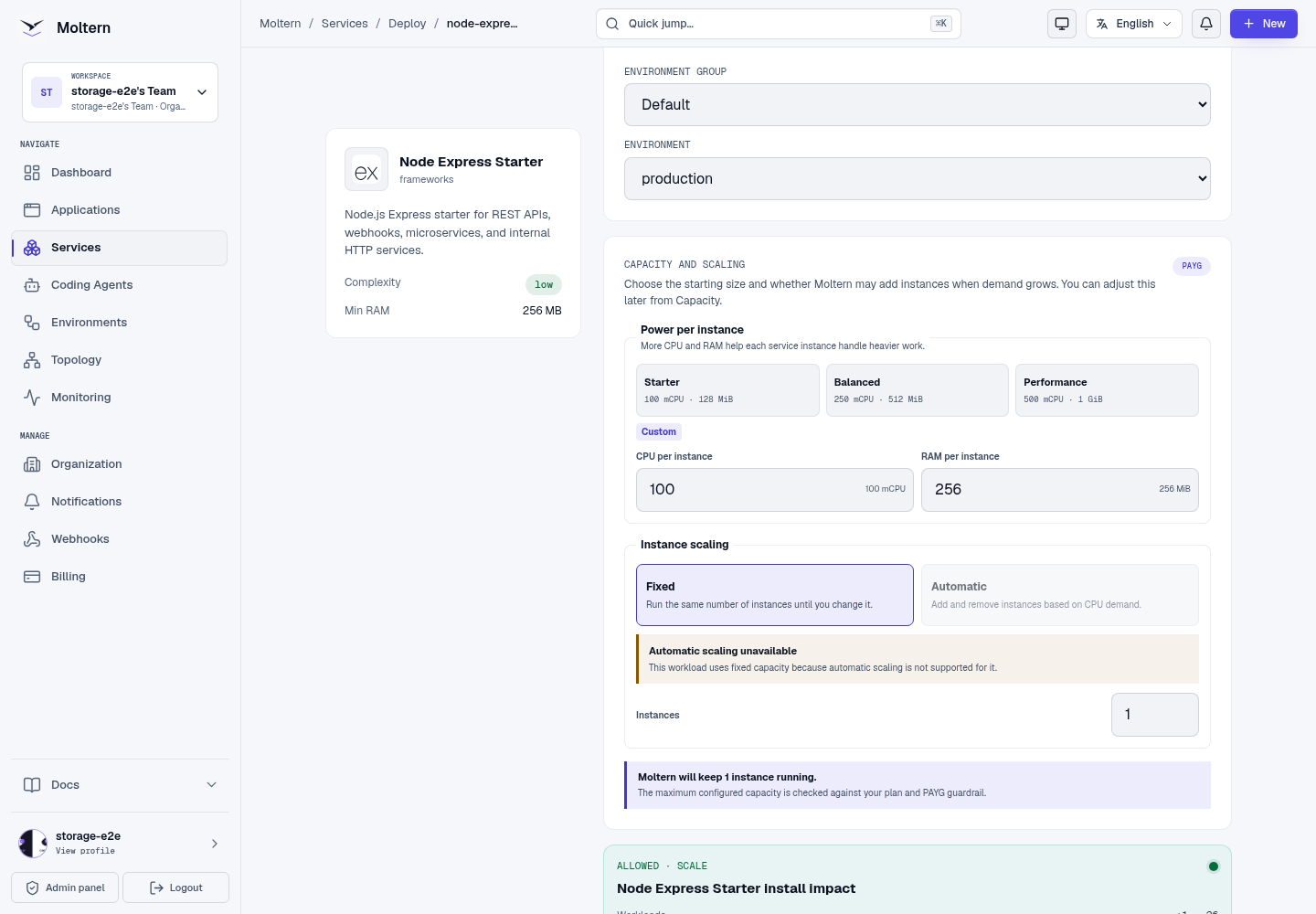
- Open Services, select Node Express Starter, and choose a name and environment.
- Review capacity. The functional test used one instance with 100 mCPU / 256 MiB.
- Choose Preview deploy, then Confirm deploy.
- Wait for startup, then Open the service.
Check The Running Service
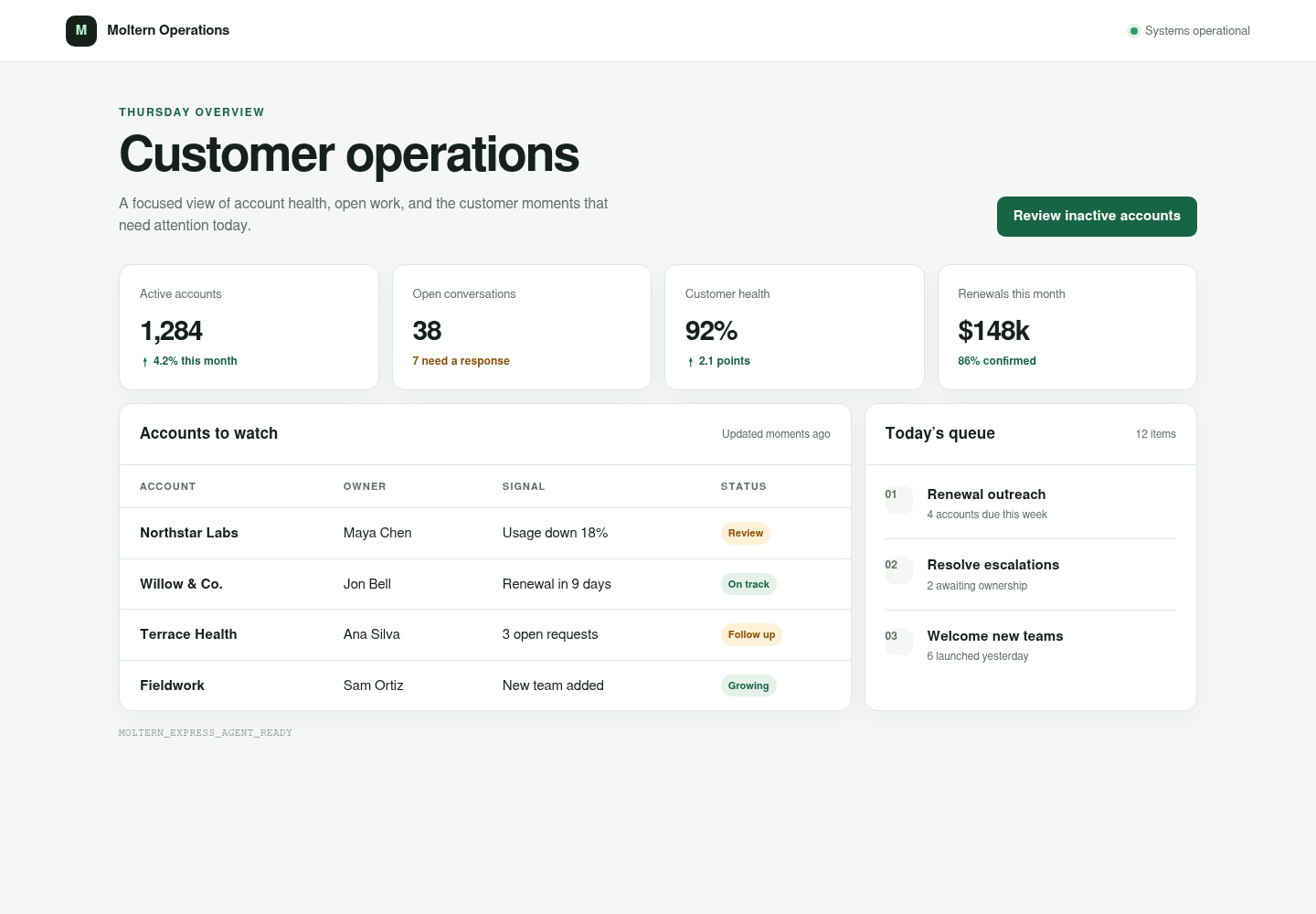
The homepage identifies Express. Append /health to the address; the expected
result is HTTP 200 and {"status":"ok"}.
Edit An Endpoint
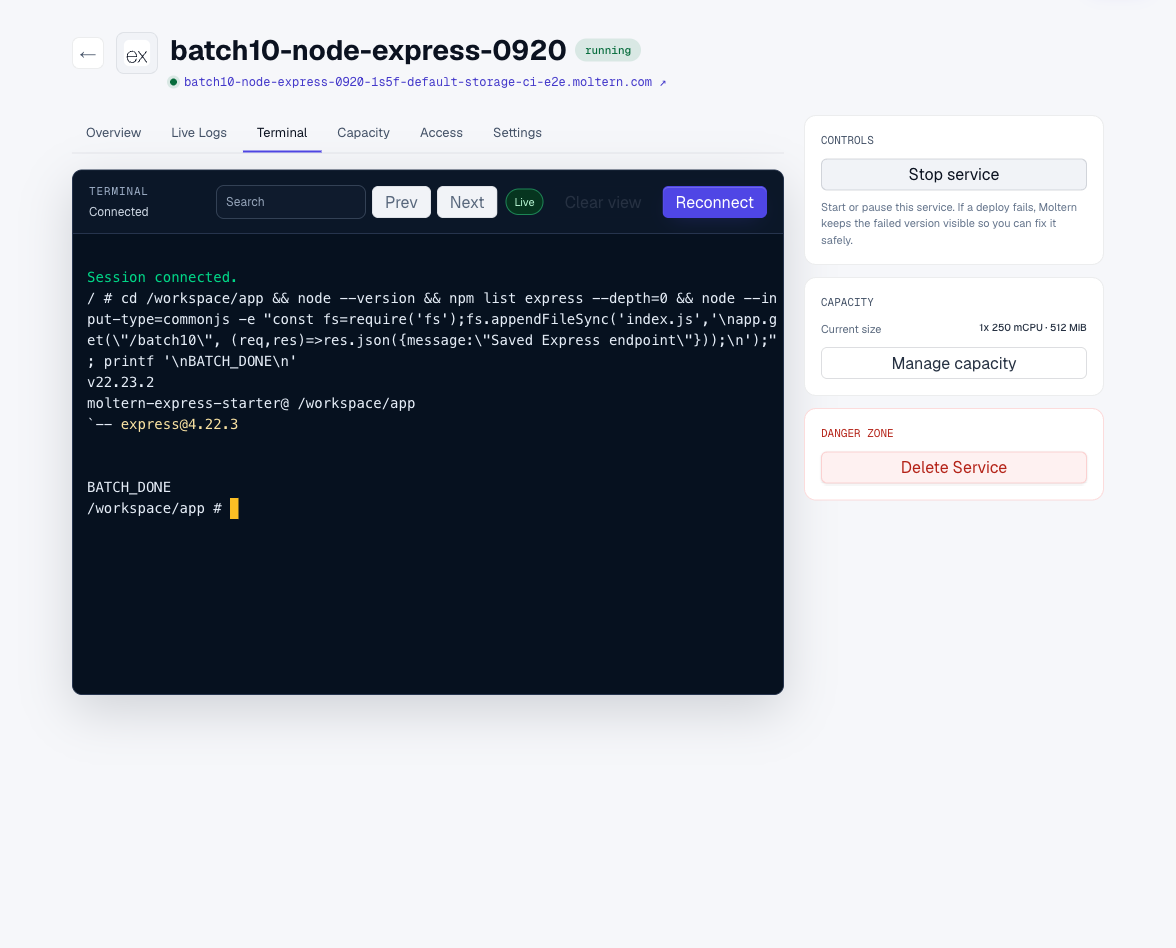
Open Terminal and wait for the connection. Your project is in
/workspace/app:
cd /workspace/app
node --version
npm list express --depth=0
Edit index.js to add a route. For example:
app.get('/report', (req, res) => res.json({ message: 'My first endpoint' }));
Use Stop service, then Start service to reload the server. Wait until the
URL responds before testing the new route. Do not start a second server on the
same port. Put dependencies in package.json and commit the lockfile to Git.
Work With Git And A Coding Agent
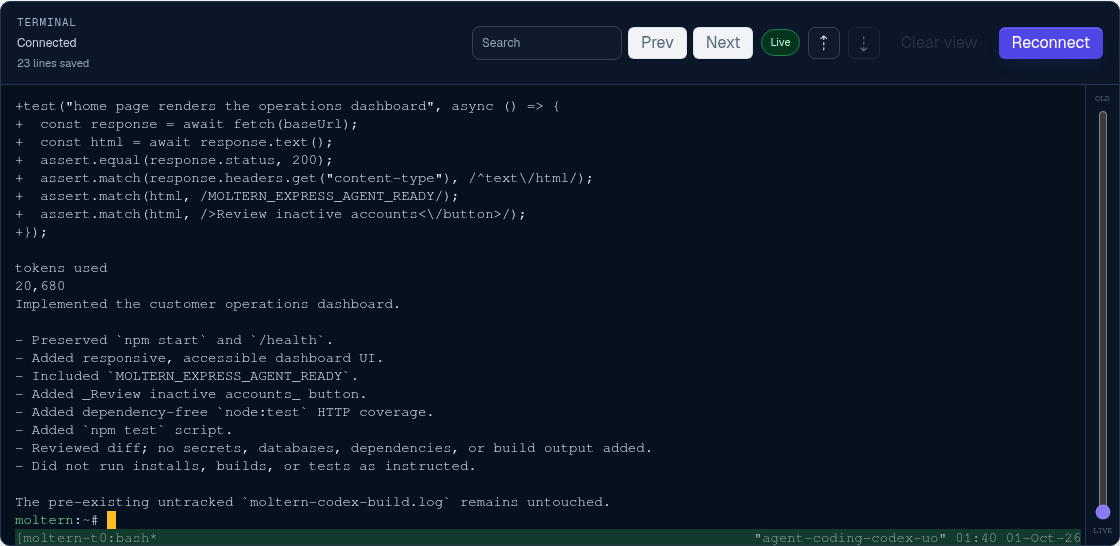
Attach this service to one coding agent with the minimum resource scope, then use a private feature branch as the source handoff. The runtime includes Git and SSH tooling but no repository credential.
After pulling the reviewed agent commit into /workspace/app, run:
node --check index.js
npm test
Exercise the homepage and /health, restart the service, and verify the same
commit remains active. Remove temporary Git credentials and agent access after
the task.

Storage And Connections
Files in /workspace survive runtime replacement. Keep code in Git too;
workspace persistence is not a versioned backup. Private service access must be
configured explicitly using the service connection controls.
Delete Service with Delete stored data removes the runtime and its workspace files after confirmed cleanup. Keeping files retains storage usage.
Troubleshooting
Check Live Logs for install errors. A 503 immediately after starting can mean startup has not finished, even when the status label has already changed. An offline placeholder page does not prove Express is working.
Supported Workflow
Use the workspace terminal or an attached coding agent to edit the Express project, manage npm dependencies, run tests, preview HTTP routes, and synchronize changes with a private Git repository. Project files remain available after stopping and starting the workspace.
Before production, connect required services, configure trusted proxies and security middleware, and test error handling and shutdown behavior.