Next.js Starter
Deploy The Starter
The starter page is publicly accessible. Workspace permissions do not add application login protection. Add your own authentication before using sensitive data, and use a production deployment for a finished application.
Prototype a React application with a Next.js development server. When the project is ready, commit it to Git and deploy it through Applications with production build and start commands.
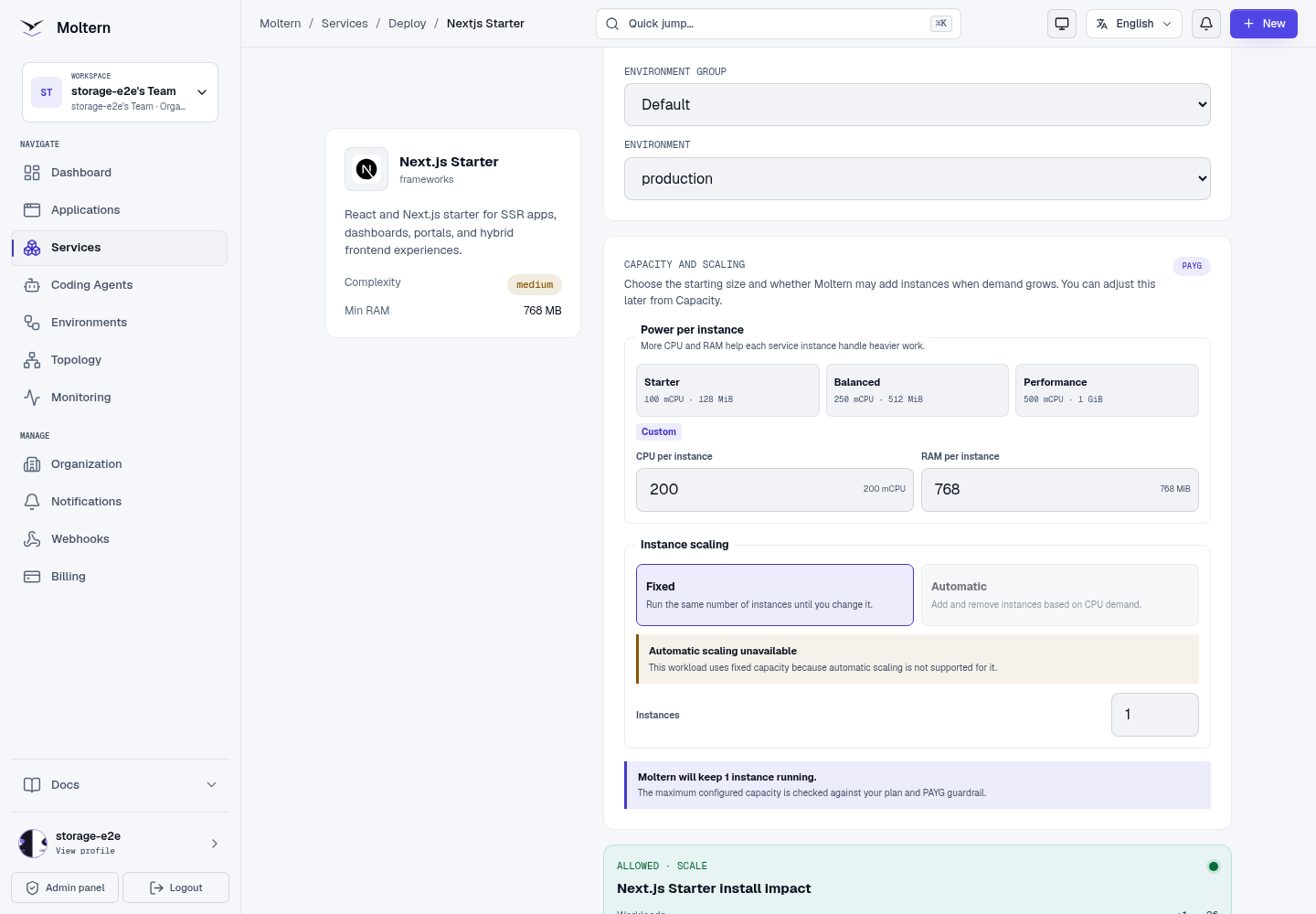
- Open Services and select Next.js Starter.
- Set a name and environment, then review capacity. The functional test used 200 mCPU / 768 MiB; this is not a production sizing recommendation.
- Choose Preview deploy, review the allowance and Confirm deploy.
- Follow Live Logs until the real application is ready, then open its URL.
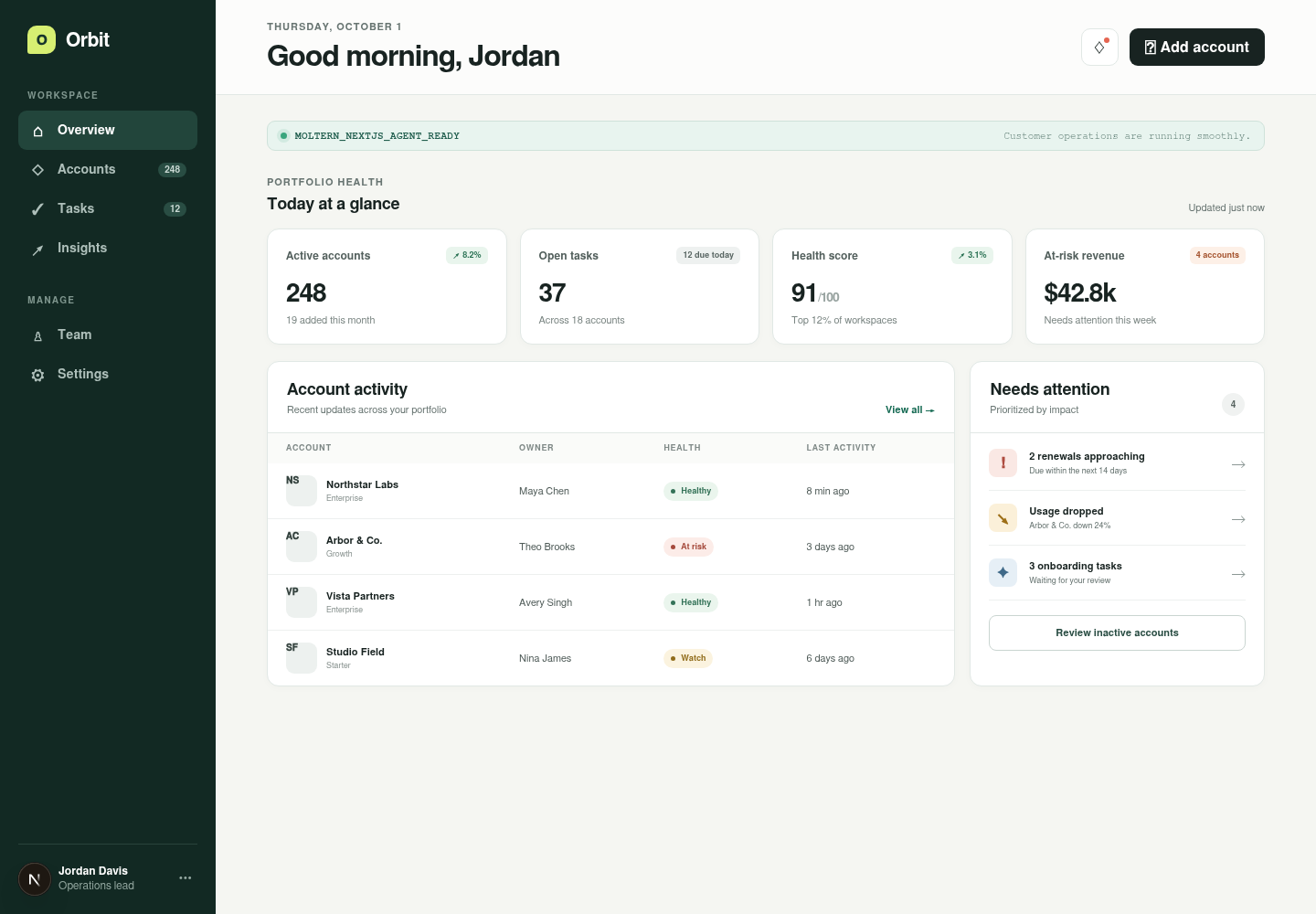
Open The Application
The generated URL should show the actual framework page, not an offline placeholder. A temporary 503 can mean startup has not finished.
Use The Terminal
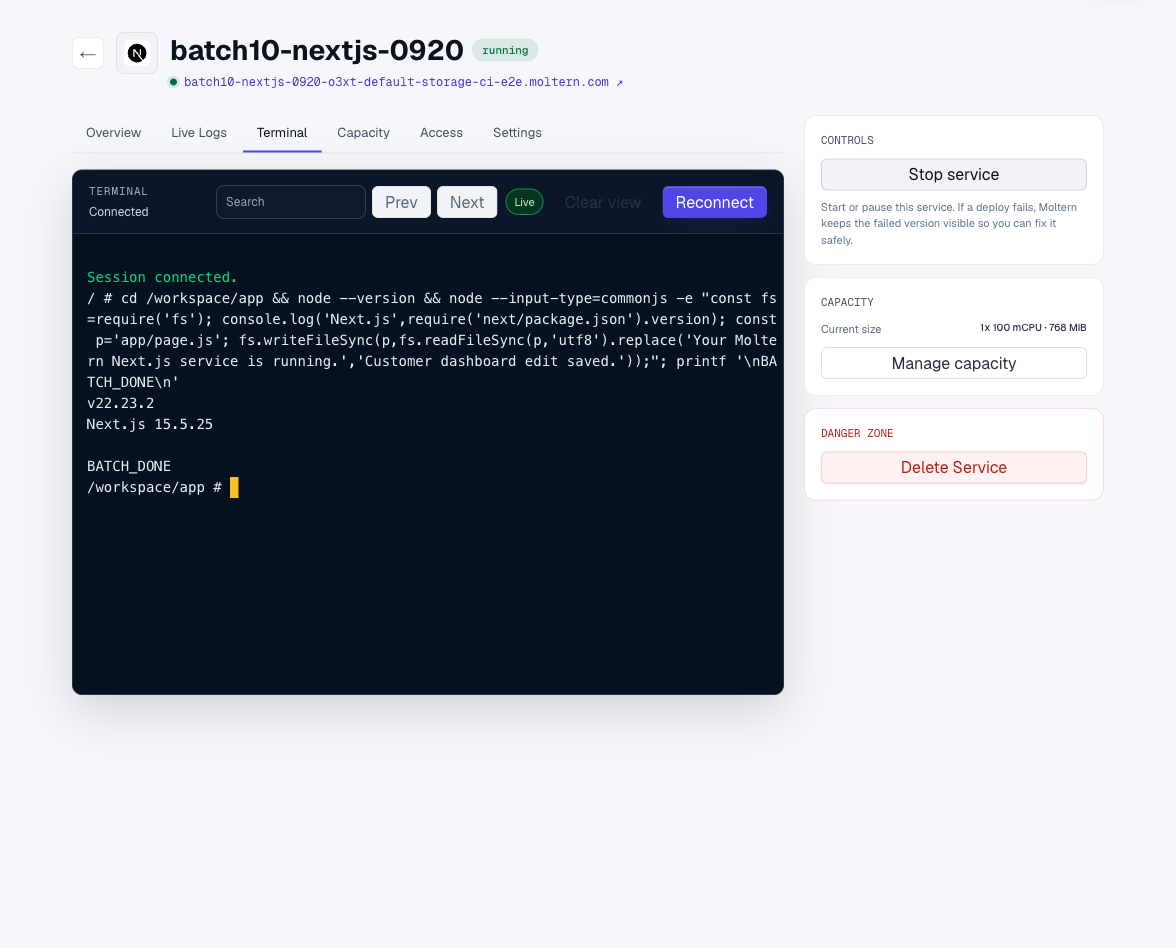
Open Terminal and wait for Connected:
cd /workspace/app
node --version
node -p "require('next/package.json').version"
Edit app/page.js, then open the public URL. To verify persistence, use Stop
service, then Start service, and check the same page after startup.
Avoid starting a second development server on the same port.
Work With Git And A Coding Agent
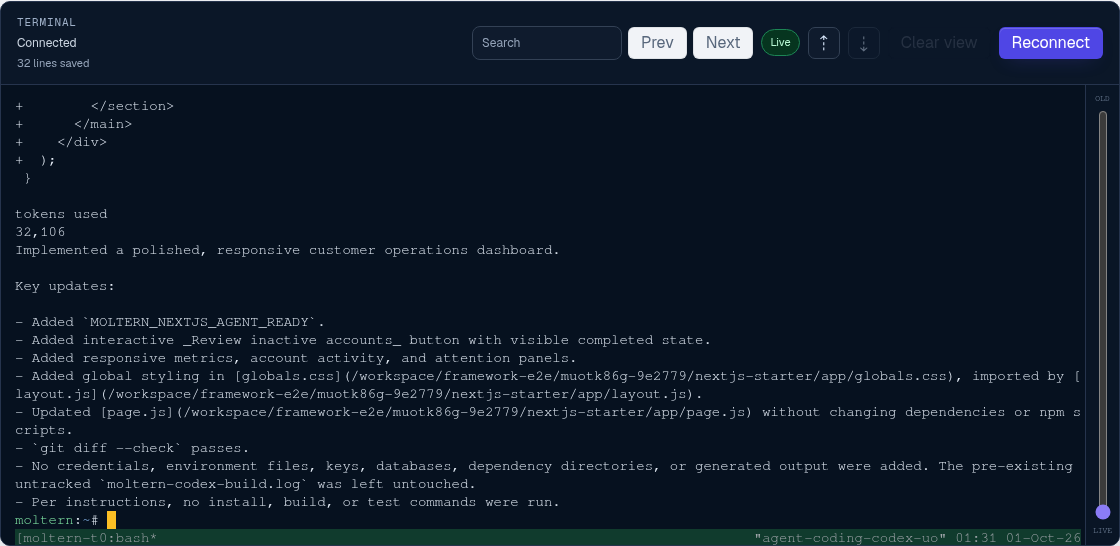
Attach the Next.js service under one coding agent's Resources settings and grant only the scope needed for the task. Use a private feature branch and a repository-scoped credential; the runtime image contains Git tooling but no embedded repository access.
Pull and review the exact agent commit in /workspace/app, then run:
rm -rf /tmp/moltern-next-build
MOLTERN_NEXT_DIST_DIR=/tmp/moltern-next-build npm run build
The separate output directory prevents the production build check from
overwriting .next while the development preview is using it. It is
runtime-local and can be removed after the check.
Open the generated page and exercise its interactive behavior before and after a service restart. Remove temporary Git access and the agent attachment when the task ends.

Storage And Private Connections
Project files live in this service's workspace under /workspace/app. Keep
source in Git too; persistent storage is not a versioned backup. Connect only
the private services this project needs through the connection controls.
Delete Service with Delete stored data requests runtime and workspace cleanup. Wait for cleanup to finish before assuming the allowance is released.
Troubleshooting
A next: Permission denied error can come from an executable launcher on the
workspace filesystem. New projects invoke the launcher through Node. Existing
package.json files are preserved; owners of older starter projects can use:
{
  "scripts": {
    "dev": "node node_modules/next/dist/bin/next dev --hostname 0.0.0.0",
    "build": "node node_modules/next/dist/bin/next build",
    "start": "node node_modules/next/dist/bin/next start --hostname 0.0.0.0"
  }
}
Review your project's existing scripts before changing them. Keep your port configuration consistent with the deployed service.
Supported Workflow
Use the workspace terminal or an attached coding agent to edit the Next.js project, manage npm dependencies, run the production build, preview the site, and synchronize changes with a private Git repository. Project files remain available after stopping and starting the workspace.
Before production, connect required services, review server-only and public environment variables, and test server-rendered and client-side routes.