Deploy Swetrix
Swetrix is an open-source web and product analytics platform with cookieless tracking, real-time traffic reports and event analytics. Moltern deploys its frontend and API behind one HTTPS URL with managed ClickHouse and Redis.
What Moltern deploys
| Component | Purpose | Access |
|---|---|---|
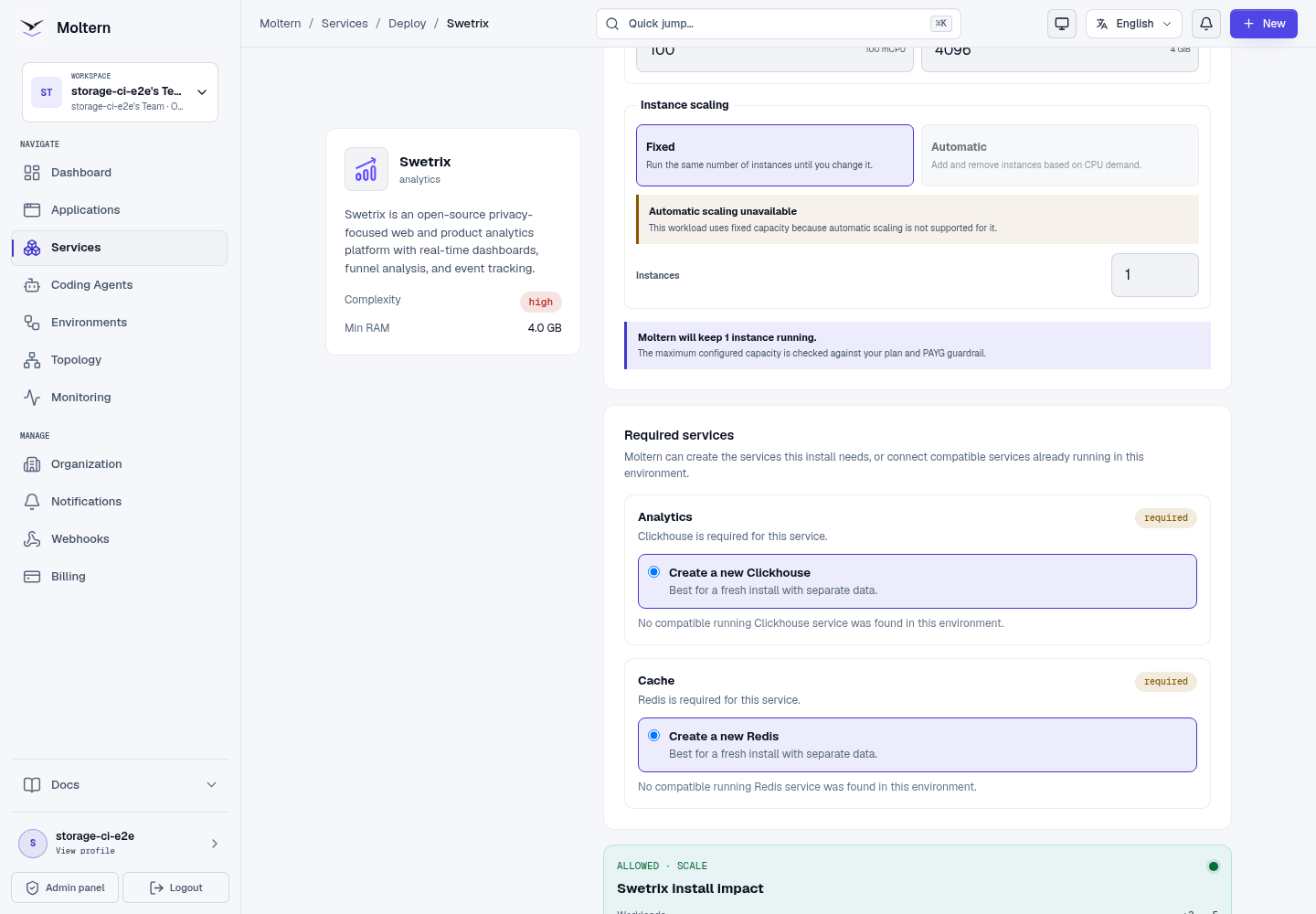
| Swetrix 5.4 | Dashboard, account API and event collector | One public HTTPS URL |
| Managed ClickHouse | Traffic and event records | Private to the selected environment |
| Managed Redis | Runtime cache and coordination | Private to the selected environment |
The Swetrix application is stateless and does not use the obsolete PostgreSQL layout from older community deployment examples.
Capacity before deployment
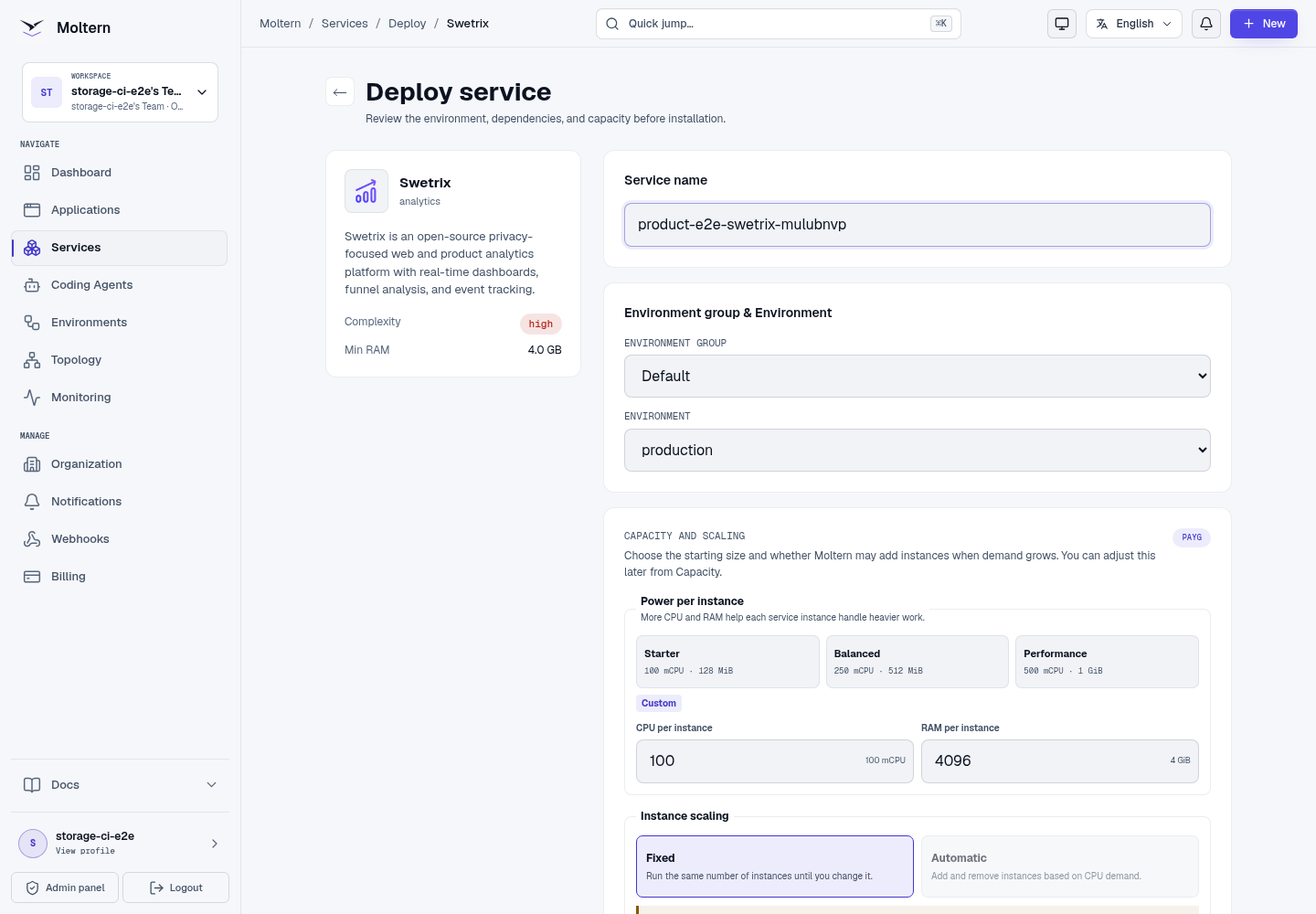
The application request is 100 mCPU and 1 GiB of memory, before ClickHouse and Redis are included. Review the complete install impact and workspace allowance before deploying.
Deploy Swetrix
- Open Services and choose Swetrix.
- Select the project and environment.
- Enter a service name.
- Review the three-workload install impact.
- Choose Deploy service.
- Wait for the dependencies and Swetrix route to become Running.
Create the owner and project
Open the generated URL:
- Register the first user with a work email and strong password.
- Complete the short onboarding flow.
- Create a project for the website.
- Enter its public URL and a recognizable project name.
- Copy the generated tracking code.
Collect and verify traffic
Install the generated tracker in the website and load a controlled page. Open the project traffic summary and confirm that the page-view count increases.
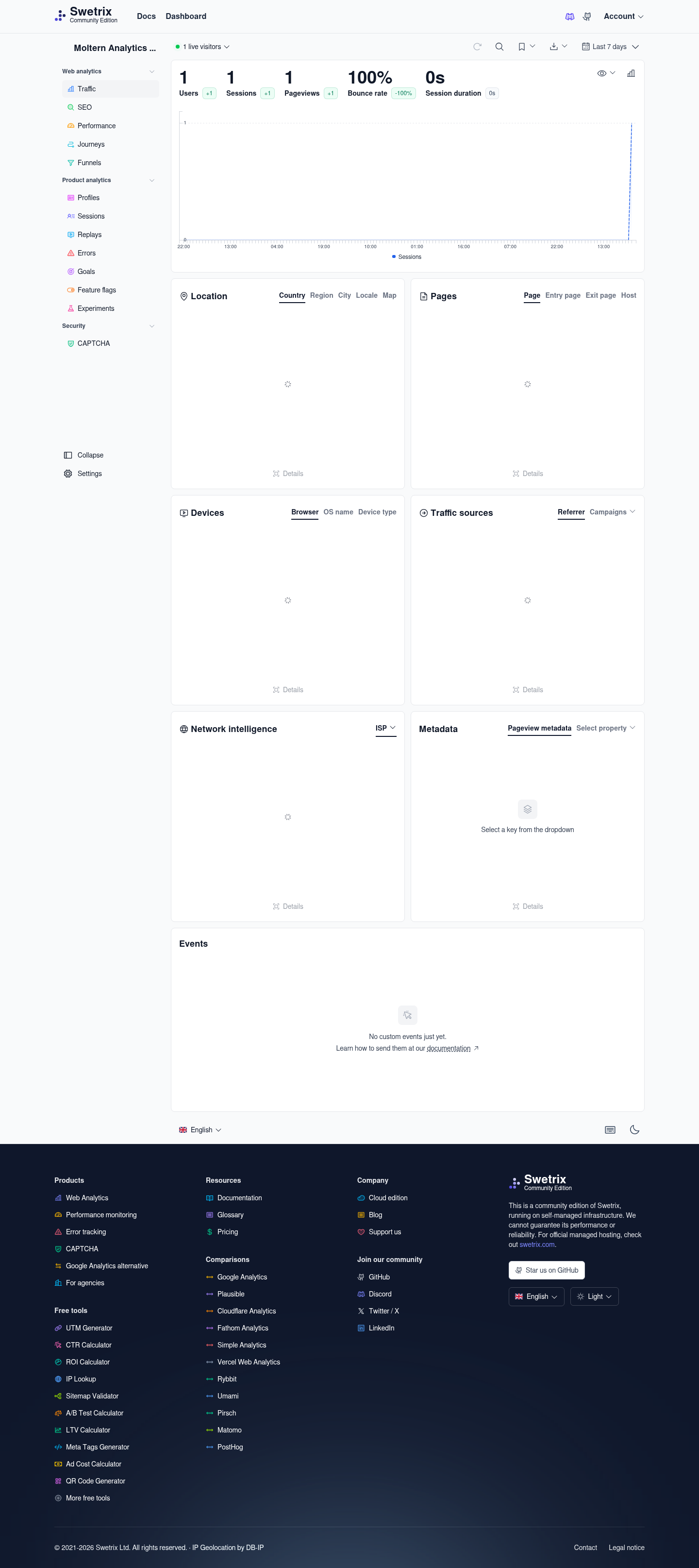
Use stable project IDs and send only analytics properties your privacy policy permits. Browser privacy tools can block the request even when Swetrix is healthy.
Restart and persistence
Stopping and starting Swetrix replaces its frontend, API and proxy runtime. The account, project and traffic remain in the managed data services. Sign in after restart and reopen the same project to confirm the lifecycle.
Storage and metering
Moltern accounts for Swetrix, ClickHouse and Redis independently. Billing reports their CPU, memory, replicas and measured workspace bytes. The Swetrix application does not create a hidden data volume.
Delete Swetrix
Choose Delete Service, select stored-data removal and confirm the protected action. Moltern removes Swetrix, its auto-provisioned ClickHouse and Redis dependencies, assigned workspace paths, credentials, route and usage allocations.
Troubleshooting
| Symptom | What to check |
|---|---|
| Registration returns an API error | Confirm the API container and both dependencies are Running. |
| The frontend cannot reach /backend | Review the service route and proxy logs; frontend and API share one public origin. |
| Traffic remains at zero | Verify the project ID, tracker request, selected period and browser privacy extensions. |
| Deployment waits on dependencies | Review ClickHouse and Redis progress before retrying Swetrix. |
| A project disappears after restart | Confirm the original managed dependencies remain attached. |