Deploy Umami
Umami is a lightweight web analytics platform for page views, sessions and custom events. Moltern deploys Umami with managed PostgreSQL, a protected administrator password and a live HTTPS URL.
What Moltern deploys
| Component | Purpose | Access |
|---|---|---|
| Umami 3.4 | Analytics dashboard and event collector | Public HTTPS URL with Umami sign-in |
| Managed PostgreSQL | Users, websites, sessions and events | Private to the selected environment |
The Umami runtime is stateless. PostgreSQL uses an isolated workspace path for all durable analytics data.
Deploy Umami
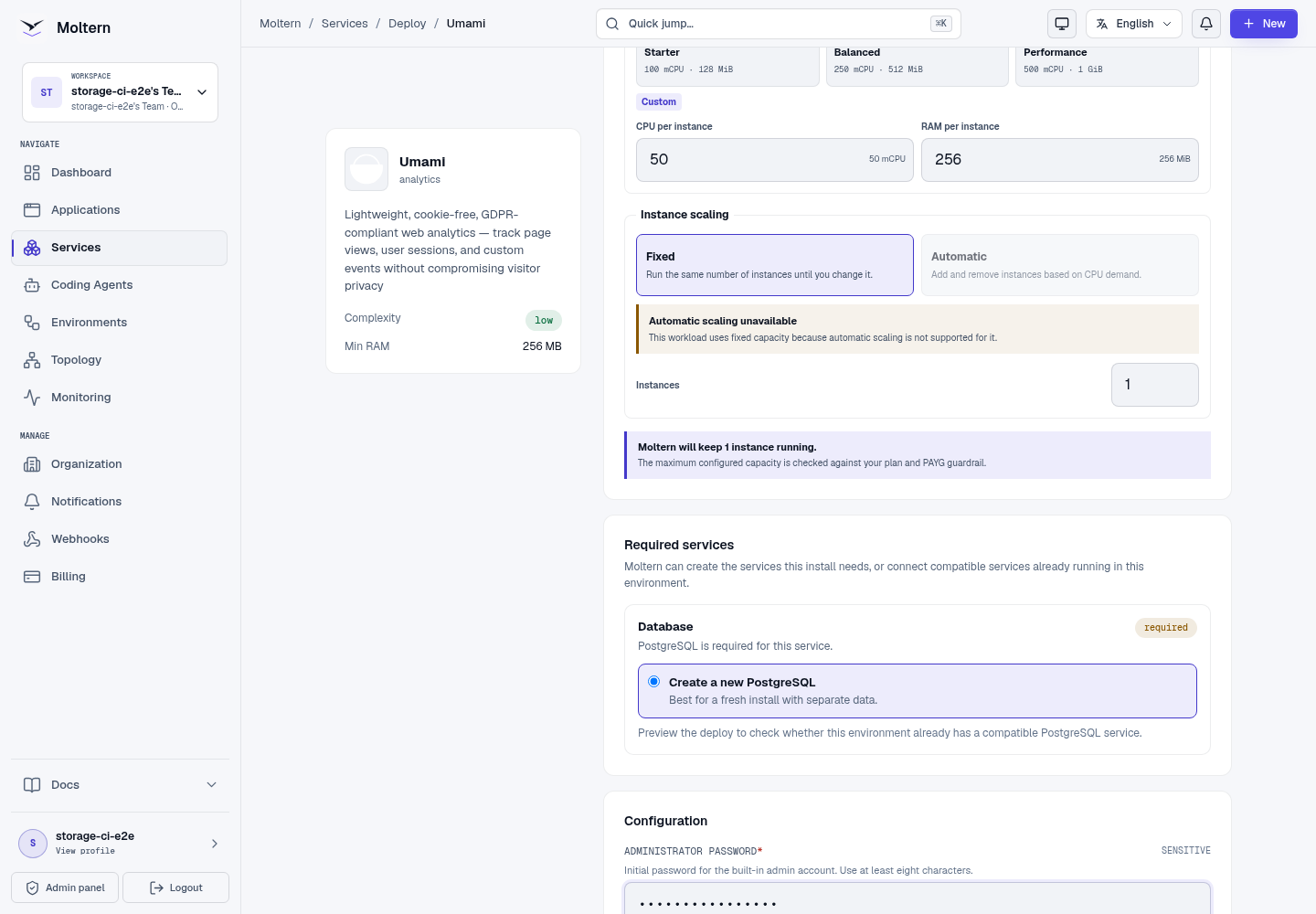
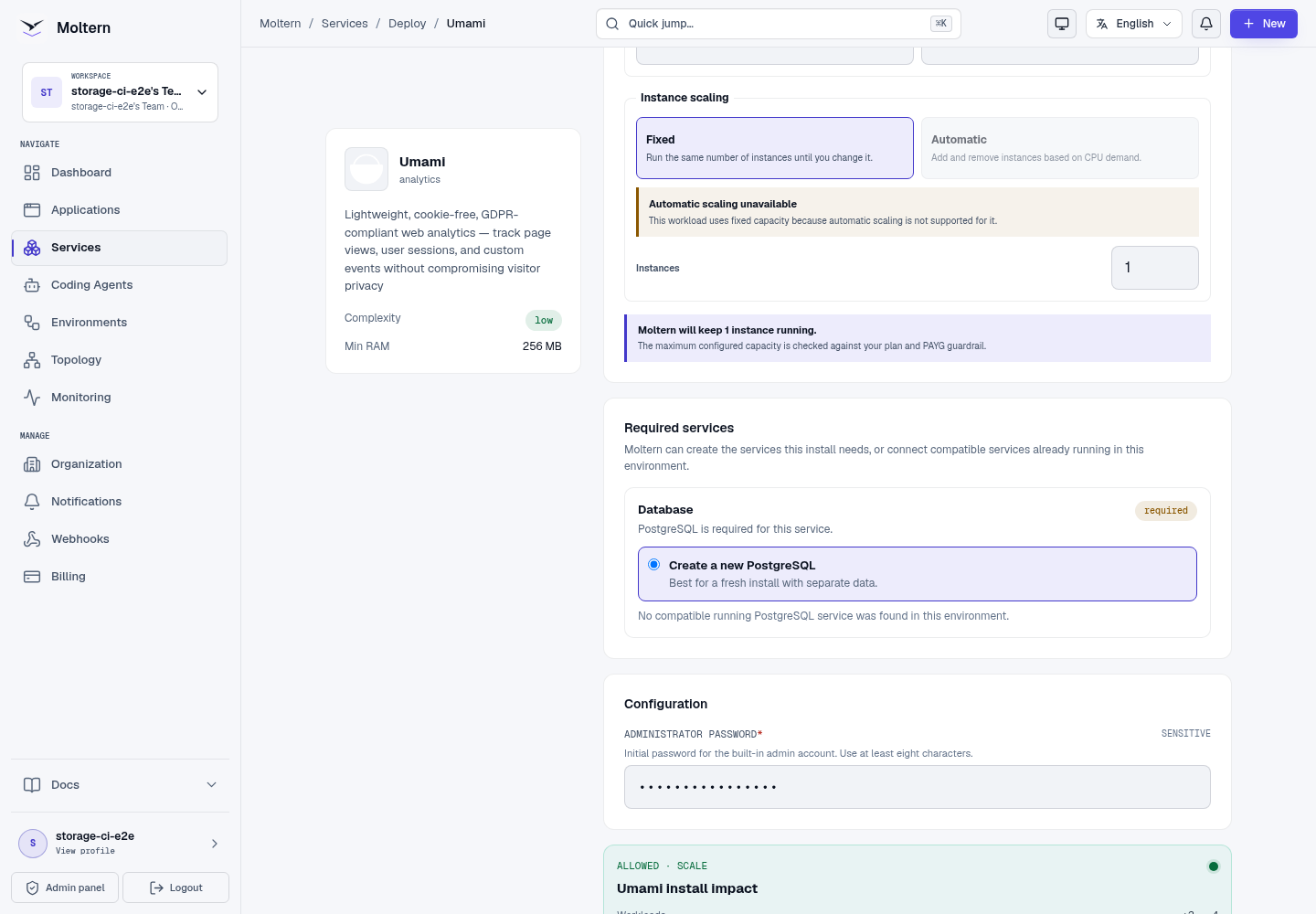
- Open Services and choose Umami.
- Select the project and environment.
- Enter the password for the built-in administrator.
- Review the Umami and PostgreSQL install impact.
- Choose Deploy service and wait for Running.
Sign in and add a website
Open the generated URL. Sign in with username admin and the password chosen
during deployment.
- Open Settings → Websites.
- Choose Add website.
- Enter a recognizable name and the exact website domain.
- Save the website.
- Open its tracking-code view and copy the generated script.
The password can be revealed later from Service → Settings → Connection details after an account security check.
Track page views
Add the generated script to the website's HTML <head>. Keep the generated
website ID unchanged:
<script
  defer
  src="https://your-umami-domain/script.js"
  data-website-id="your-website-id">
</script>
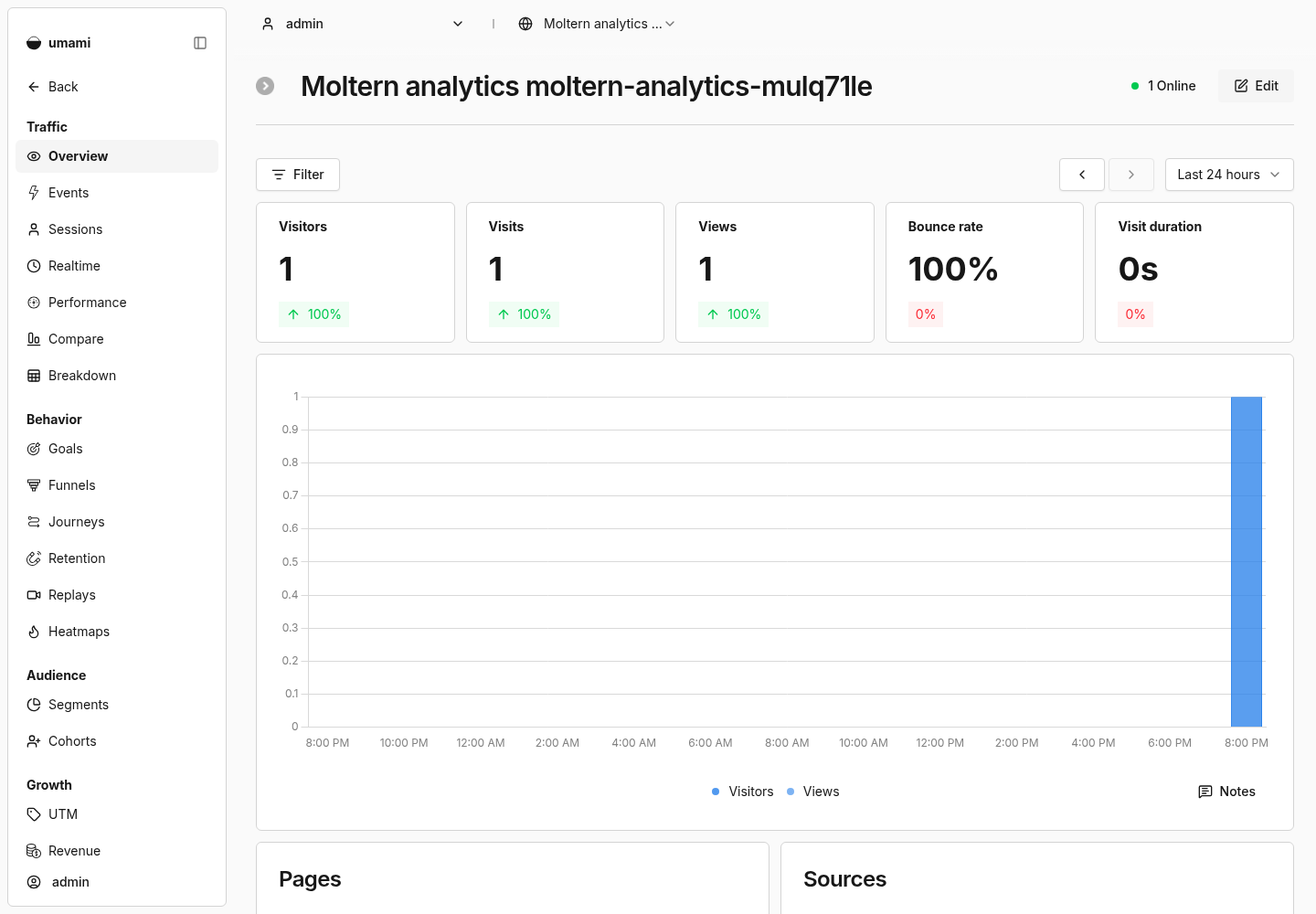
Load a page, then open the website in Umami and confirm that its page-view count increases.
Send custom events
Use Umami's browser tracker or API after the base page-view integration works. Give events stable names that describe a user outcome, and avoid sending credentials or personal data as event properties.
Restart and persistence
Stopping and starting Umami replaces only the application runtime. The administrator, websites and events remain in managed PostgreSQL. After restart, sign in with the same password and reopen the website report.
Storage and metering
Moltern accounts for Umami and PostgreSQL separately. Billing shows their CPU, memory, replicas and measured workspace usage. The Umami runtime has no dedicated data volume; PostgreSQL owns the durable state.
Delete Umami
Choose Delete Service, select stored-data removal and confirm the protected action. Moltern removes Umami, its auto-provisioned PostgreSQL dependency, database files, credentials, route and active usage allocations.
Troubleshooting
| Symptom | What to check |
|---|---|
| Administrator sign-in fails | Use username admin and the password selected in the Moltern deployment form. |
| A website receives no page views | Verify the website ID, collector domain, browser console and content-security policy. |
| A privacy extension blocks the script | Test with a clean browser profile or use a controlled server-side event. |
| Umami remains Deploying | Check the managed PostgreSQL status and Live Logs for migration errors. |
| Reports disappear after restart | Confirm the original managed PostgreSQL dependency remains attached. |