Docusaurus
Docusaurus is a React and Markdown documentation-site generator. Use it for product guides, versioned documentation, release notes, developer portals, and API references.
Before You Deploy
You need permission to create services and enough workspace capacity for the site source, installed packages, and generated build. Docusaurus does not include a web content editor or user login. Authors work with the source files through the service terminal or a Git-backed application workflow.
Deploy Docusaurus
- Open Services, search for Docusaurus, and select Deploy.
- Choose the environment and enter a recognizable service name.
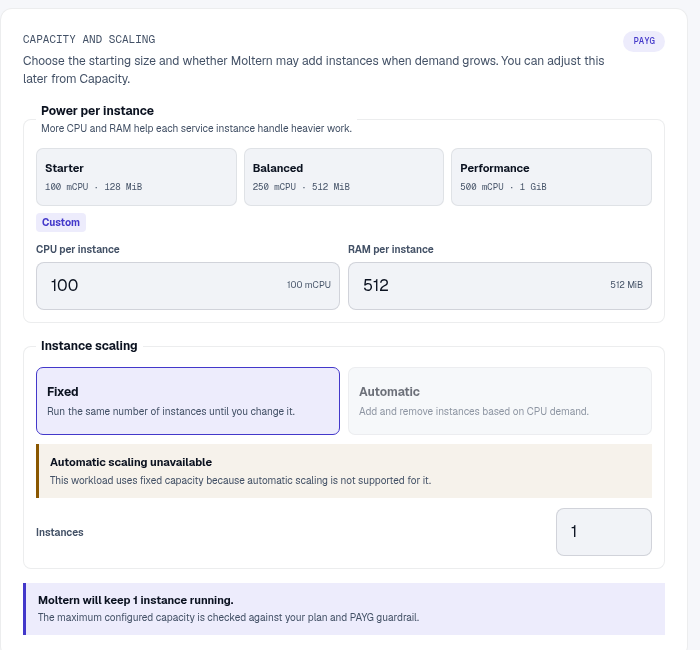
- Review Capacity and scaling, then select Preview deploy.
- Confirm the storage and runtime impact and start the deployment.
- Allow several minutes for the first startup while the starter site and its dependencies are prepared.
- Open the generated URL after the service reports Running.
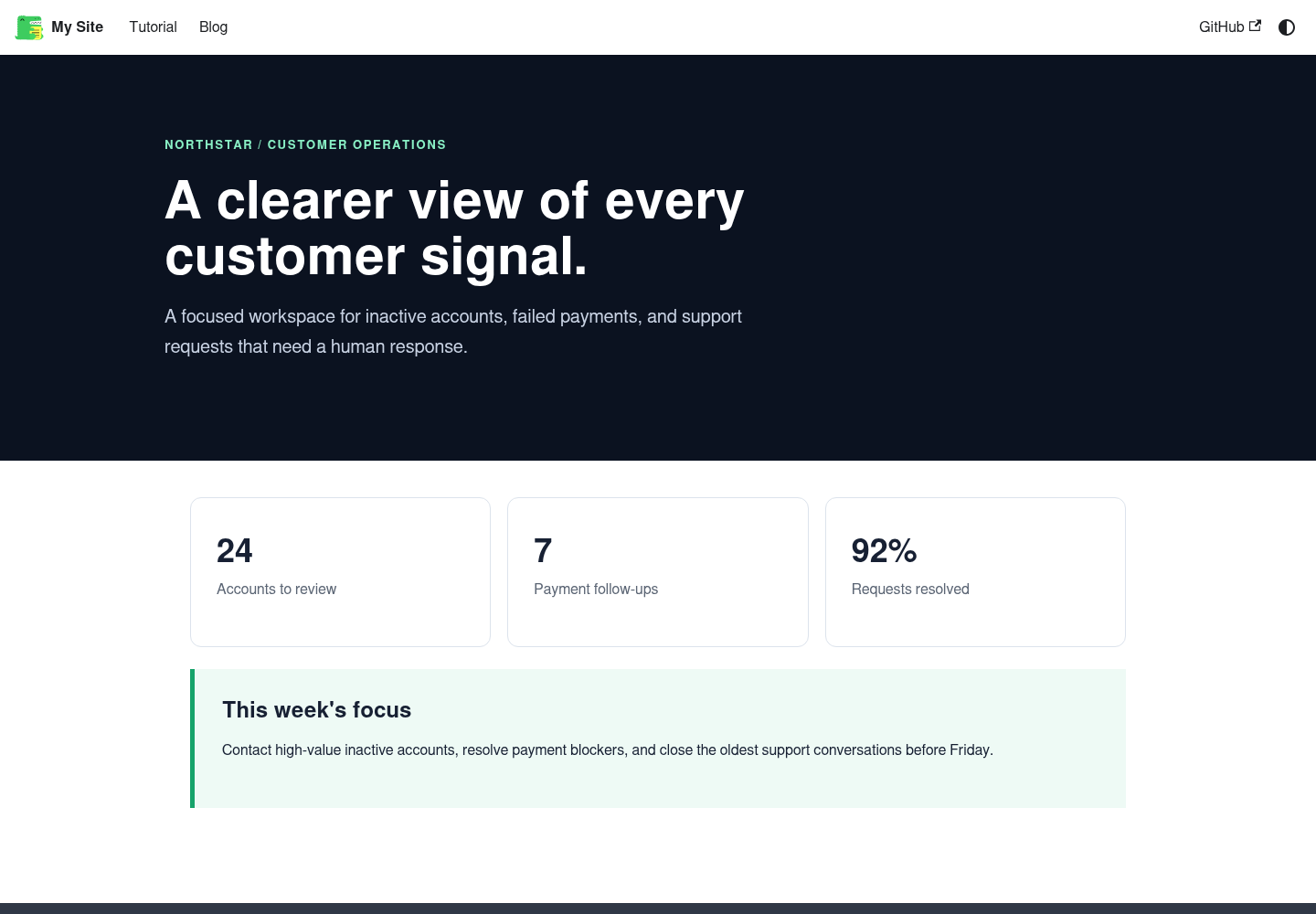
If the package registry is briefly unavailable during first start, the service shows a temporary starter page instead of remaining unavailable. Restart it when internet access is restored so the complete site can be prepared.
Build Your Documentation Site
Open the service Terminal and work in the generated site directory. The starter includes the normal Docusaurus project structure:
docs/for documentation pagesblog/for postssrc/pages/for standalone React pagessidebars.jsfor documentation navigationdocusaurus.config.jsfor site metadata, navigation, and theme settings
Run a production build before sharing changes:
cd /docusaurus/moltern-docs
npm run build
The live service uses the generated production output. Keep important source in Git so changes can be reviewed, recovered, and reproduced outside one runtime. For a repository-driven production site, deploy that repository as a Moltern application and use the Docusaurus service as a working environment when useful.
Work With Git
The service workspace supports normal Git workflows. Initialize or clone only a repository you are authorized to use. Store repository credentials in protected configuration, use the least required scope, and never paste a token into a documentation file or screenshot.
Before Publishing
- Replace starter content and branding.
- Review navigation on desktop and mobile.
- Add a custom domain only after the generated URL works.
- Confirm search, versioning, and broken-link checks during the site build.
- Keep a copy of important source content in version control or another backup location.
Capacity, Persistence, And Cleanup
Source files, installed packages, and build output use workspace storage. Stop and start preserve that workspace, but stopping is not a backup. After runtime or capacity changes, reopen the site and run a production build before considering the maintenance complete.
When deleting the service, choose whether to remove stored data or keep workspace files. Retained files continue counting toward workspace storage. Delete stored data only after the source is committed or exported somewhere you control.
Troubleshooting
| Symptom | What to check |
|---|---|
| Temporary offline starter appears | Restart after public package access is available, then follow Live Logs while the complete starter is generated. |
npm run build fails | Read the first build error, check broken links and imports, then retry locally in the same terminal. |
| The live page still shows old content | Confirm the production build completed and restart the service if the serving process has not reloaded the output. |
| Terminal edits disappeared | Confirm you edited the persistent site directory, not a temporary path, and keep source in Git. |
| Custom domain does not load | First verify the generated URL, then review the domain and DNS status in Moltern. |