DokuWiki
DokuWiki is a lightweight wiki that stores pages as files rather than requiring a database. It works well for team runbooks, internal documentation, project notes, and knowledge bases that need version history and access controls.
Deploy DokuWiki
- Open Services, search for DokuWiki, and select Deploy.
- Enter a service name and choose the environment.
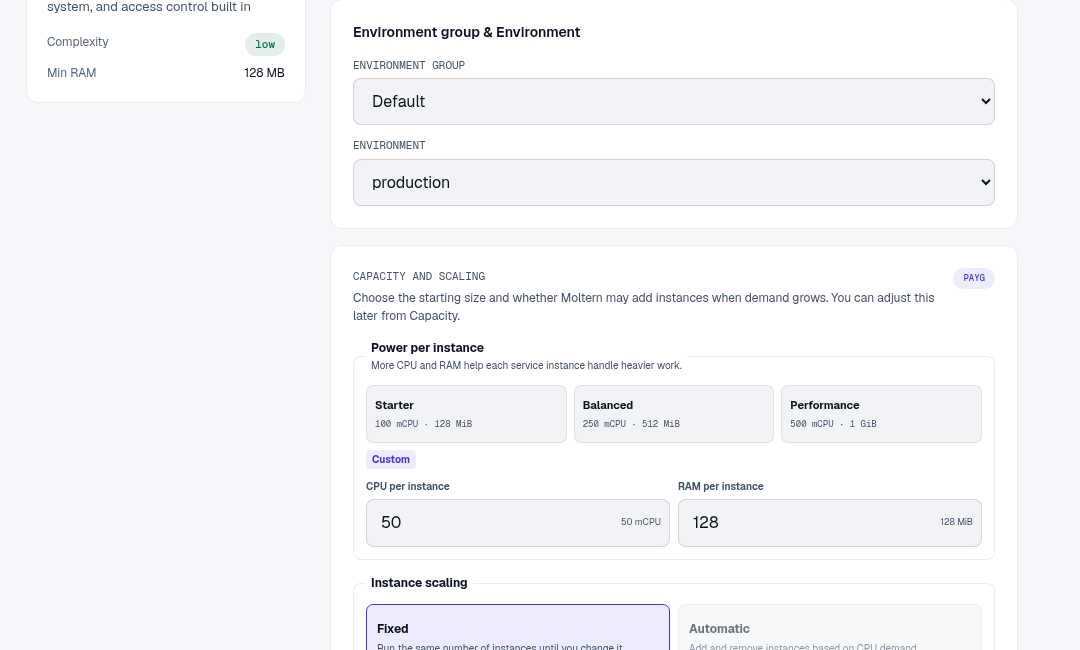
- Review Capacity and scaling, then select Preview deploy.
- Confirm the deploy and wait until the service reports Running.
- Open
/install.phpon the generated URL for the one-time setup. - Enter the wiki name, administrator username, display name, email, and a strong password that you control.
- Choose the initial access policy, complete setup, and return to the root URL.
DokuWiki has no database dependency. Pages, media, plugins, history, users, and configuration use the service's stored files.
Create A Team Runbook
- Sign in with the administrator created during setup.
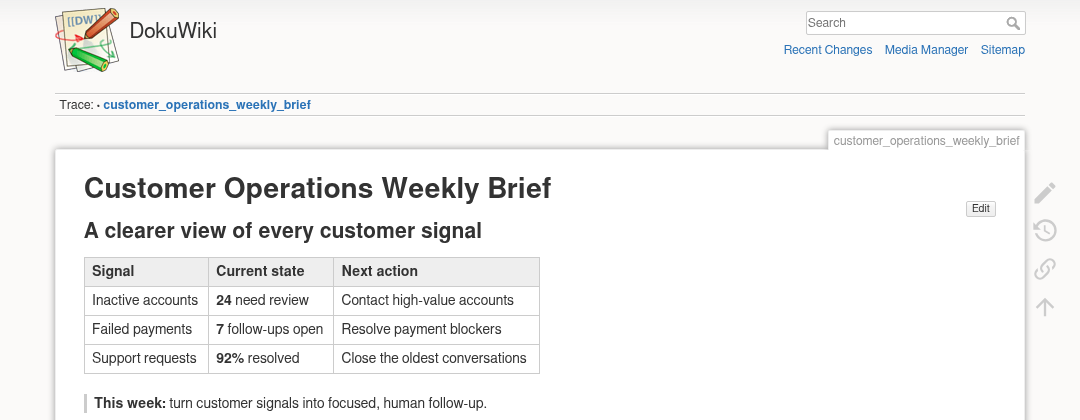
- Navigate to the page name you want, such as
customer_operations_weekly_brief. - Select Create this page or Edit this page.
- Add headings, tables, links, and action notes with DokuWiki syntax.
- Enter an edit summary and select Save.
- Reload the page and use Old revisions to confirm that history is active.
Access And Extensions
Use DokuWiki's Access Control List settings to decide which users and groups can read or edit namespaces. Do not rely on an unlisted URL to protect private content.
Install extensions only from sources you trust. A plugin can read or modify wiki files and may require outbound network access. Keep extensions updated and test them before relying on them for a critical workflow.
Capacity, Persistence, And Cleanup
DokuWiki is file-based, so stored-file usage represents the wiki's actual pages, uploads, revisions, plugins, and configuration. Review that usage in Billing.
After a stop/start or capacity change, open a saved page and confirm its revision history remains available. Before deletion, back up the wiki data directory or export the content you need. Retaining stored files keeps them billable until they are explicitly removed.
Troubleshooting
| Symptom | What to check |
|---|---|
| The installer reappears | Confirm setup completed and that service storage is healthy and writable. |
| A page cannot be edited | Check the user's ACL permissions and whether the page or namespace is locked. |
| Upload fails | Check allowed media types, file size, available storage, and user permissions. |
| Content is missing after restart | Inspect storage status and service logs; do not rerun setup over missing data. |
| Plugin installation fails | Check plugin compatibility and whether that plugin requires approved outbound access. |