Vvveb
Vvveb is a visual website builder and content management system for websites, blogs, and simple stores. It combines a browser-based page builder with content, media, templates, and site administration.
Before You Deploy
You need permission to create services and enough workspace storage for the site, themes, and media. Prepare an administrator email, username, and a strong password. Moltern also connects a managed database for the site content.
Deploy Vvveb
- Open Services, search for Vvveb, and select Deploy.
- Choose the environment and enter a recognizable service name.
- Enter the administrator email, username, and password.
- Review Capacity and scaling, then select Preview deploy.
- Confirm the Vvveb and database impact and start the deployment.
- Wait for Running, then select Open.
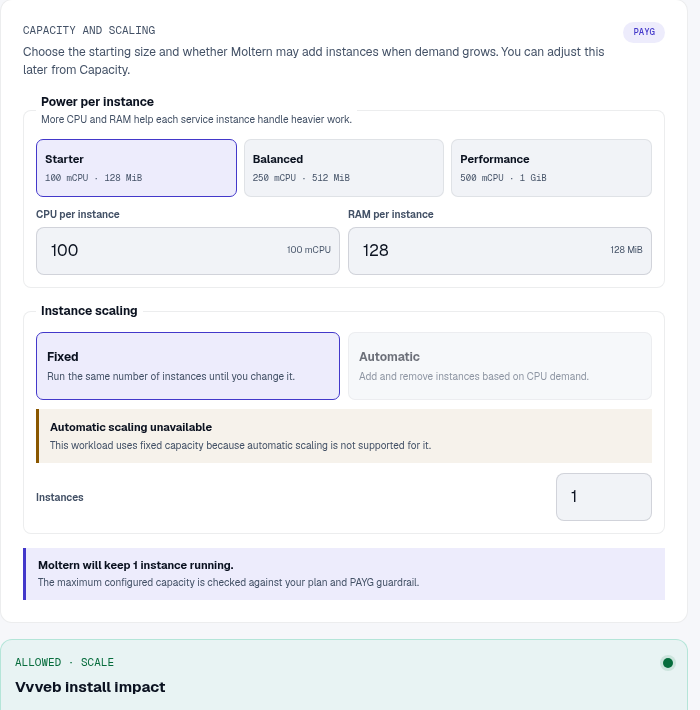
Vvveb prepares its application files during first startup. Follow Live Logs while it prepares the site instead of launching a second installation.
Sign In
Moltern completes the initial Vvveb installation and database connection during
deployment. Open /admin/, then sign in with the administrator username and
password entered in the deploy form. Store those credentials in your password
manager.
Design And Publish A Page
- Sign in to the Vvveb administration area.
- Open the visual editor for the home page or create a new page.
- Choose a template, then edit headings, copy, calls to action, and images.
- Check desktop and mobile layouts before saving.
- Open the public URL in a signed-out browser and confirm the published result.
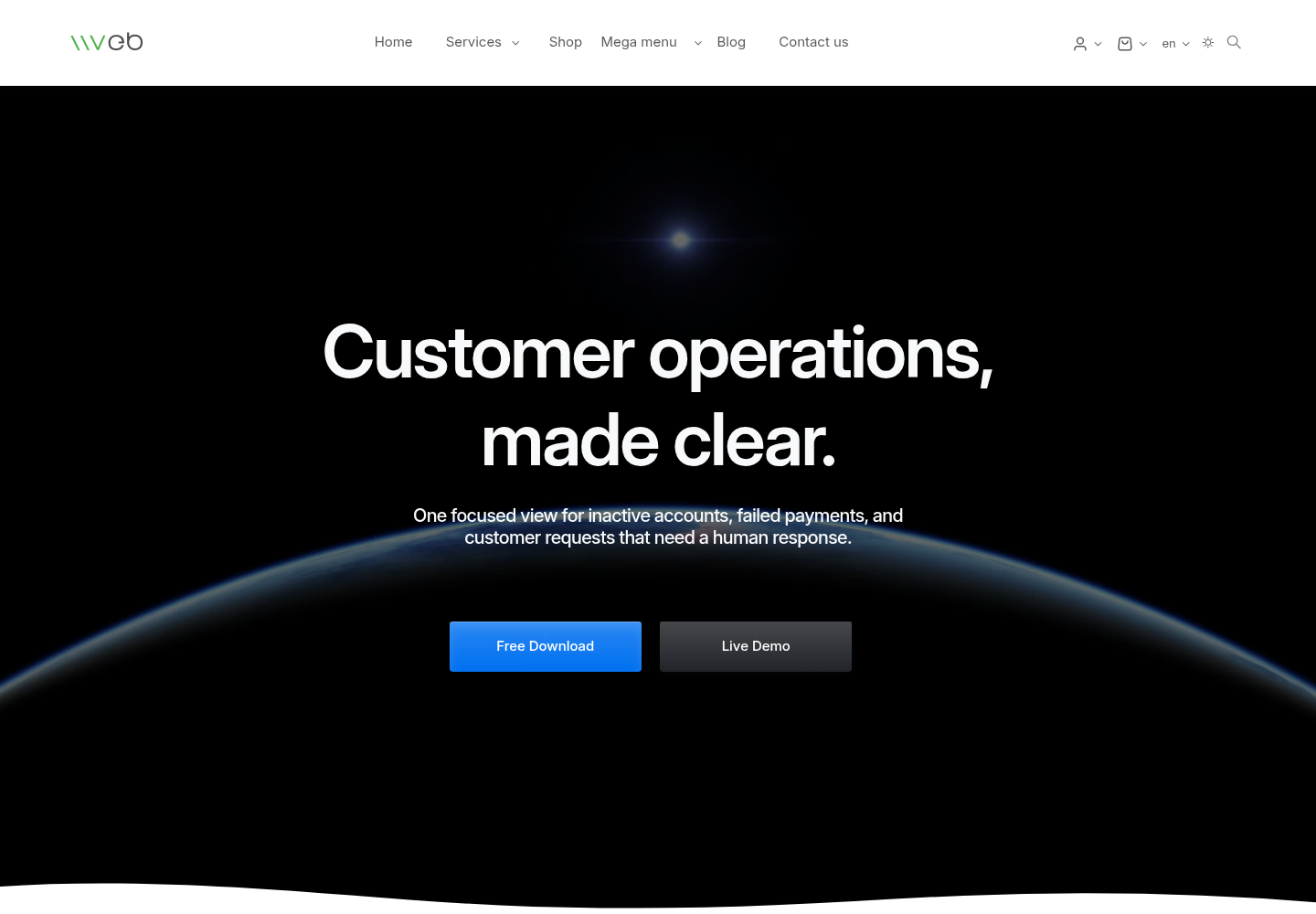
Use compressed images with descriptive alternative text. Keep heading order logical, preserve visible focus states, and verify color contrast before sharing the site.
Extensions And Outbound Access
Review themes and extensions before installing them. Test upgrades in another environment and keep an export of the working site. When an extension calls an external service, store its credential in protected configuration and grant only the access it needs.
Capacity, Persistence, And Cleanup
Site files, media, and themes use workspace storage. Site content is kept in the connected database. Stop and start should preserve both. Stopping is not a backup.
Capacity changes can restart the service and briefly interrupt the public site. After maintenance, verify administrator login, the home page, an edited page, and an uploaded image. Review Billing for runtime and stored-data usage.
Export important content before deletion. The protected delete flow lets you remove stored data or retain workspace files. Retained files continue counting toward storage usage.
Troubleshooting
| Symptom | What to check |
|---|---|
| Installation page appears | Wait for deployment to finish. If the service is already marked Running, open Live Logs and retry the deployment. |
| Database connection fails | Confirm the connected database is running, then retry the Vvveb deployment. |
| Visual editor does not save | Wait for the save control to finish, reload the public page, and check browser and Live Logs for the first error. |
| Public page still shows old content | Confirm the editor save completed and clear only the relevant page or browser cache. |
| Images are missing after restart | Review workspace storage and confirm the upload was saved inside the site media area. |