Ghost
Ghost is a publishing platform for websites, articles, memberships, and email newsletters. It combines a focused editor with themes, structured publication settings, member management, and content APIs.
Before You Deploy
You need permission to create services and enough capacity for Ghost, its database, and uploaded media. Have the publication name, owner name, owner email, and a strong Ghost password ready. The Ghost owner is separate from your Moltern account.
Deployment on Moltern
- Open Services, search for Ghost, and select Deploy.
- Choose the environment and enter a recognizable service name.
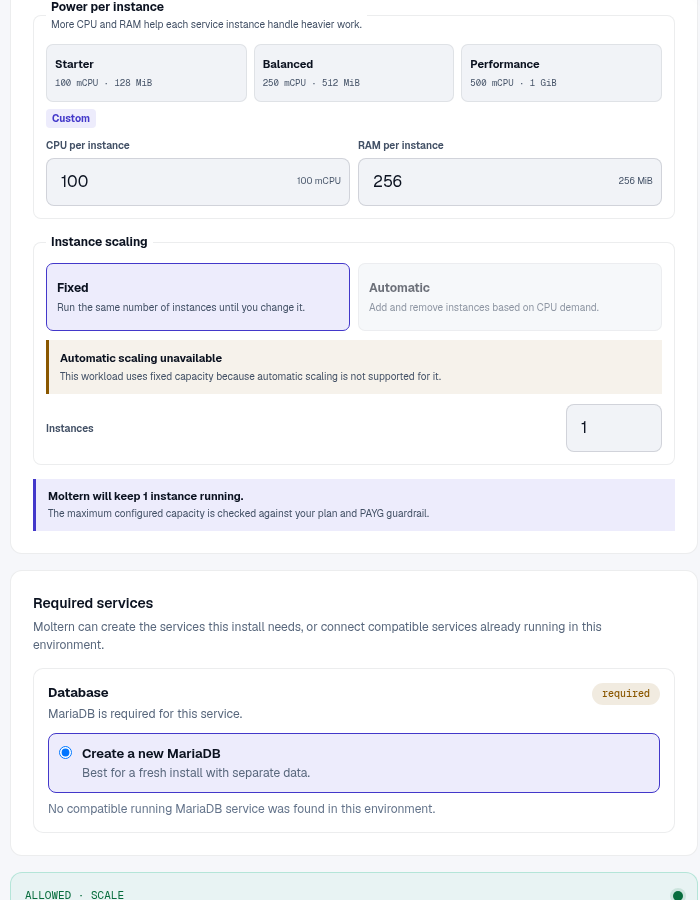
- Review the required MariaDB dependency. Create a new database for an isolated publication, or choose a compatible existing service intentionally.
- Review Capacity and scaling, then select Preview deploy.
- Confirm the service, database, and storage impact and deploy.
- Wait for Running, open the generated URL, then visit
/ghost.
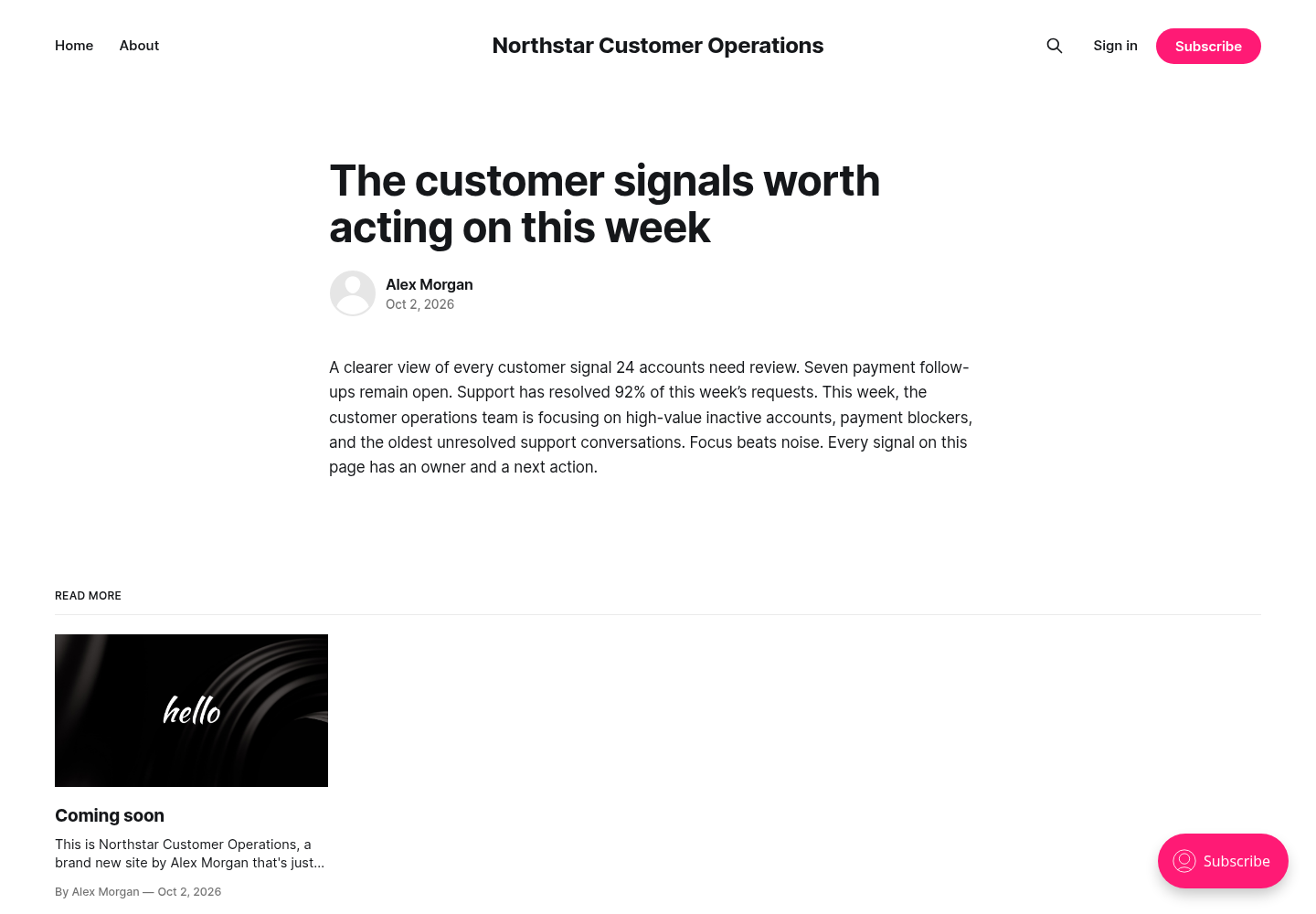
The public site can become reachable before the owner account exists. Complete the setup wizard before sharing the URL.
Create The Owner And Publish
- At
/ghost, enter the publication title, owner name, owner email, and a strong password. - Complete setup and open the Ghost editor.
- Create a post with a descriptive title, opening summary, headings, images, and an excerpt.
- Use Preview to check desktop and mobile presentation.
- Choose Publish, review the publication settings, and confirm.
- Open the public article in a signed-out browser.
Members, Newsletters, And Email
Ghost can manage members and send newsletters, but a new installation still needs its own outgoing email configuration. Moltern platform email does not automatically become Ghost's newsletter or transactional sender.
Before inviting members or sending a campaign, configure a sender you control, verify the sending domain, and test delivery to more than one mailbox provider. Use a draft or test audience before a production send.
Themes And Integrations
Test theme changes in a non-production environment and export the current theme before replacing it. For integrations, create a dedicated Ghost integration in the admin area and store its key in the consuming application's protected configuration. Do not expose Admin API keys in browser code.
Configuration
Moltern connects the database during deployment. Authorized users can reveal managed connection values from service settings after completing the connection-password check, but normal Ghost administration should use the web interface and supported APIs rather than direct database writes.
Capacity, Persistence, And Cleanup
Posts, members, and settings are stored in the managed database. Images, themes, and other content files use workspace storage. Stop and start should preserve both. Stopping is not a backup.
Resize Ghost and MariaDB independently when usage changes. Stateful maintenance can briefly interrupt publishing; afterward, verify owner login, a public post, and an uploaded image. Review Billing for all related workloads and storage.
Export important content before deletion. In the protected delete flow, choose whether to remove stored data or keep workspace files. Retained files continue counting toward storage usage. An auto-provisioned database is removed with the parent publication when it is not shared elsewhere.
Troubleshooting
| Symptom | What to check |
|---|---|
/ghost does not load | Confirm both Ghost and its database are running, then review Live Logs. |
| Setup says the owner already exists | Open /ghost/#/signin and use the owner credentials created previously. |
| Public URL redirects incorrectly | Verify the generated URL first, then review custom-domain and proxy settings. |
| Images disappear after maintenance | Check workspace storage and confirm uploads were written inside Ghost's content area. |
| Newsletter email is not delivered | Verify Ghost's own email provider, sender domain, and delivery logs. |