Lobe Chat
Lobe Chat is a multi-model AI workspace for conversations, assistants, knowledge and provider integrations. Moltern deploys it with a protected owner account, a live HTTPS address and the data services required by the workspace.
You can connect a private Ollama service without publishing Ollama to the internet. Moltern grants only the selected Lobe Chat workload access to that service and updates the runtime configuration for you.
Before You Start
You need:
- a Moltern workspace and environment;
- permission to create services and use protected service connections;
- an owner name, email address and strong password;
- at least
150 mCPUand1 GiBof available runtime capacity; - enough workspace storage for conversations, files and provider data;
- an Ollama service in the same environment when using a private local model.
The Lobe Chat owner account is separate from your Moltern account. Store its password in your organisation's password manager and do not reuse your Moltern password.
Deploy Lobe Chat
- Open Services and select Lobe Chat.
- Enter a unique service name.
- Select the project and environment for the workspace.
- Keep the validated starting capacity or select a larger fixed size.
- Enter the initial owner's name, email address and password.
- Select Preview deploy.
- Review the parent workload, required data services and capacity impact.
- Select Confirm deploy and wait for Running.
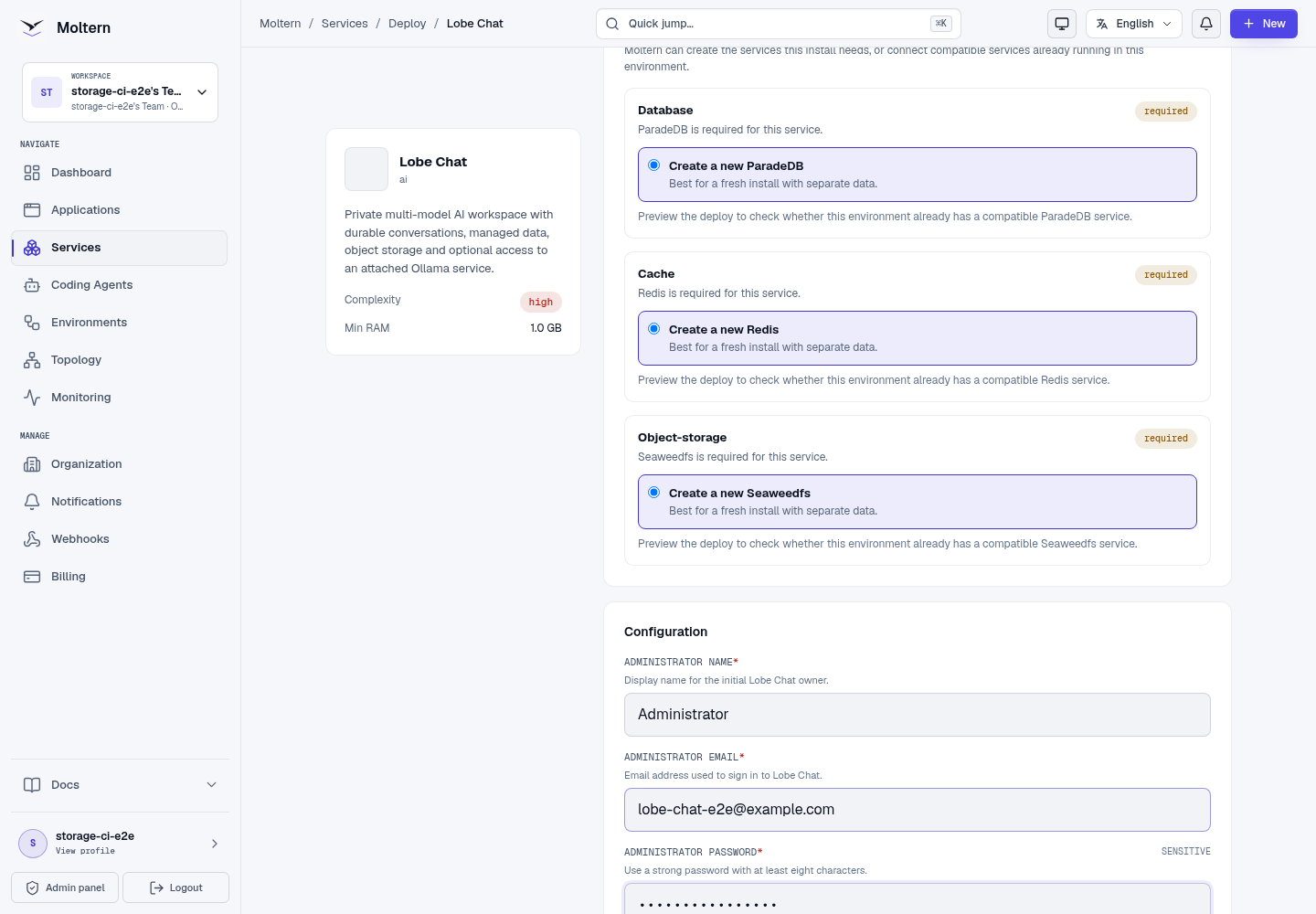
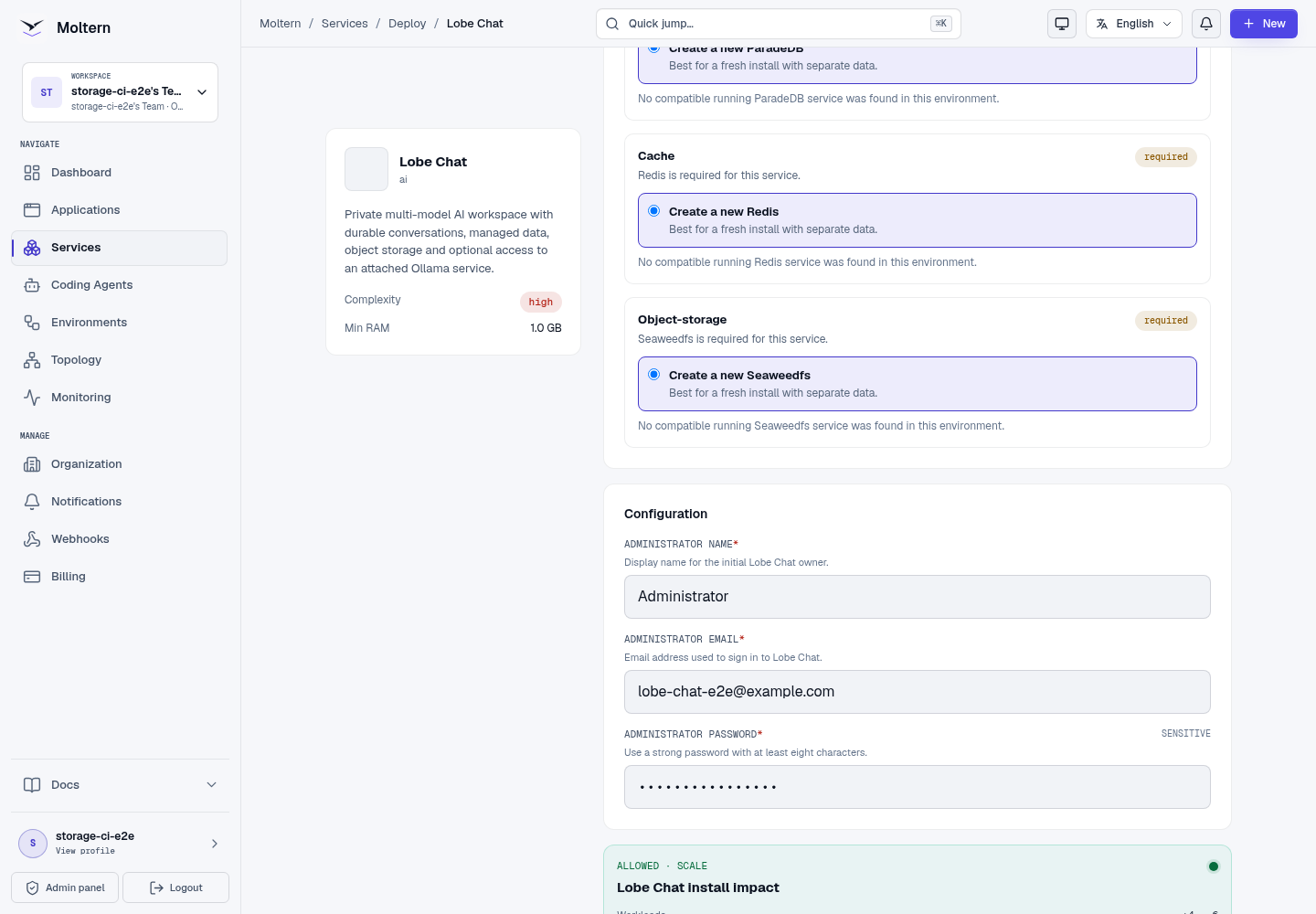
Moltern prepares the database, cache and object-storage services required by Lobe Chat. First deployment can take several minutes while those services initialize and Lobe Chat completes its migrations. Do not submit a duplicate deployment while the first one is still progressing.
Sign In
- Open the Lobe Chat service in Moltern.
- Select Open service.
- Enter the owner email configured during deployment.
- Accept the Lobe terms shown by the upstream sign-in screen.
- Continue and enter the owner password.
An authorised workspace member can use Moltern's protected connection-details flow if the original managed credential must be recovered. Credentials are not included in deployment logs or public documentation.
Connect A Private Ollama Service
Deploy Ollama in the same Moltern environment before creating the connection. Pull at least one model in Ollama and verify that its private model API works.
Then connect it to Lobe Chat:
- Open the Lobe Chat service in Moltern.
- Open Access or Private service connections.
- Select Connect service.
- Choose the Ollama service from the same environment.
- Confirm the connection.
- Wait for Lobe Chat to return to Running before opening a conversation.
The connection operation replaces the Lobe Chat runtime so the new scoped configuration is authoritative. Existing conversation and account data remain in the managed data services. Moltern does not expose the private Ollama service through a public address.
Removing the connection follows the same controlled process. Wait for the runtime update to complete before assuming the old access has been revoked.
Start A Conversation
- Sign in to Lobe Chat.
- Open the model selector.
- Choose an available model from the connected Ollama provider.
- Enter a small controlled prompt.
- Confirm that an assistant response appears in the conversation.
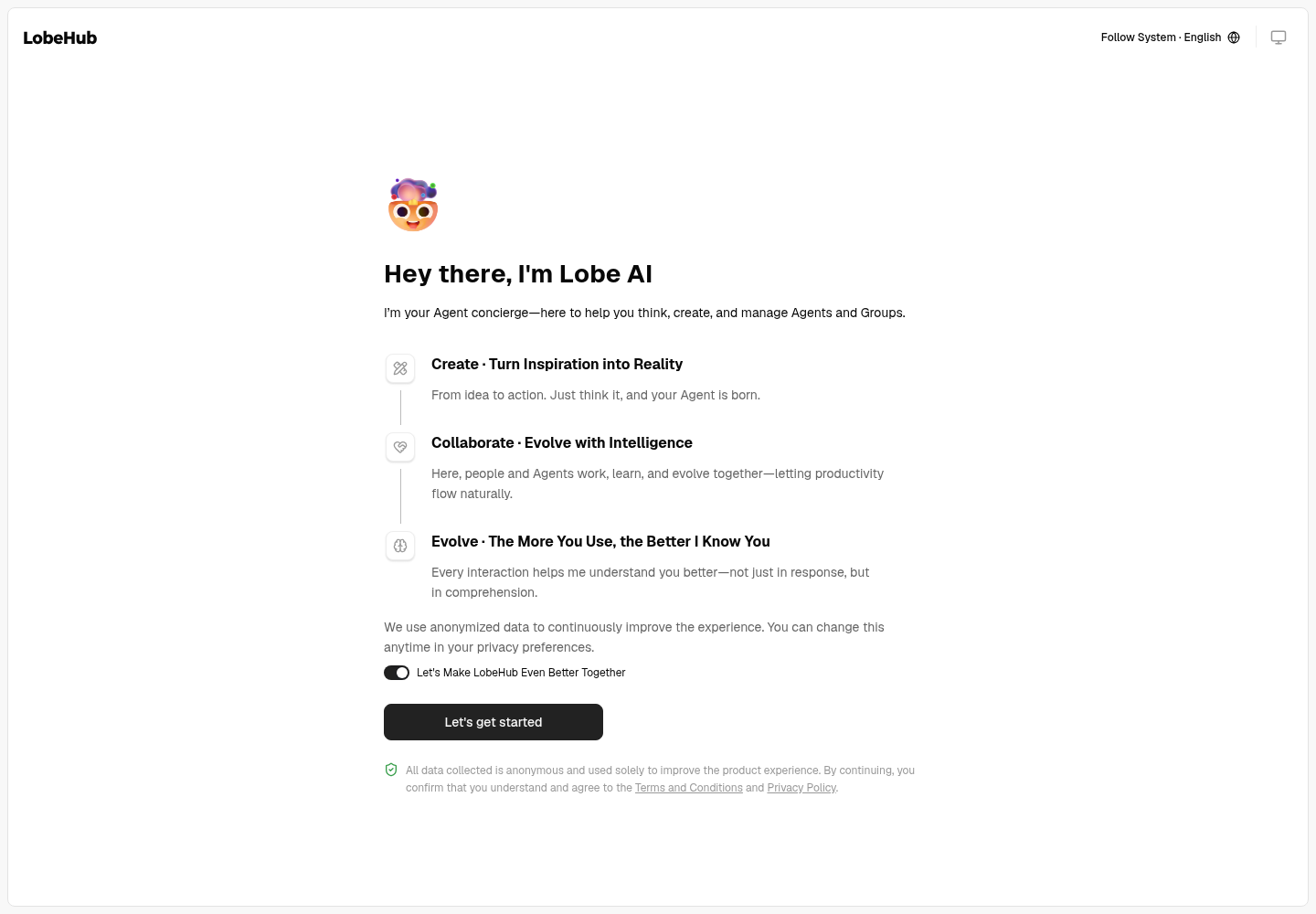
The first response after a model has been idle can take longer because Ollama may need to load its weights. Start with a model that fits the available Ollama capacity, then measure latency and memory before selecting a larger model.
Model discovery proves that Lobe Chat can reach Ollama, but it does not prove inference quality. Always send a real prompt and verify a visible response.
Add Other Providers
Lobe Chat supports additional model providers. Provider availability and authentication requirements depend on the upstream provider and the Lobe Chat release.
When adding a provider:
- create a provider key with the minimum required permissions;
- store the key in protected configuration rather than a prompt or repository;
- test with a non-sensitive prompt first;
- review provider data-retention and regional-processing terms;
- rotate the key when a user, agent or integration no longer needs access.
The private Ollama connection is the currently validated Moltern path. A model listed by another provider is not automatically certified by this guide.
Data And Persistence
Lobe Chat stores account, conversation and object metadata in its managed data services. Uploaded objects use the managed object-storage dependency. The Lobe Chat web runtime itself is replaceable and does not request a separate data volume.
A Stop service and Start service cycle replaces the web runtime while retaining the owner account, provider configuration and conversation data held by those dependencies.
Runtime replacement is not an independent backup restore. Export important content and follow your organisation's recovery policy for critical data.
Capacity And Metering
The validated parent baseline is:
| Resource | Validated value |
|---|---|
| Instances | 1 |
| CPU request | 150 mCPU |
| Memory request | 1,024 MiB |
| Parent dedicated volume | 0 GiB |
The required data services and any connected Ollama service have their own resource and storage measurements. Review Billing → Storage by workload and the service allocations together when estimating the complete workspace cost.
Increase Lobe Chat memory when the web runtime shows sustained pressure. Model VRAM, model files and inference CPU or GPU usage belong to Ollama, not the Lobe Chat parent workload.
Operate Lobe Chat
Use the Moltern service page for:
- Overview to open Lobe Chat and review health;
- Live Logs to diagnose startup, migration and provider failures;
- Capacity to adjust CPU and memory;
- Access to add or revoke private service connections;
- Settings to review protected service configuration;
- Stop service and Start service to replace the web runtime without deleting managed data.
After changing a private connection, wait until the service is Running. Moltern waits for the updated runtime to become authoritative before declaring the operation complete.
Delete Lobe Chat
- Export content that must be retained.
- Record any provider integrations that must be revoked separately.
- Open the Lobe Chat service in Moltern.
- Select Delete Service.
- Select Delete stored data only when the Lobe Chat data may be removed.
- Complete the protected account confirmation.
- Confirm the parent, managed dependencies, generated address and active allocations are gone.
Deleting stored data is destructive. It does not delete a separately created Ollama service shared by other workloads.
Frequently Asked Questions
Does Lobe Chat include an AI model?
No. Attach a private Ollama service or configure a supported external provider with its own protected credential.
Does attaching Ollama expose it publicly?
No. The connection is private and scoped to the selected Lobe Chat workload. Other services need their own explicit attachment.
What persists when the runtime is replaced?
Supported account, configuration and object data remain in the managed data services and assigned files. Stop/Start does not select destructive deletion.
Troubleshooting
| Symptom | What to check |
|---|---|
| Deployment remains in Waiting for dependencies | Open each required service from the deployment view and wait for it to become healthy. Review logs instead of submitting another install. |
| Owner sign-in fails | Use the exact email and password entered during deployment. Accept the terms checkbox before continuing from the identity step. |
| Ollama models are missing | Confirm Ollama is Running in the same environment, contains a downloaded model and is connected under Access. Wait for the Lobe Chat runtime update to finish. |
| A model is listed but a prompt fails | Test the same model through Ollama, check model memory requirements and review both Lobe Chat and Ollama logs. |
| The first answer is slow | Allow for model loading, then compare subsequent response time. Choose a smaller model or increase Ollama capacity when the model does not fit. |
| Files cannot be uploaded | Review object-storage dependency health, workspace storage allowance and file-size limits. |
| Conversations are missing after a destructive delete | Delete stored data permanently removes the managed workspace data. Restore only from an independently tested backup or export. |
Validated Scope
The production customer E2E covers deployment through the Moltern UI, protected owner authentication, private Ollama attachment, real model discovery and inference, runtime replacement, post-restart authentication and inference, point-in-time parent allocation metering and protected cleanup.
Large file ingestion, additional model providers, multiple concurrent users, very large models, GPU behavior, sustained load, high availability, independent backup restoration and elapsed invoice reconciliation remain outside this validation.