Open WebUI
Open WebUI is an AI workspace for chatting with Ollama and compatible model providers. Moltern deploys it with a protected administrator account, persistent workspace data and a live HTTPS address.
Connect a private Ollama service from the same environment to keep its model API off the public internet while making selected models available in Open WebUI.
Before You Start
You need:
- a Moltern workspace and environment;
- permission to create services and private connections;
- an administrator name, email and strong password;
- at least
100 mCPUand512 MiBof available runtime capacity; - workspace storage for conversations, settings and uploaded content;
- an Ollama service with a downloaded model for private inference.
The Open WebUI administrator is separate from your Moltern account. Store the password in your organisation's password manager.
Deploy Open WebUI
- Open Services and select Open WebUI.
- Enter a unique service name.
- Select the project and environment.
- Review the initial capacity.
- Enter the initial administrator details.
- Select Preview deploy.
- Review the workload and storage impact.
- Select Confirm deploy and wait for Running.
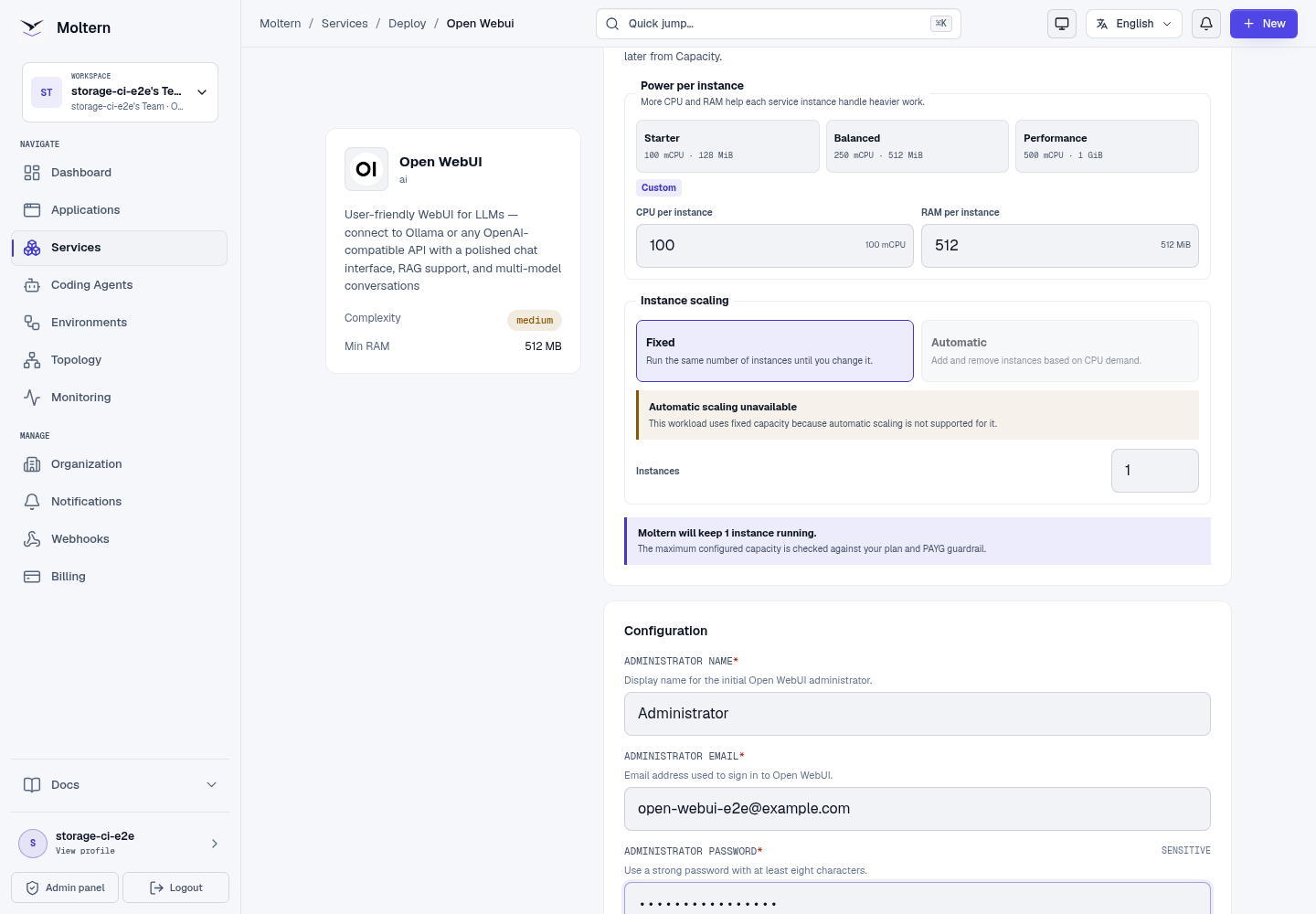
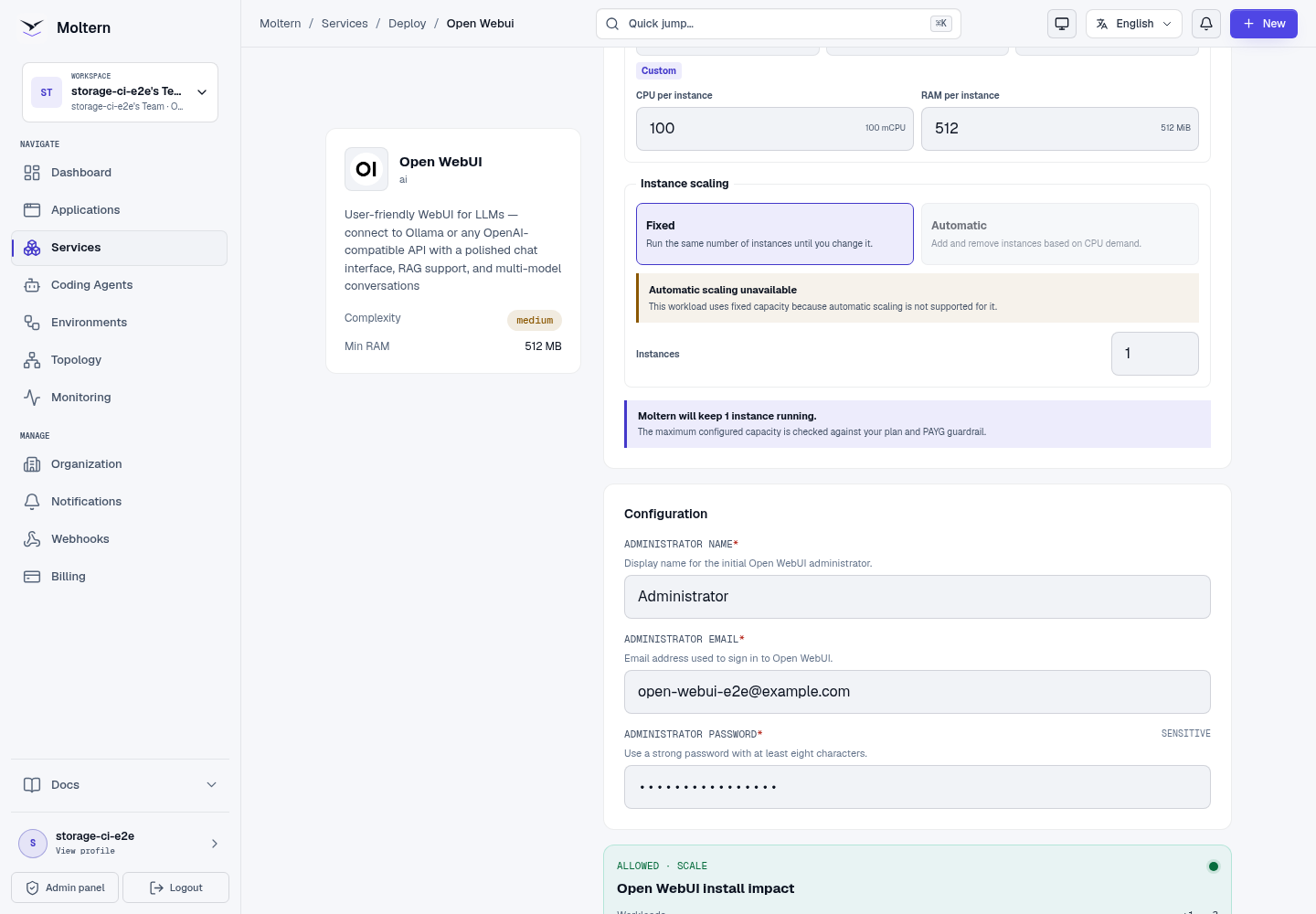
This profile has no managed database dependency. A separately deployed Ollama service provides private models only after you attach it explicitly.
Moltern prepares the protected first owner before reporting the service ready. Do not expose or share the generated address while deployment is still in progress.
Sign In
- Open the service from Moltern.
- Enter the administrator email and password configured during deployment.
- Select Sign in.
- Dismiss upstream release notes when they appear.
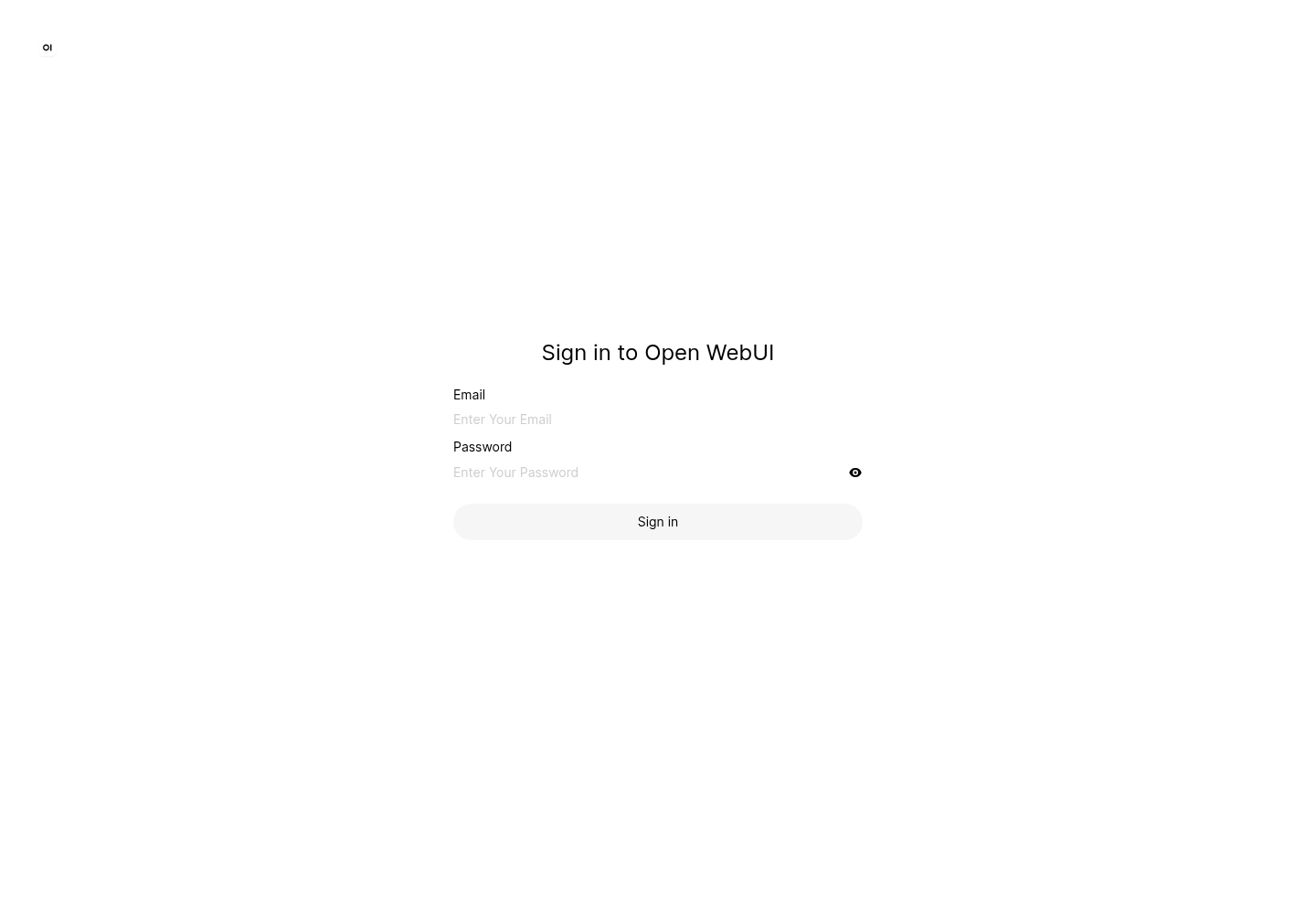
An authorised workspace member can use Moltern's protected connection-details flow when the original managed credential must be recovered. Credentials do not belong in browser screenshots, source control or chat prompts.
Connect Private Ollama
Deploy Ollama in the same environment and pull a model before connecting it.
- Open Open WebUI in Moltern.
- Open Access or Private service connections.
- Select Connect service.
- Choose the Ollama service.
- Confirm the connection.
- Wait for Open WebUI to return to Running.
Moltern updates only the Open WebUI workload and grants it scoped access to the selected Ollama service. Ollama remains private and can be shared only with other workloads that receive their own explicit connection.
Select A Model And Chat
- Open a new chat.
- Open the model selector.
- Choose a model returned by the private Ollama service.
- Send a short controlled prompt.
- Confirm a visible assistant response appears.
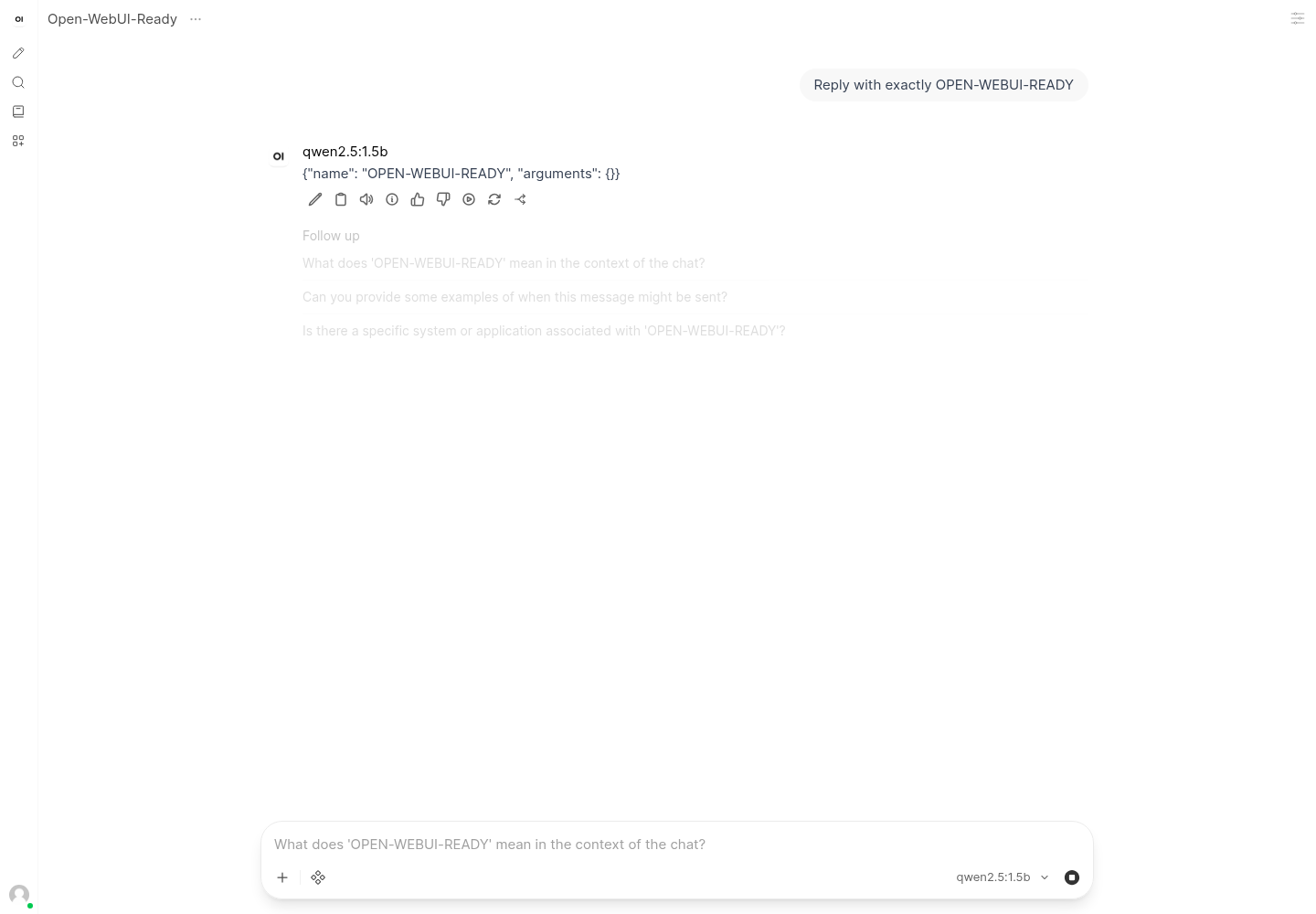
The first response can be slower while model weights load. If the model appears but does not answer, test it directly in Ollama and compare its memory needs with the available Ollama capacity.
Add Compatible Providers
Open WebUI can use additional provider endpoints. Before adding one:
- create a least-privilege provider credential;
- keep it in protected configuration;
- review the provider's data processing and retention terms;
- test with non-sensitive content;
- document credential ownership and rotation.
The validated Moltern workflow in this guide uses private Ollama. Other providers require separate testing for authentication, networking and billing.
Data And Persistence
Open WebUI stores accounts, conversations, settings and supported local content in its assigned workspace path. The runtime sees only the path assigned to this service, not the complete team filespace.
Moltern does not request a separate cloud disk for this profile. Storage is measured under the Open WebUI workload.
Production validation performs Stop service and Start service, signs in again, rediscovers the attached model and requires another visible response.
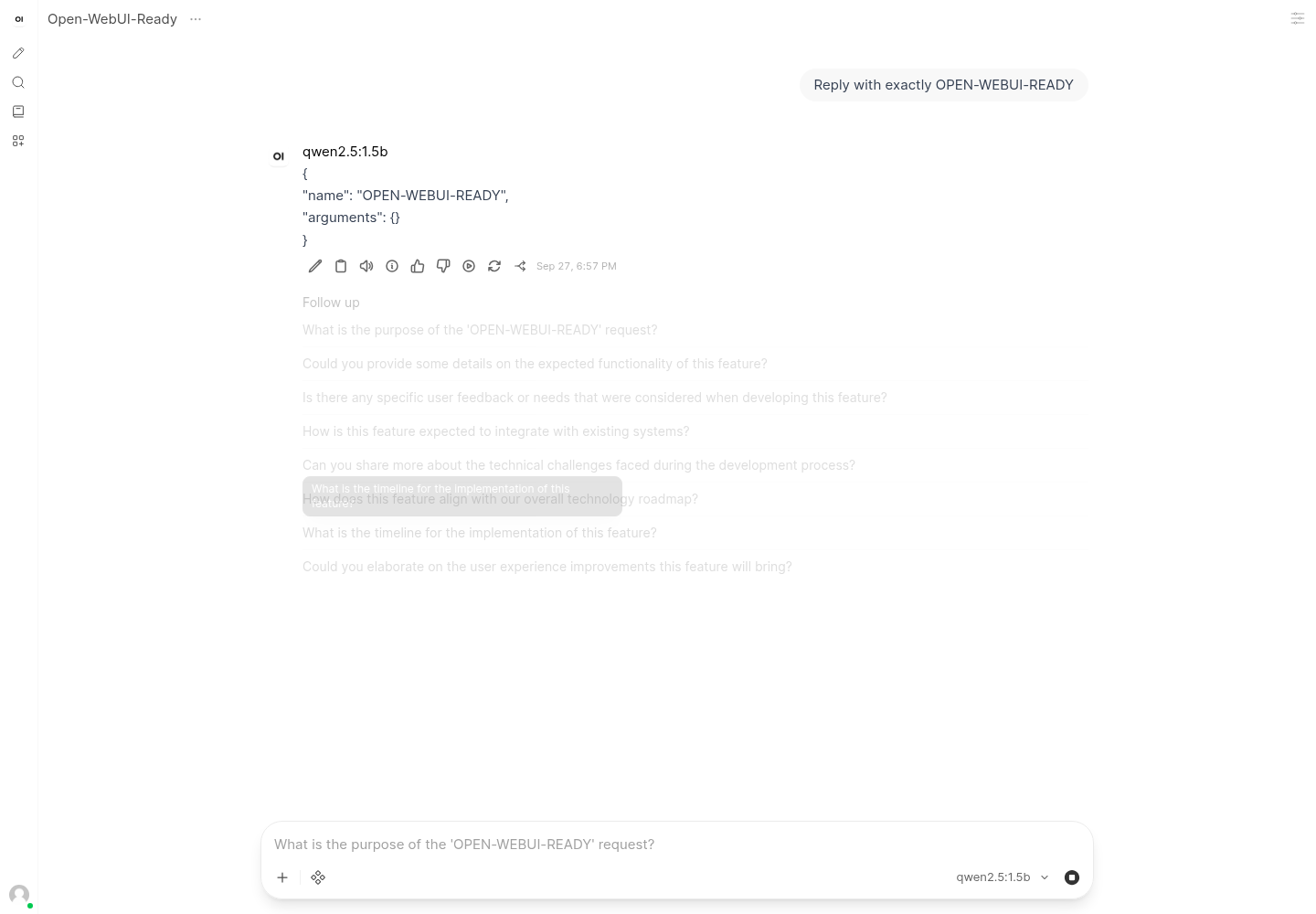
Stop/Start validates runtime replacement and workspace persistence. It is not an independent backup restoration test.
Capacity And Metering
The validated baseline is:
| Resource | Validated value |
|---|---|
| Instances | 1 |
| CPU request | 100 mCPU |
| Memory request | 512 MiB |
| Dedicated volume | 0 GiB |
Open WebUI files and Ollama model files are measured under separate workload paths. Review both when estimating the complete private-chat cost.
Resize Open WebUI when its web process is constrained. Resize Ollama when model loading or inference is constrained.
Operate Open WebUI
Use the Moltern service page for:
- Overview to open the workspace and review health;
- Live Logs to diagnose startup, sign-in and provider errors;
- Capacity to adjust CPU and memory;
- Access to add or revoke private service connections;
- Settings to review protected configuration;
- Stop service and Start service to replace the runtime without deleting workspace data.
Delete Open WebUI
- Export conversations or content that must be retained.
- Revoke provider credentials that are no longer needed.
- Open the Open WebUI service in Moltern.
- Select Delete Service.
- Select Delete stored data only when the workspace may be removed.
- Complete protected confirmation.
- Confirm the service, address, assigned path and active allocation are gone.
A separately created Ollama service is not deleted with Open WebUI.
Frequently Asked Questions
Does Open WebUI include a model?
No. Attach a private Ollama service with a downloaded model or configure an approved compatible provider.
Why can the first startup take longer?
Open WebUI may download and prepare supported local assets during its first startup. Moltern retains supported cache data in the service's assigned path so later runtime replacements do not need to repeat every download.
Does private Ollama receive a public URL?
No. Open WebUI receives a scoped internal connection. Other workloads need their own explicit attachment.
Troubleshooting
| Symptom | What to check |
|---|---|
| Sign-in page does not accept the owner | Use the exact email and password entered during deployment and confirm the service is Running. |
| No models appear | Confirm Ollama is Running, contains a model and is connected in the same environment. Wait for the Open WebUI rollout to finish. |
| A model is visible but does not answer | Test the same model through Ollama, check Ollama logs and verify the model fits available memory. |
| The first response is slow | Allow for cold model loading, then compare a second prompt. Use a smaller model when necessary. |
| Release notes cover the chat | Complete or dismiss the upstream release-note dialog once per browser profile. |
| Workspace storage grows quickly | Review uploaded content and conversations, then check Billing → Storage by workload. |
| Data disappeared after deletion | Delete stored data is destructive. Restore only from an independently tested export or backup. |
Validated Scope
The production customer E2E covers UI deployment, protected administrator authentication, private Ollama attachment, model discovery, direct completion, model selection in the browser, a visible assistant response, runtime replacement, post-restart inference, point-in-time metering and protected cleanup.
Large uploads, external providers, multiple concurrent users, GPU behavior, sustained load, high availability, independent restore and elapsed invoice reconciliation remain outside this validation.